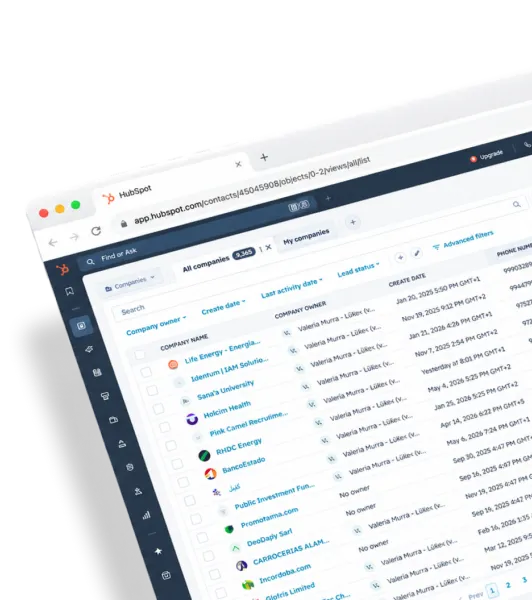
Buying Committee
One person won't close the deal. Find the other four.
LeadLx finds every decision-maker at the accounts you're working, enriches them with verified emails and phone numbers, and pushes them to HubSpot - live, from the same sources your reps would check anyway.
One person won't close the deal. Find the other four.
You find the person.
LeadLx finds the way to reach them.
One click for a contact. One click for the whole list.







The grunt work of prospecting, done for you.
The deal picture your reps can't build alone.
LeadLx maps every decision-maker at an account - economic buyer, champion, influencer, blocker - and tells you which role each contact plays with a confidence score. You see who's on the deal, who's missing, and who to bring in before the deal stalls.
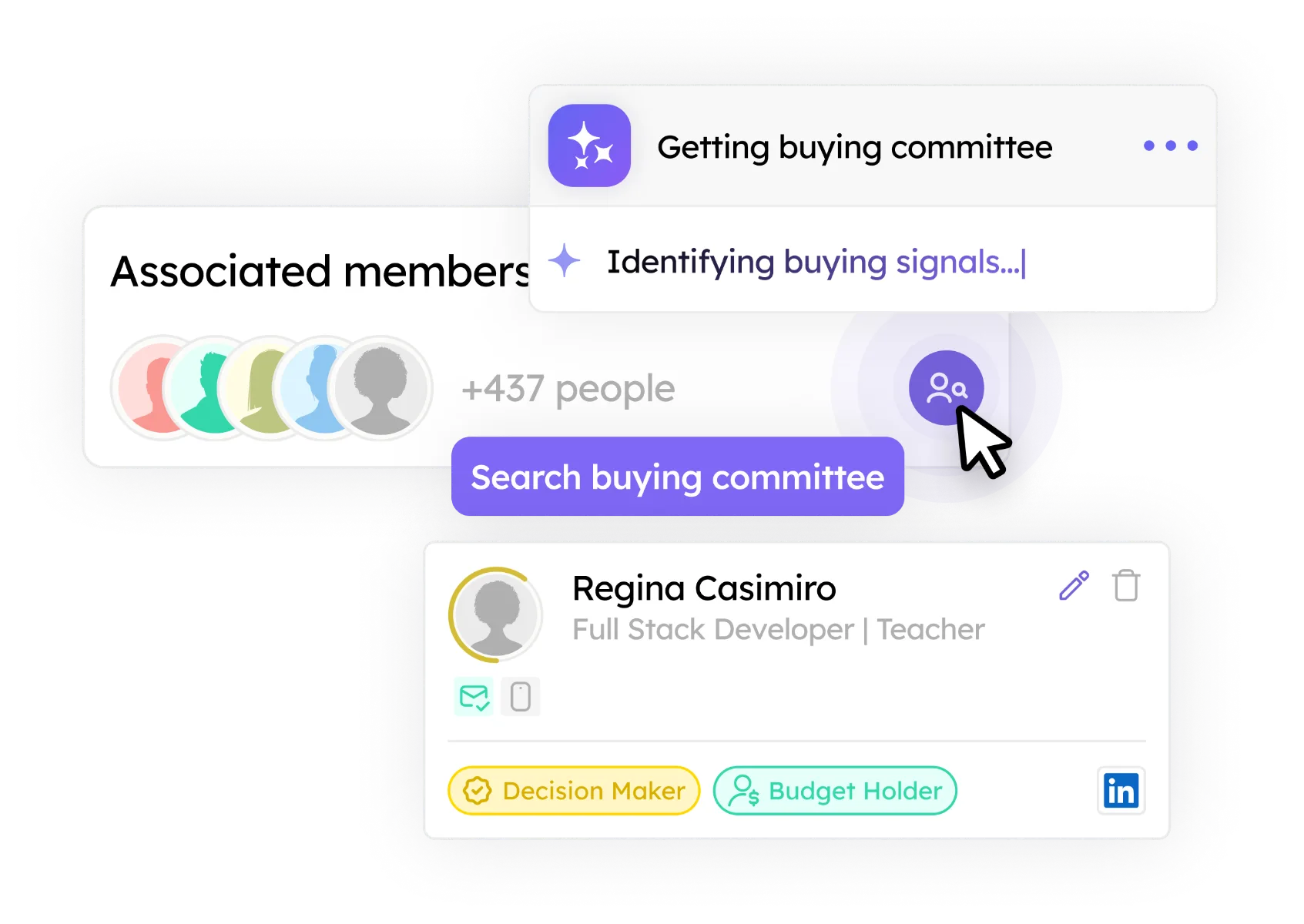
Every contact your team imports gets a verified email and phone number, automatically. No separate tool, no extra credit, no manual hunt. Just contacts your reps can call and email today.
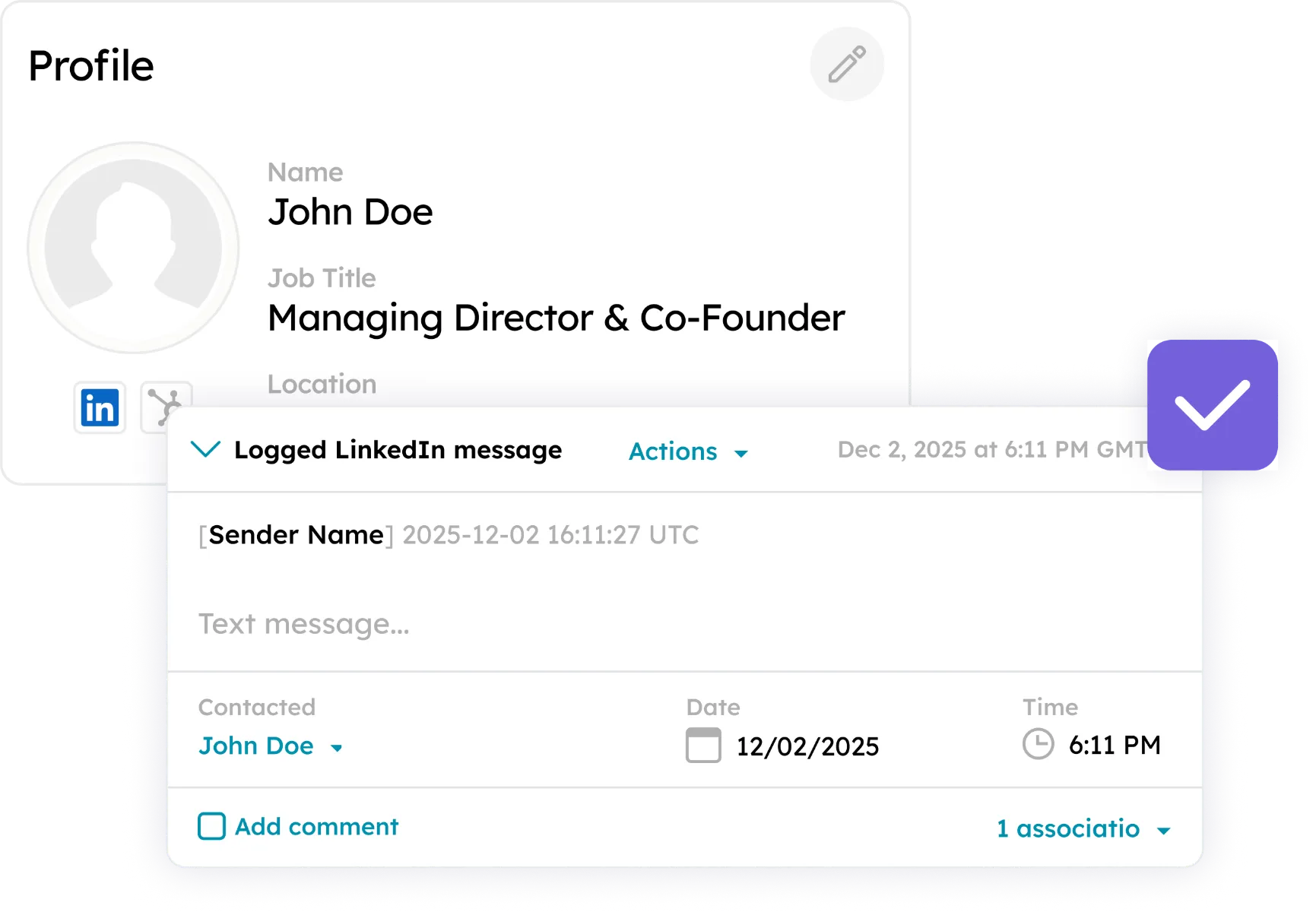
Import any profile, any company page, or any prospect list into HubSpot in one click. The record lands with the right fields mapped, in the right format, already deduped against the contacts your team owns.
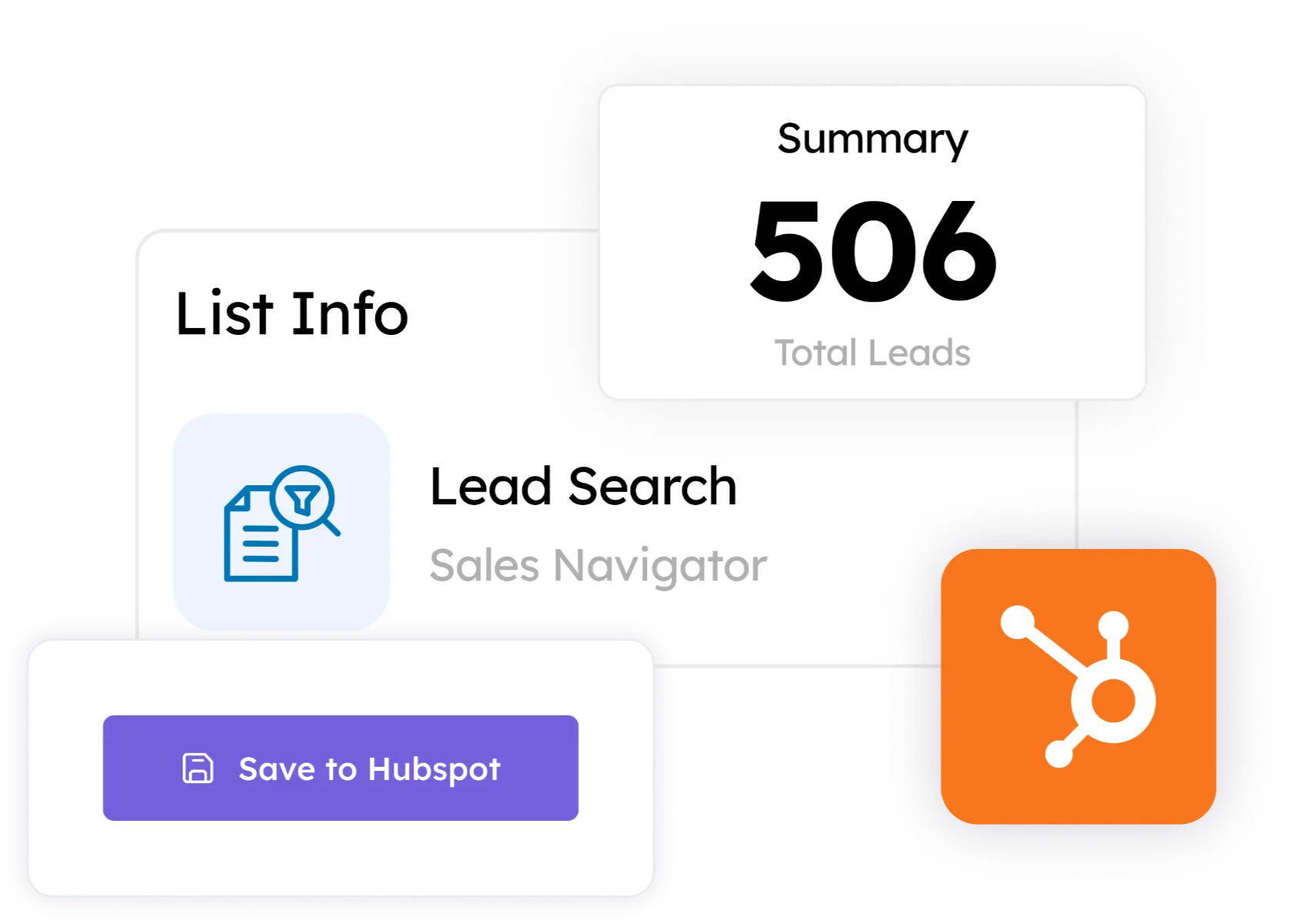
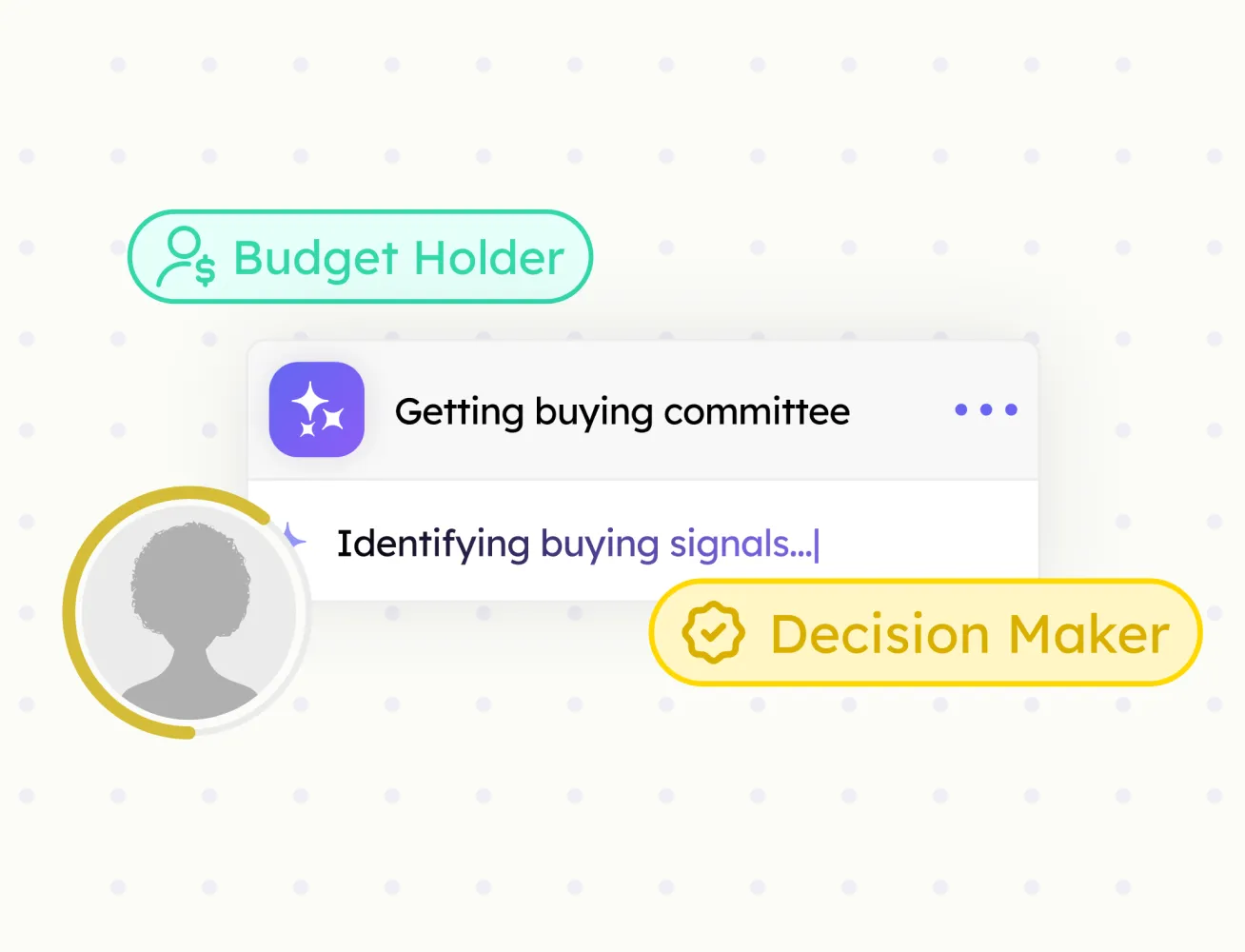
Every decision-maker at an account, mapped by role, with confidence scores.
Verified emails and phone numbers for every contact your team imports.
Pull full company data from any company page straight into HubSpot.
Push any prospect profile to HubSpot in one click. Fields mapped, no copy-paste.
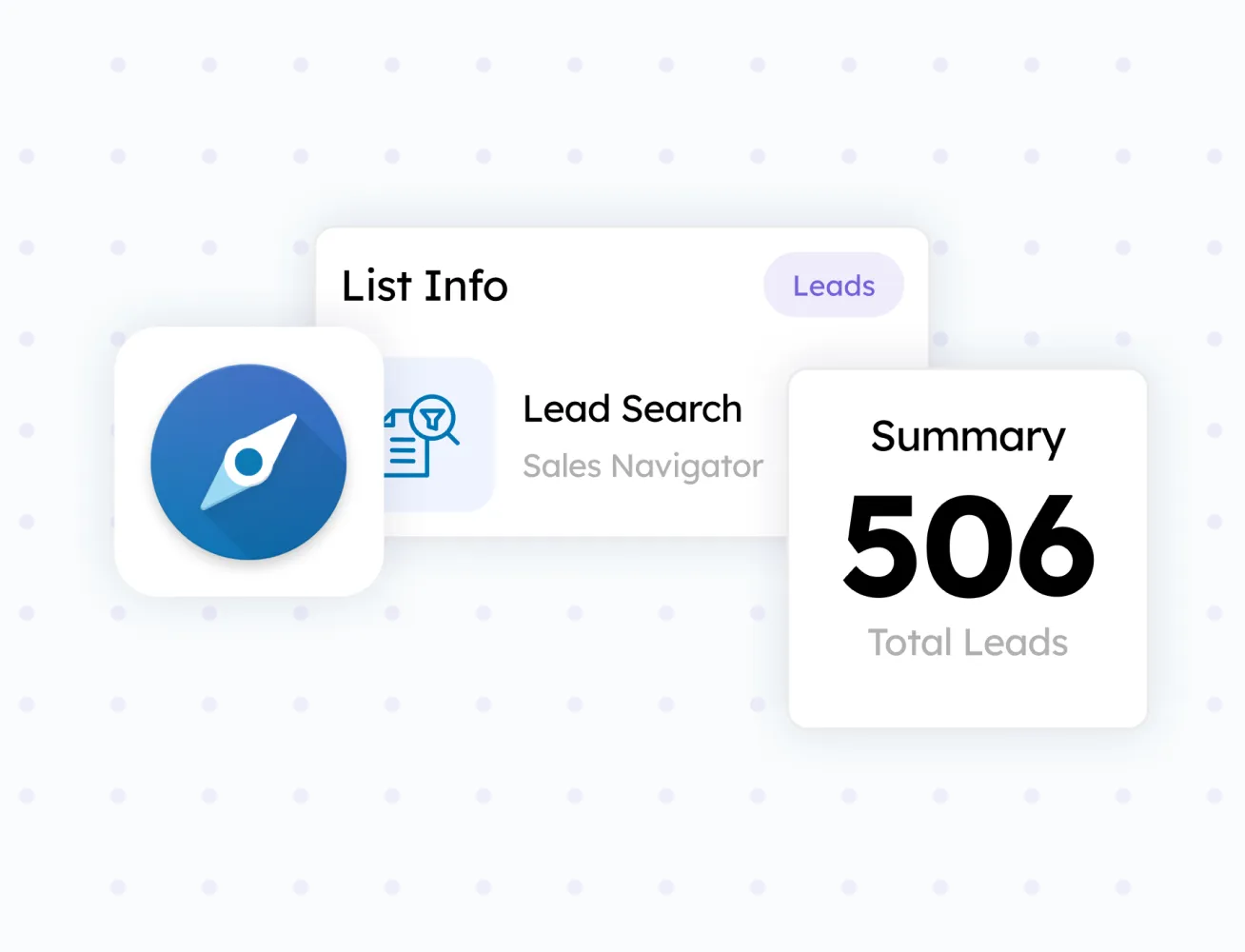
Turn any search result or prospect list into a HubSpot-ready batch.
These are the hours LeadLx gives back:

Your AE has a great champion. The CFO has never heard of you. The deal dies when it goes up the chain - and your rep finds out in the next forecast call.

Open profile. New tab. Create record. Copy name. Copy title. Paste. Copy email. Paste. Repeat fifty times a day. That's the job now.
A third of the emails bounce. Titles are out of date. Half the contacts left the company a quarter ago. Your reps stopped trusting the CRM a while back.

Search, filter, open each profile, research the company, find the email, check the CRM, add the record. That's a Tuesday gone.

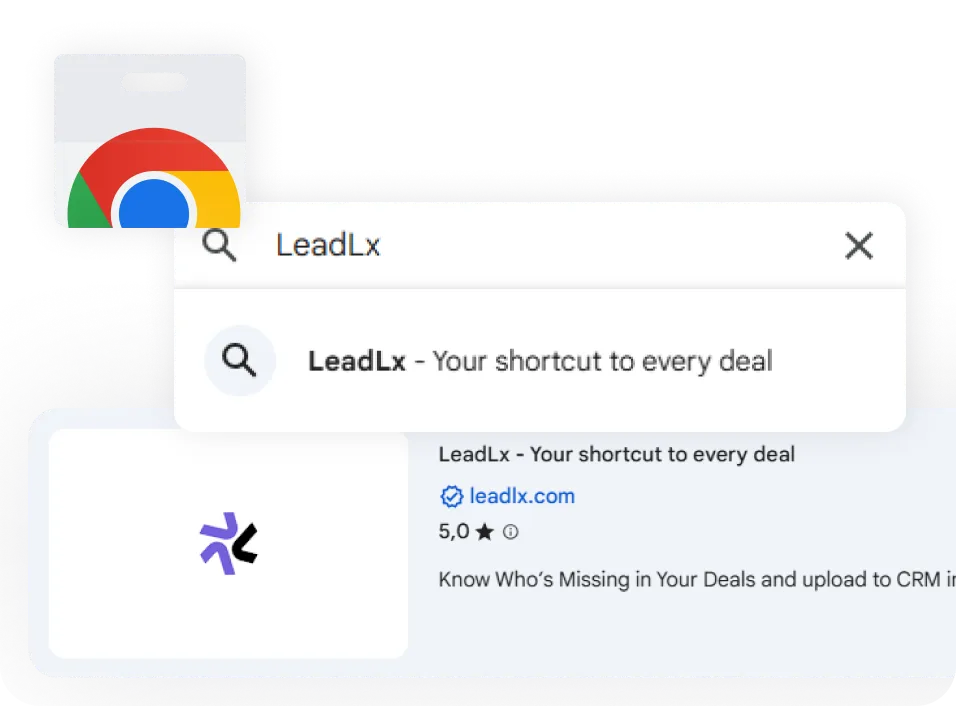
Work the web the way your reps already do. LeadLx sits in the sidebar until the moment you click.
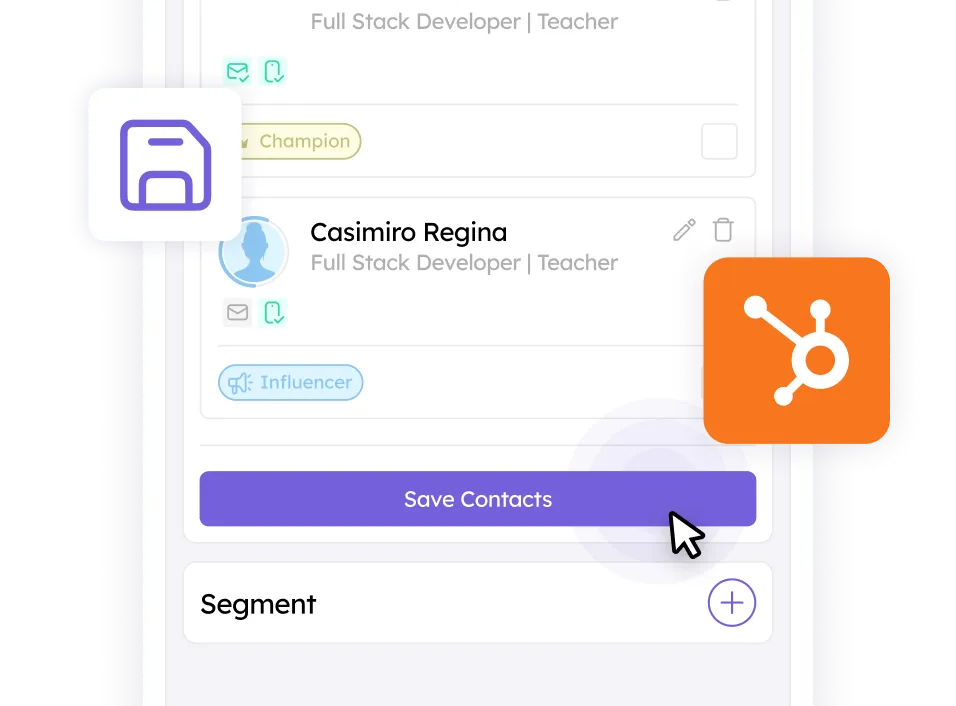
Contacts, companies, verified details, and committee roles land in HubSpot automatically - deduped and ready to work.
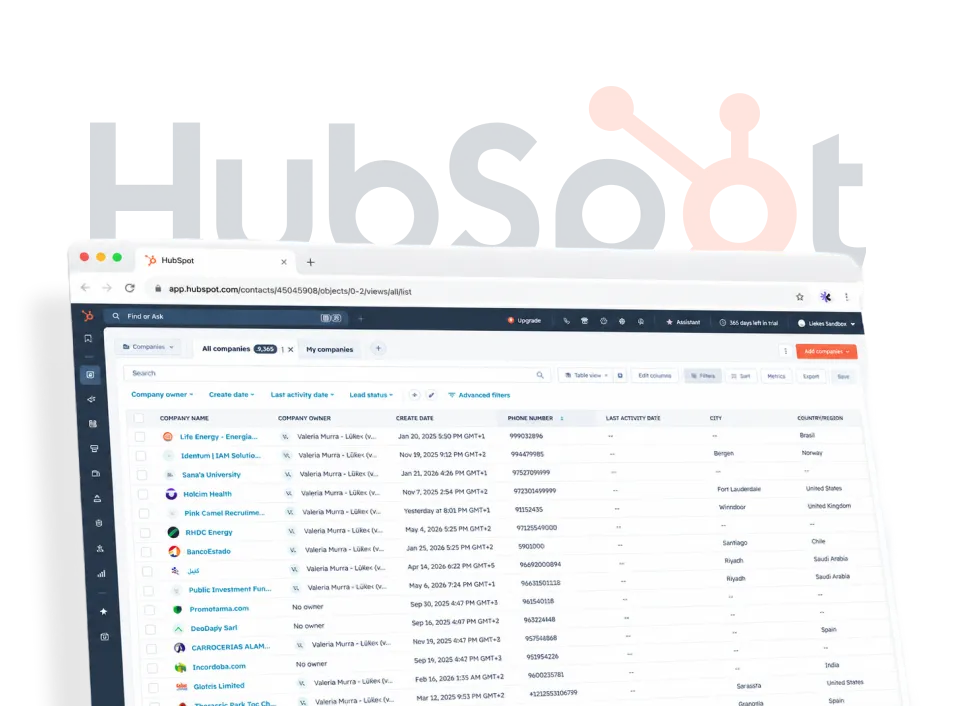
Contacts, companies, verified details, and committee roles land in HubSpot automatically - deduped and ready to work.
LeadLx never stores your HubSpot credentials. We use HubSpot's official OAuth flow for secure, token-based access.
All data is encrypted in transit using TLS 1.3, helping protect your information from unauthorized access.
LeadLx only reads publicly visible data. We never touch your social passwords or your private messages.
"My CRM was a graveyard of half-finished records because nobody had time to copy everything over by hand. It drove me nuts. LeadLx pushes it all into HubSpot in one click, so the data actually makes it in. For the first time our pipeline reports aren't lying to me."

"Honestly, the worst part of my job used to be getting three months into a deal and finding out the person I'd been talking to couldn't sign anything. LeadLx shows me the buying committee up front, so I stop wasting cycles on the wrong person. I wish I'd had this two years ago."

Reps burn hours every week on LinkedIn and similar platforms doing the same manual research: who's at the account, are they already in our CRM, have we talked to them, is this even a company worth our time. LeadLx does that research for them. It lives as a browser extension, so the moment a rep lands on a company or profile page it shows whether the record already exists in your CRM and your history with them, flags whether the company fits your ICP, maps the buying committee and each person's role, enriches every contact with verified email and phone, and pushes all of it into your CRM in a single click. The afternoon of research becomes a click.
Time back and cleaner pipeline. Reps stop copy-pasting between tabs and stop chasing the wrong single contact, so they spend their hours on accounts that fit and deals with the whole committee mapped. Your CRM fills with current, verified, deduplicated data instead of half-finished records, which means your forecast finally reflects reality.
B2B sellers who live in their CRM and lose time (or deals) to manual research:
Setup is about two minutes for a rep, and there's no new workflow to learn — the value shows up on the first account you open. No dashboard to check, no training session, no behavior change.
It splits cleanly between admin and rep, and most of the work sits with one admin, once. An admin sets the account up in the LeadLx web dashboard: connect the CRM, choose a plan and buy seats, and invite the team. Each rep then does one thing: install the extension and sign in from their invite. That's the whole split: the admin builds the foundation once, reps just plug in.
Sign up at the LeadLx web dashboard and follow the guided onboarding — it walks you through the whole thing step by step: connect your CRM, pick your plan and buy seats, and invite your reps. You don't need to configure anything in the extension itself; the dashboard is where the account, billing, and team all live.
An admin authorizes it once through the CRM's official OAuth login. LeadLx never sees or stores your password, and the connection can be revoked from your CRM's settings at any time.
LeadLx is licensed by seat - one seat per user - so before inviting your team, make sure you've bought enough seats for everyone you want to add. Then, from the dashboard, invite reps by email, assigning one user per seat. Each rep gets an invite, and once they accept they're attached to your org and your CRM connection automatically: no setup, no CRM authorization, nothing to configure on their end. Need to add more people later? Buy additional seats and invite them the same way.
Two steps: accept your email invite and install the extension from the Chrome Web Store, then sign in. The moment you do, the LeadLx sidebar appears on the company and profile pages everywhere on the web. You're prospecting in about two minutes.
It starts with understanding you, not the prospect. Before LeadLx judges a single account, it builds your Company Profile: its understanding of what you do, the value you deliver, who your ideal customer is, and which roles you sell to. Every "good fit" call is measured against that profile, so fit means fit for your business, not some generic definition. And the profile isn't fixed: you can edit it by preference: refine your ICP, adjust the roles you target, sharpen your value proposition, and the targeting gets sharper the more you tune it. Set your company up once, and from then on every account you open is judged through your lens.
LeadLx follows the same path a rep would, minus the hours. Once your Company Profile is set:
The point: don't start by prospecting everyone. Start by knowing who fits, then go deep only on the accounts that do.
Most B2B deals involve five to ten people; most reps talk to two or three. The Buying Committee maps the full set at a target account: decision maker, champion, influencer, budget holder, blocker; and tags each person's role with a confidence score, drawn from titles, reporting lines, and public signals. The committee map shows who exists, but also shows who you're missing.
ICP Match scores how closely a company fits your ideal customer profile, the one defined in your Company Profile. Instead of reps guessing or chasing every logo, they see at a glance which accounts are worth the effort, so time goes to the deals most likely to close. Starter includes 500 scores a month; Pro is unlimited.
CRM signals are your existing relationship with an account, surfaced right on the page before you reach out, whether the company and contacts are already in your CRM, the lifecycle stage, who on your team owns them, any deals in flight, and your prior engagement. No reaching out blind, no two reps working the same account, no awkward "we've actually been talking to your colleague" moments. You see the full picture first.
One click. LeadLx sends contacts, companies, committee roles, and enriched details straight into your CRM, creating new records, updating existing ones in place, and deduplicating against what your team already owns. No copy-paste, no tab-switching, no cleanup.
From multiple public sources: the company's own website, public professional profiles, and public business directories, fetched live the moment you click, not pulled from a stale database.
LeadLx runs a waterfall, not a single lookup. For email, it works through a sequence of data sources until it finds a business email for the contact, then runs that address through a set of validators to confirm it's real and deliverable. If a candidate doesn't pass, LeadLx keeps going down the waterfall and re-checks until it lands on a verified email. Phone numbers work the same way: multiple sources, validated, until there's a confirmed number. That's why the data holds up: nothing reaches your CRM until it's been checked, so reps get contacts they can actually email and call instead of a list that half-bounces.
You still get the contact record and can save it; the missing field is simply left for you to fill or revisit.
Free is the CRM overlay and single-record imports. Starter (€30/seat/month) adds the daily prospecting engine: bulk extraction, verified email and phone enrichment, message sync, auto-deduplication, custom field mapping, and 500 ICP Match scores a month. Pro (€100/seat/month) adds the account-intelligence layer: full buying committee mapping, role classification with confidence scores, gap analysis, AI Company Profiles, unlimited ICP Match, priority onboarding, and a dedicated success manager.
One seat is one rep with LeadLx installed and connected to your CRM. You only pay for active seats, and you can add or remove reps anytime: changes are prorated within your billing cycle.
Yes, a few. ICP Match is capped at 500/month on Starter and unlimited on Pro; buying committee generation runs at 50/month on Pro. Contact and company syncing is unlimited on every paid plan. For custom integrations or adjusted plans limits, contact support@leadlx.com.
No contracts and no cancellation fees. Monthly plans cancel anytime and stop renewing at the end of the period; annual plans run for the year you signed up for. When a paid plan ends, your account moves back to Free: you never lose the CRM overlay.
Yes, it's safe. LeadLx only reads what a human visiting the page would see, at human pace. It never automates clicks, sends messages on your behalf, or does anything that trips the account-protection systems on the sites you visit.
Through your CRM's official OAuth 2.0 flow: LeadLx never sees or stores your password. Data in transit is encrypted with TLS 1.3, and you can revoke the connection from your CRM at any time.
No. Per its Chrome Web Store disclosure, LeadLx does not sell your data to third parties and does not use or transfer it for anything unrelated to the extension's core function. Your data lives in your CRM.