
More than 60 percent of American sales teams spend excessive time copying LinkedIn contacts into their databases, draining productivity and slowing lead pursuit. For professionals using HubSpot or Salesforce, slow data handling means missed opportunities and added manual errors. Understanding how bulk data export reshapes LinkedIn prospecting can help North American teams capture richer lead pools, reduce wasted effort, and integrate contacts directly into CRM workflows with less hassle.
Key Takeaways
| Point | Details |
|---|---|
| Bulk Data Export Efficiency | Bulk data export streamlines prospecting by enabling the extraction of large datasets, reducing manual entry and errors. |
| CRM Integration Benefits | Integrating bulk exports with CRM platforms automates data transfer and enhances lead scoring through detailed insights. |
| Data Security Considerations | Organizations must adhere to strict data protection regulations, implementing encryption and access controls to mitigate risks. |
| Proactive Data Management | Regular audits and intelligent filtering can improve data hygiene and drive better sales strategies through accurate insights. |
Bulk Data Export Defined and Debunked
Bulk data export represents a powerful strategy for sales and marketing professionals seeking to streamline their prospecting workflows. Large volume data transfers enable organizations to extract comprehensive datasets efficiently from complex systems, transforming how teams manage contact information and lead generation.
At its core, bulk data export involves capturing extensive collections of information simultaneously, supporting rapid data migration and analysis. Bulk data encompasses diverse formats including text, contact details, and professional profiles. For sales teams, this means extracting hundreds or thousands of LinkedIn contact records in a single operation, dramatically reducing manual data entry and minimizing human error.
The mechanics of bulk data export typically involve three critical components: data selection, extraction parameters, and destination mapping. Professionals can define specific filters like job title, company size, geographic region, or connection levels to precisely target their ideal prospect pool. Advanced tools allow users to preview exported datasets, ensuring accuracy before final transfer. This granular control transforms bulk data export from a generic process into a strategic lead generation weapon.
Pro tip: Always validate your export parameters and perform a small test run before executing a massive data transfer to prevent potential synchronization issues or incomplete record migrations.
Types of Exported Data From LinkedIn
LinkedIn data export offers sales and marketing professionals a comprehensive toolkit for managing professional network information. Users can extract multiple data categories ranging from basic profile details to extensive interaction histories, providing unprecedented insights into professional networks and potential lead generation opportunities.
The primary categories of exported LinkedIn data typically include:
- Professional Profile Information
- Contact connections
- Messaging history
- Professional endorsements
- Career activity logs
- Skill assessments
- Recommendation records
LinkedIn’s export mechanisms support structured data delivery in machine-readable formats like CSV, enabling seamless integration with customer relationship management (CRM) systems. These exports empower sales teams to transform raw connection data into actionable intelligence, supporting targeted outreach and personalized communication strategies.

For North American sales professionals, understanding the nuanced data types becomes critical. Beyond basic contact information, exported datasets can reveal professional trajectories, network density, engagement patterns, and potential warm introduction pathways. Advanced users leverage these exports to build sophisticated lead scoring models, map professional ecosystems, and identify high-potential connection opportunities.
Pro tip: Configure your LinkedIn export settings to automatically archive data monthly, ensuring you maintain a comprehensive historical record of your professional network without manual intervention.
How Bulk Export Integrates With CRM Platforms
CRM integration transforms bulk data export from a simple transfer mechanism into a strategic sales intelligence tool. Complete LinkedIn CRM integration enables sales professionals to seamlessly bridge professional networking data with comprehensive customer management systems, creating a unified workflow that eliminates manual data entry and reduces potential errors.
The integration process typically involves several critical steps:
- Mapping Data Fields: Aligning LinkedIn profile information with existing CRM contact records
- Automated Synchronization: Establishing real-time or scheduled data transfer protocols
- Deduplication Checks: Preventing duplicate contact entries across platforms
- Permission and Privacy Management: Ensuring compliance with data sharing regulations
North American sales teams benefit significantly from these integrations, as they can now transform raw connection data into actionable customer insights. By automatically populating CRM systems with professional details, contact histories, and network connections, organizations can develop more nuanced lead scoring models and personalized engagement strategies. The granular data transfer allows for unprecedented visibility into potential client ecosystems and relationship networks.
Advanced CRM integration platforms now offer intelligent matching algorithms that go beyond simple contact information transfer. These systems can analyze professional trajectories, identify potential warm introductions, and even suggest optimal communication strategies based on historical interaction data.
Here is a comparison of bulk data export integration methods for CRM platforms:
| Integration Method | Automation Level | Data Accuracy Impact | Required Expertise |
|---|---|---|---|
| Manual CSV Import | Low | High risk of errors | Basic spreadsheet skills |
| Native CRM Integration | High | Automatic field alignment | CRM admin knowledge |
| Third-Party Middleware | Medium | Enhanced deduplication, custom logic | Middleware configuration |
| Custom API Solutions | Very high | Real-time sync, advanced mapping | Developer/API expertise |
Pro tip: Configure your CRM integration settings to create custom tags and segments automatically during bulk data imports, enabling more sophisticated lead tracking and personalization strategies.
Essential Steps and Best Practices for Export
Bulk data export requires meticulous planning and strategic execution to ensure maximum efficiency and data integrity. Contact information management techniques are critical for sales professionals seeking to transform raw connection data into actionable business intelligence.
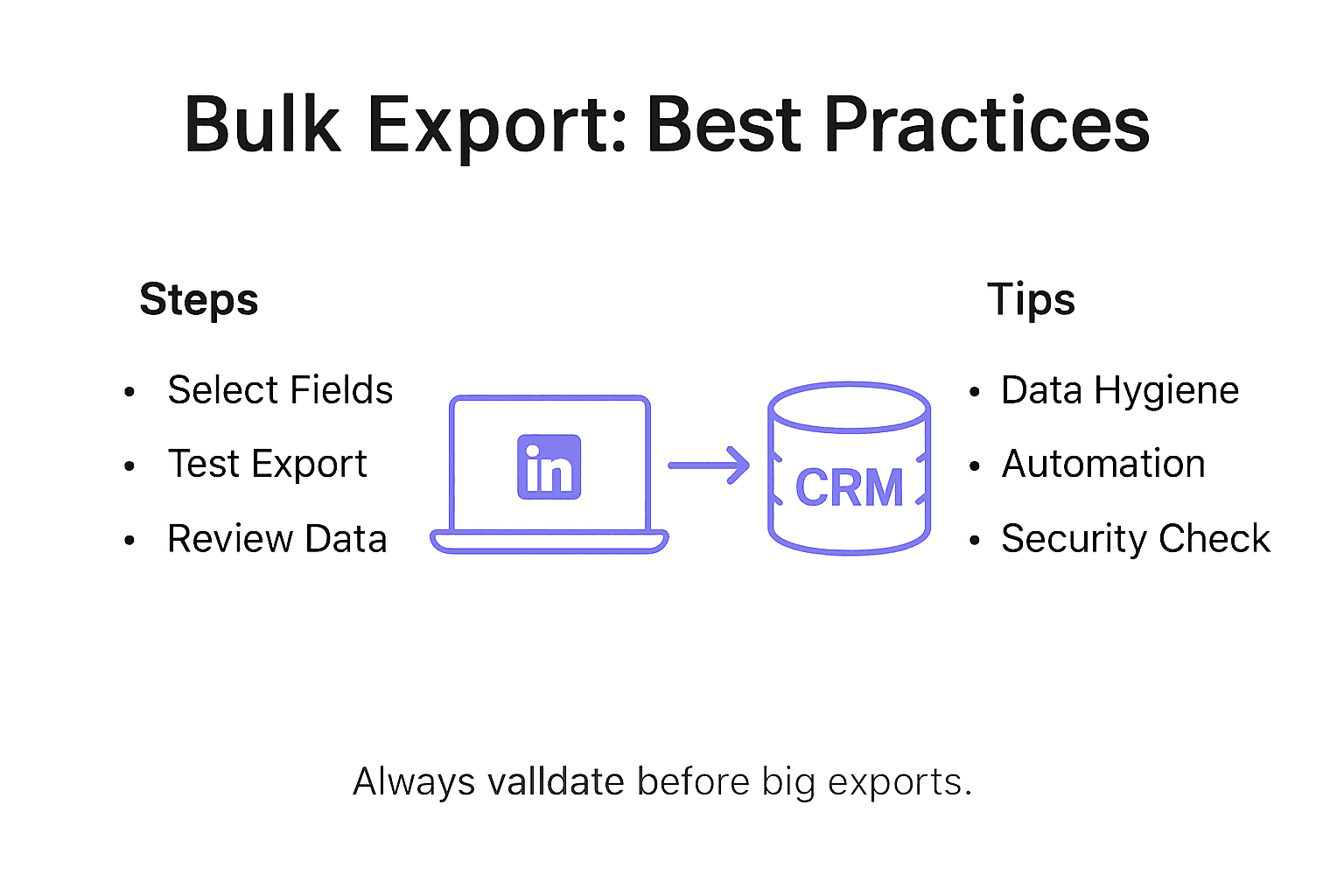
The essential steps for successful bulk data export include:
- Pre-Export Preparation
- Audit existing contact database
- Define precise export criteria
- Verify data permissions
- Export Configuration
- Select specific data fields
- Choose appropriate file format
- Set transfer parameters
- Post-Export Validation
- Check data completeness
- Perform quality control checks
- Reconcile imported records
North American sales teams must prioritize data hygiene throughout the export process. This involves implementing robust filtering mechanisms, establishing clear data governance protocols, and leveraging intelligent matching algorithms to minimize duplicate entries and ensure maximum record accuracy. Sophisticated export strategies go beyond simple data transfer, transforming raw connection information into strategic relationship mapping tools.
Advanced export practices now incorporate machine learning algorithms that can predict contact relevance, assess network strength, and automatically categorize potential leads based on sophisticated metadata analysis. These techniques enable sales professionals to move from reactive data management to proactive relationship intelligence strategies.
Pro tip: Create a standardized export template with predefined field mappings to streamline your data transfer process and maintain consistent record formatting across multiple platforms.
Legal and Security Risks In Bulk Data Export
Data security represents a critical consideration for sales professionals engaged in bulk data export. DOJ and CISA regulations now impose stringent requirements on organizations transferring sensitive professional contact information, creating a complex legal landscape that demands proactive compliance strategies.
Key legal and security risks in bulk data export include:
- Unauthorized Data Access
- Potential breach of individual privacy rights
- Risks of unauthorized third-party data sharing
- Compliance violations with privacy regulations
- Regulatory Compliance Challenges
- GDPR requirements
- California Consumer Privacy Act (CCPA) restrictions
- International data transfer limitations
- Potential Legal Consequences
- Significant financial penalties
- Potential legal action from affected individuals
- Reputational damage to organizations
Data security protocols are no longer optional but essential for North American sales teams. Successful risk mitigation requires implementing robust encryption methods, establishing strict access controls, maintaining comprehensive audit trails, and developing clear data handling protocols. Organizations must treat professional contact information with the same level of protection as financial or medical data.
Advanced organizations are now developing sophisticated risk management frameworks that go beyond basic compliance. These approaches integrate machine learning algorithms to detect potential security vulnerabilities, implement real-time monitoring systems, and create adaptive security protocols that can respond dynamically to emerging data protection challenges.
The following table summarizes bulk data export risks and corresponding best mitigation strategies:
| Legal/Security Risk | Main Concern | Effective Mitigation Strategy |
|---|---|---|
| Unauthorized Data Access | Privacy breaches | Strong access controls, encryption |
| Regulatory Non-Compliance | Legal and financial penalties | Regular compliance audits |
| Data Duplication | Inaccurate CRM records | Deduplication checks, automation |
| Poor Data Handling Transparency | Reputational damage | Maintain audit trails, clear logs |
Pro tip: Conduct quarterly comprehensive data security audits and maintain a detailed inventory of all exported contact information to ensure ongoing compliance and minimize potential legal risks.
Unlock Seamless Bulk Data Export to Supercharge Your LinkedIn Lead Generation
The challenge of managing massive LinkedIn contact exports while maintaining data accuracy and CRM integration is real for many North American sales professionals. Manual data entry, duplicate records, and slow workflows drain precious time and introduce risks that can slow down your sales pipeline. This article highlights the need for precise export parameters, deduplication checks, and legal compliance—all critical goals for boosting LinkedIn lead efficiency.
LeadLx solves these pain points by delivering powerful bulk data extraction integrated directly with HubSpot and Salesforce. Our browser extension overlays CRM data onto LinkedIn, so you can instantly capture contact and company details without switching tabs. Bulk extract hundreds of leads and companies from search results and update CRM records with a single click while preventing duplicate entries through shared CRM visibility. This saves you around 10 hours weekly, improving accuracy and collaboration across your team.
Experience how LeadLx transforms your bulk data export challenges into a strategic advantage in your prospecting workflow. Learn more about our solution on the LeadLx homepage and discover how to integrate LinkedIn seamlessly with your CRM system at LeadLx.
Ready to stop wasting time and start accelerating your sales outreach?

Explore the future of LinkedIn prospecting today with LeadLx and gain back hours in your workweek. Visit https://leadlx.com now to get started.
Frequently Asked Questions
What is bulk data export from LinkedIn?
Bulk data export from LinkedIn refers to the process of extracting large volumes of professional data, including contact information, messaging history, and career activities, from LinkedIn in a single operation. This enables sales and marketing teams to efficiently manage their prospects and streamline their workflows.
How can I integrate bulk data export with my CRM system?
Integrating bulk data export with a CRM system involves mapping LinkedIn data fields to existing CRM records, establishing automated synchronization, conducting deduplication checks, and ensuring compliance with privacy regulations. This creates a seamless workflow that eliminates manual entry and enhances data accuracy.
What are the best practices for executing a bulk data export?
Best practices include conducting a pre-export audit of your contact database, defining precise export criteria, configuring export settings accurately, and performing post-export validation to ensure data completeness and quality. Implementing these steps helps maintain data integrity throughout the process.
What legal and security risks should I be aware of when performing bulk data export?
Key risks include unauthorized data access, regulatory compliance challenges related to data privacy laws, and potential legal consequences such as financial penalties. To mitigate these risks, organizations should implement strong data security protocols, conducting regular audits and maintaining strict access controls.
Recommended
- Time-Saving Prospecting Methods for Efficient Lead Capture
- Prospecting Process Optimization: Boost Sales Efficiency Fast
- 7 Essential HubSpot Sales Tips for CRM Success
- The Essential Guide to Why Sales Teams Use LinkedIn
- 7 Powerful Social Media Lead Generation Strategies – Jarrod Harman
- 7 Essential Tips for Generating SEO Leads Effectively – Paul Baguley