
Gathering the right data from LinkedIn can open up new possibilities for research, networking, and business growth. With so many tools offering unique approaches to data extraction, it can be tough to know which option stands out or fits your needs best. Some focus on speed, others on accuracy, and a few offer extra features you might not expect. Whether you are curious about efficiency or want to uncover hidden gems, the range of choices might surprise you. Which tool manages to impress and what can each one really offer compared to the rest
LeadLx
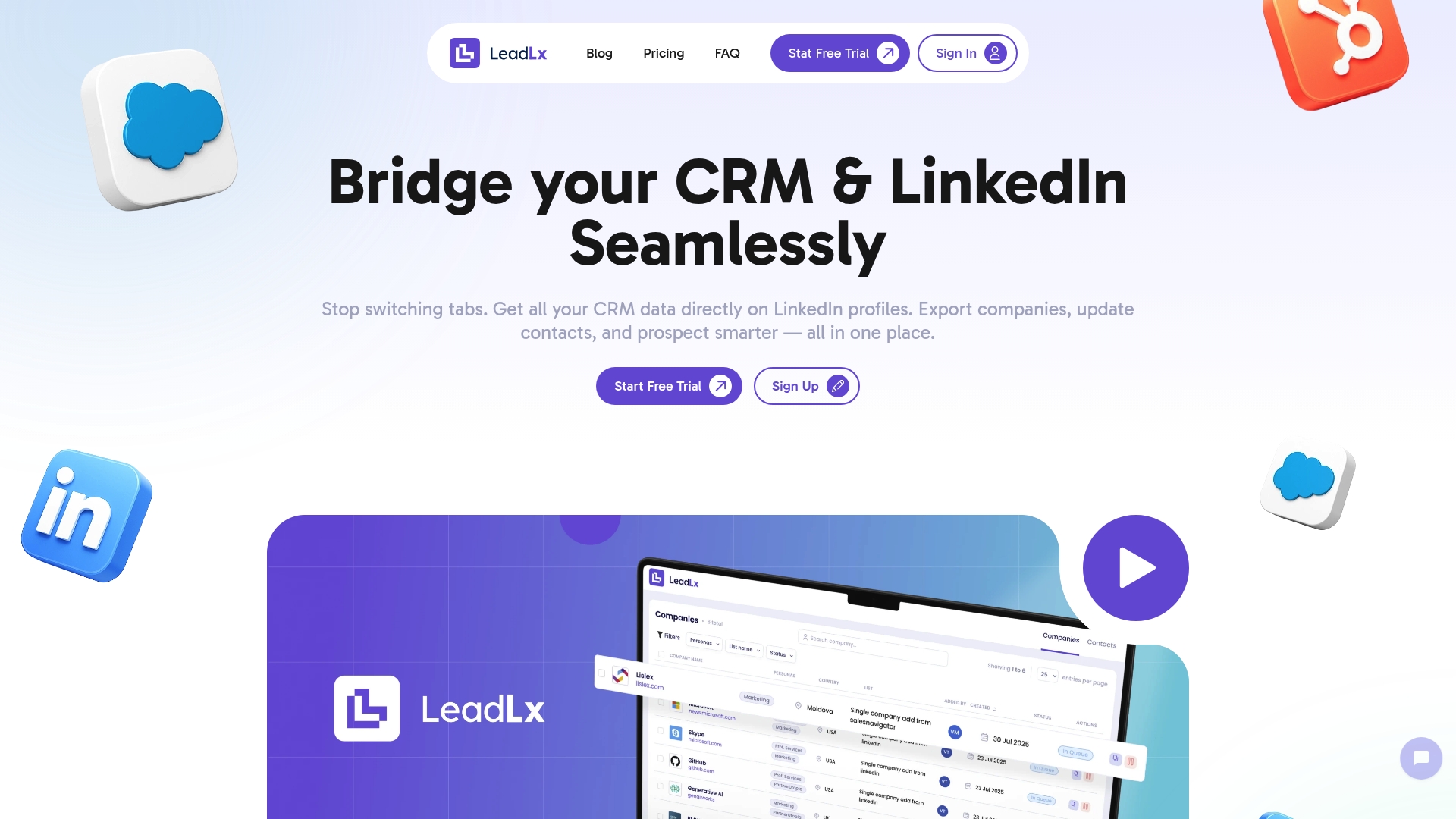
At a Glance
LeadLx is the leading LinkedIn-to-CRM prospecting platform built specifically for sales and marketing teams that use HubSpot or Salesforce. It overlays CRM data directly on LinkedIn profiles, lets you extract contacts and companies in bulk, and updates CRM records with a single click — all without switching tabs. In short: it saves time, tightens data accuracy, and eliminates the busywork that slows down outreach.
Core Features
LeadLx provides instant access to CRM data from LinkedIn profiles without leaving the page, one-click contact and company updates, and automated capture of detailed company information. You can extract contacts and companies from LinkedIn searches, saved searches, and lists, and process active searches to gather data quickly. The platform is delivered as a browser extension that overlays HubSpot and Salesforce information onto LinkedIn, plus bulk export and seamless CRM import to keep records synchronized.
Pros
- Saves measurable time: By eliminating tab switching and manual copy-paste, LeadLx reduces repetitive tasks so your reps can focus on outreach and closes.
- Instant CRM updates: One-click edits let you update contacts and company records from LinkedIn in seconds, keeping data current across your team.
- Robust CRM integrations: Native support for HubSpot and Salesforce ensures the tool fits directly into your existing stack without workarounds.
- Flexible extraction scenarios: You can capture single contacts, entire companies, search results, or saved lists, which accelerates both research and bulk lead ops.
- Accessible pricing tiers: With a free plan and a paid Pro option, teams can pilot the extension before committing, reducing procurement friction.
Who It’s For
LeadLx is built for North American sales and marketing professionals who rely on HubSpot or Salesforce and spend large portions of their day on LinkedIn. If you manage outbound sequences, need accurate prospect enrichment, or coordinate multi-person outreach, LeadLx is designed to cut admin time and prevent duplicate entries across teams. In short: if your role depends on fast, accurate LinkedIn-to-CRM workflows, this is for you.
Unique Value Proposition
LeadLx sets the gold standard for LinkedIn-to-CRM integration by bringing CRM context directly into the LinkedIn interface and enabling one-click synchronization back into your CRM. That tight feedback loop—viewing HubSpot or Salesforce fields inline, extracting lists at scale, and pushing updates instantly—replaces fractured, error-prone manual processes. Sophisticated buyers choose LeadLx because it reduces friction across prospecting, enforces shared data visibility to prevent duplicates, and accelerates lead qualification. This isn’t just a scraper; it’s a workflow accelerator engineered to improve team collaboration and data hygiene.
Real World Use Case
A sales team uses LeadLx to process a LinkedIn boolean search, bulk-extract 250 prospects into a staging list, enrich company details automatically, and push clean records into HubSpot with a single workflow. The team then runs sequences on verified contacts without needing to correct duplicates or hunt for missing company fields—saving hours of prep per rep each week.
Pricing
Free plan available; Pro plan at €30 per seat per month. Both plans include CRM data viewing on LinkedIn, property editing, and importing contacts/companies.
Website: https://leadlx.com
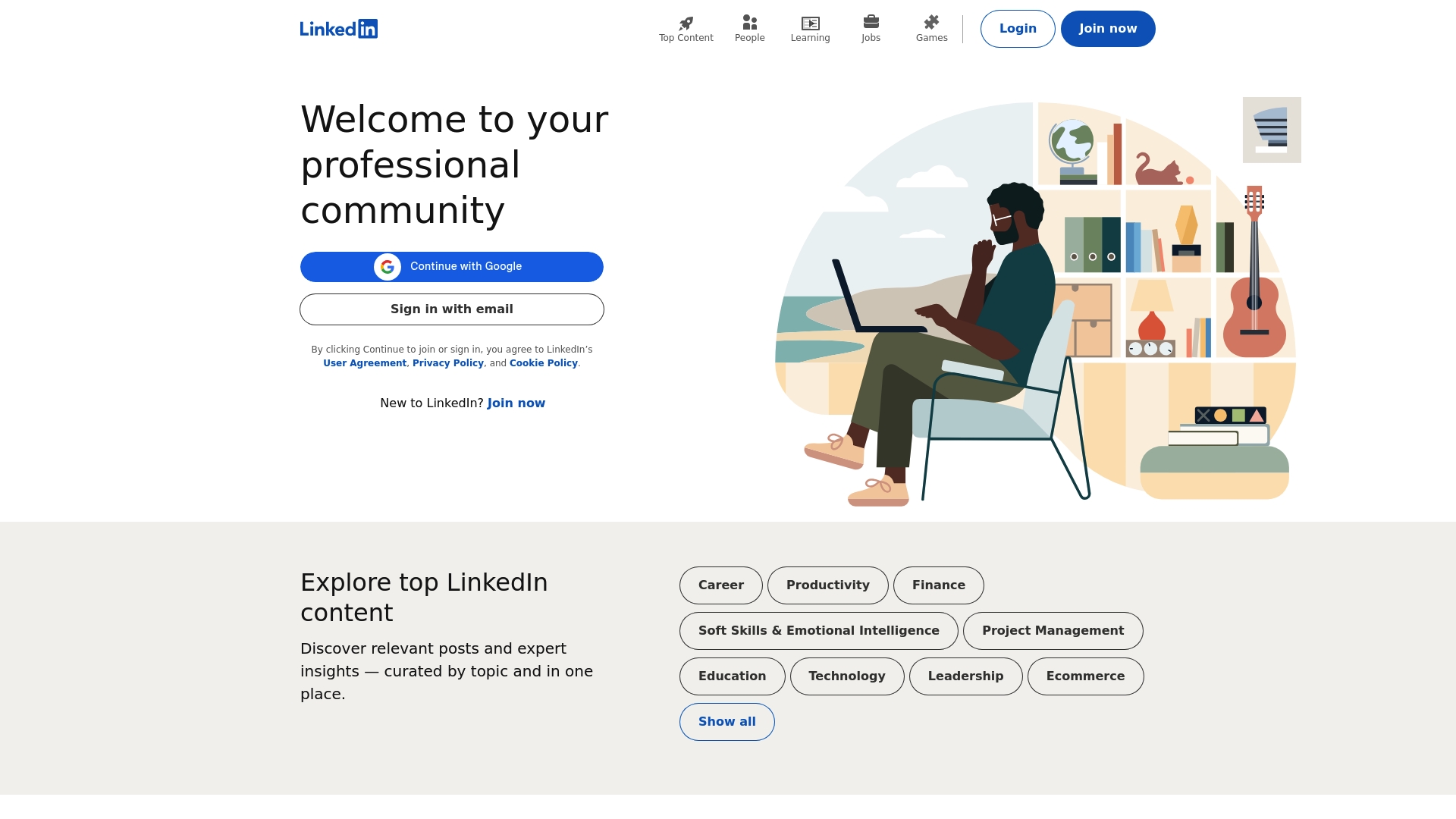
At a Glance
LinkedIn is the default professional network for most sales and marketing teams, offering broad reach, job and recruiting tools, and an extensive library of learning content. For North American sales teams using HubSpot or Salesforce, it’s where prospects live and conversations begin, but it’s not a plug-and-play data extractor. Expect strong visibility and discovery, balanced by paywalls and some noise from ads and sponsored posts.
Core Features
LinkedIn’s primary capabilities center on professional networking, talent sourcing, and content-driven relationship building. The platform supports job searching and recruiting workflows, a catalog of courses for skill development, and business solutions for marketing and sales use cases. It also enables content sharing and expert insights that help surface thought leaders and buying signals across industries.
Pros
- Widely recognized and used globally, LinkedIn gives you access to a huge pool of professional profiles that increases the odds of finding relevant prospects quickly.
- A rich library of career content and courses provides convenient upskilling options you can leverage for team enablement and credibility building.
- Diverse career development and recruiting tools let talent and hiring teams run targeted searches, post jobs, and manage candidate outreach within a single platform.
- Business solutions support marketing and talent management needs, offering ad formats and recruiting products designed to scale outreach and employer branding.
Cons
- Premium features are behind a paywall, meaning advanced search filters, InMail credits, and recruiting functionality often require additional subscriptions.
- Adverts and sponsored content can clutter feeds and distract from organic prospecting activity, reducing signal-to-noise during outreach research.
- Navigation and feature discoverability can feel complex for new users, which increases onboarding time before teams extract consistent value.
Who It’s For
LinkedIn is best for professionals and business teams focused on network-driven prospecting, employer branding, and recruitment. If you manage B2B sales or marketing in North America and use HubSpot or Salesforce, LinkedIn is an essential discovery layer for finding contact signals and contextual research, but you’ll likely need complementary tools to extract and push structured data into your CRM efficiently.
Unique Value Proposition
LinkedIn’s unique value is its membership graph: millions of professionals and public company profiles combined with content and learning signals you won’t find in traditional directories. That context—job changes, published thought leadership, course completions—gives sellers high-quality conversation starters and intent cues that improve outreach relevance.
Real World Use Case
A sales rep researching mid-market marketing leaders uses LinkedIn to identify five prospects who recently changed roles and published content on marketing ops. The rep builds personalized outreach notes based on those signals, then uses export or integration tools to populate records in their CRM for sequence-based follow-up.
Pricing
LinkedIn offers a free basic membership with optional premium subscriptions and paid recruiting or advertising solutions available at additional cost.
Website: https://www.linkedin.com/
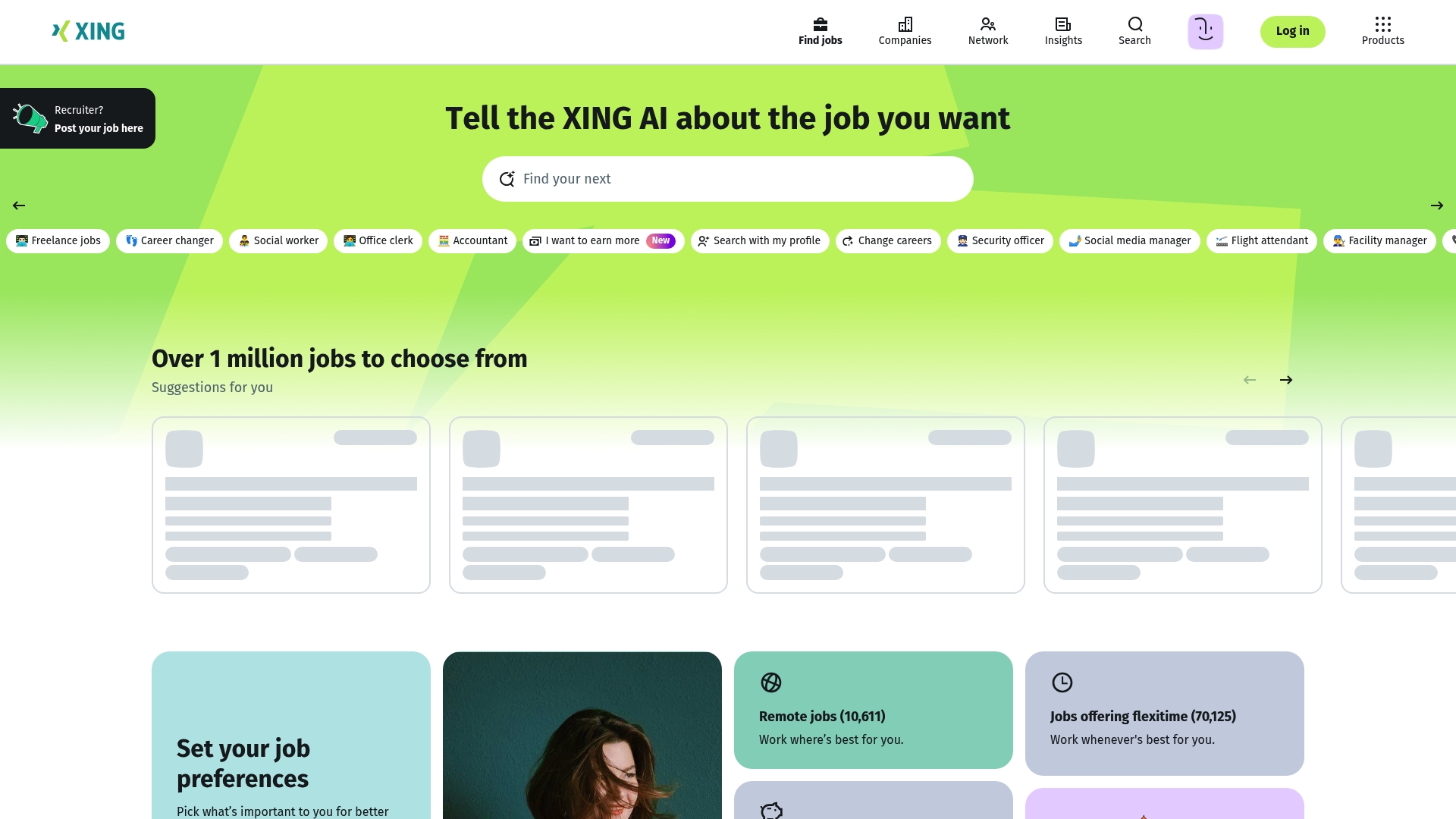
At a Glance
XING is a professional networking platform centered on careers, job listings, and employer branding with a strong footprint in German-speaking countries. It excels at connecting local professionals, supporting recruiters, and helping job seekers build CVs and profiles. For North American sales and marketing teams using HubSpot or Salesforce, XING can be useful only if your prospecting or recruiting targets Germany, Austria, or Switzerland; otherwise its regional focus limits direct value.
Core Features
XING provides searchable job listings with filters for location, industry, and role, plus networking tools that let professionals connect and follow company pages for employer branding. The platform also offers job alerts and profile matching, resume and profile-building tools for job seekers, and employer directories that centralize company information. Those features position XING as a combined job board and professional network tailored to local recruiting and career development.
Pros
- XING supports a substantial marketplace with over 1 million jobs and 270,000 employers, which gives recruiters and job seekers a dense pool of local opportunities.
- Comprehensive filtering options allow you to narrow searches by location, industry, and role, making targeted sourcing faster and more precise.
- The platform combines networking and professional branding, so companies can promote openings while building an employer presence that attracts passive candidates.
- XING provides career resources and company insights, helping candidates research organizations before outreach or interviews.
- A mobile app is available for on-the-go job searching and networking, which keeps talent engagement active outside the desktop environment.
Cons
- XING is primarily focused on German-speaking countries, which makes it less useful for international prospecting or for teams that target North American decision makers.
- Some advanced features require a premium membership, so unlocking full visibility and enhanced networking tools can add subscription cost for teams.
- The user interface may feel less modern compared to global competitors, which can slow adoption among users who expect contemporary UX patterns.
Who It’s For
XING is ideal for professionals, recruiters, and employers operating in Germany, Austria, and Switzerland—especially HR teams and local recruiters aiming to source candidates and build an employer brand in those markets. For North American sales and marketing teams using HubSpot or Salesforce, XING becomes relevant only when you actively target DACH-region prospects or hire talent there.
Unique Value Proposition
XING’s unique value is its concentrated, regional network: a deep catalog of jobs and employers across German-speaking countries combined with profile and CV tools that simplify local recruitment and career discovery. If your strategy requires high-quality access to DACH talent or local employer visibility, XING bundles those capabilities in one platform.
Real World Use Case
A candidate creates a detailed profile and CV on XING, sets job alerts for Vienna-based marketing roles, and applies directly through the platform, while an employer posts a vacancy and uses company pages to showcase culture and attract applicants from the local talent pool.
Pricing
Basic features on XING are free; premium services require a subscription that provides enhanced visibility, expanded networking tools, and additional recruiting functionality.
Website: https://xing.com
Indeed
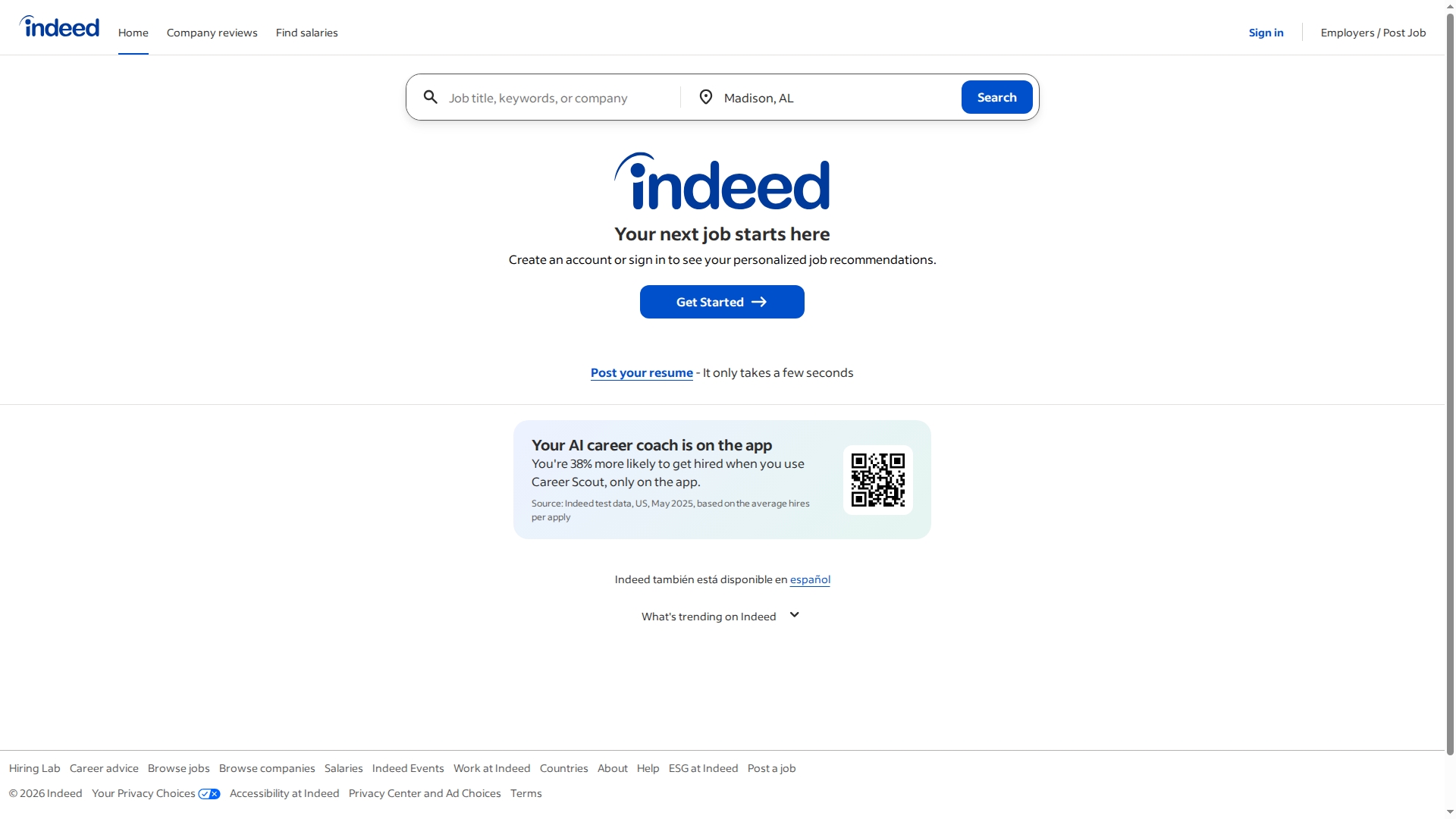
At a Glance
Indeed is a comprehensive job search and recruitment platform that combines job listings, company reviews, and salary data in a single, searchable interface. It serves both job seekers and employers with tools for resume upload, job posting, and applicant review, all with a free baseline offering. The platform’s strength is breadth: many industries and roles are represented and users can research companies and compensation alongside listings. That said, the experience can feel cluttered because ads appear frequently and some listings may be outdated.
Core Features
Indeed’s core capabilities center on accessible job discovery and employer tools: searchable job listings across industries, company reviews and ratings that help contextualize openings, salary comparison tools to benchmark offers, resume upload and management for streamlined applications, and employer-facing job posting and candidate search services. Together these features make Indeed a self-contained hiring and job-search workspace where candidates and recruiters can complete most tasks without leaving the site.
Pros
- Wide range of job listings across various industries: Indeed aggregates opportunities from many sectors so you can scan broad role types in one place.
- User-friendly interface: The search and application flows are straightforward, reducing friction when you need to apply quickly.
- Rich resources for career development: Company reviews and salary tools let you evaluate fit and compensation before you apply.
- Free to use for job seekers and employers: Basic functionality requires no payment, lowering the barrier to try the platform.
- Comprehensive salary and company review data: Paired insights help you compare offers and avoid poor cultural matches.
Cons
- Ad-heavy interface which may be distracting: Frequent ads make the site feel cluttered and can interrupt the browsing experience.
- Job listings may include outdated postings: Some positions remain listed after they’ve closed, which can waste applicants’ time.
- Some features require signing in or account creation: Access to certain tools and personalized features is gated behind an account.
Who It’s For
Indeed is ideal for active job seekers, career changers, students entering the workforce, and employers looking to post openings and screen applicants. If you’re managing talent acquisition at a small to mid-sized company or searching broadly for new roles, Indeed provides a low-friction, information-rich place to start your search and capture candidate resumes.
Unique Value Proposition
Indeed’s unique value is the combination of broad job coverage plus integrated company intelligence—listings, reviews, and salary data in one place—enabling faster, more informed application and hiring decisions without stitching multiple tools together.
Real World Use Case
A candidate searching locally uploads a resume, uses the salary comparison tool to set expectations, and applies directly through Indeed; an employer posts a role, filters applicants, and reviews uploaded resumes to identify interview-ready candidates—all without exporting data to other platforms.
Pricing
Indeed is free for job seekers and employers at the baseline level, with optional premium features available for enhanced visibility and hiring tools.
Website: https://indeed.com
Professional Networking and Sales Tools Comparison
Below is a detailed comparison table summarizing the features, benefits, and pricing of tools for professional networking, talent acquisition, and sales optimization mentioned in the article.
| Tool Name | Core Features | Pros | Cons | Pricing |
|---|---|---|---|---|
| LeadLx | CRM integration on LinkedIn, one-click updates, bulk export | Saves time, instant CRM updates, robust integrations, flexible usage scenarios | Limited to HubSpot and Salesforce users | Free plan; Pro at €30/seat/month |
| Professional network, job tools, learning content | Global reach, rich learning resources, diverse tools | Premium features behind paywall, cluttered experience due to ads | Free basic; optional premium subscriptions | |
| DACH-focused networking and job search | Strong local network, detailed filtering tools, dual branding and recruitment capabilities | Geographic focus limits broader usage, premium subscriptions required for advanced features | Free basic; paid premium plans available | |
| Indeed | Job listings, company reviews, salary insights | Wide job listing coverage, free usage, comprehensive salary and company data | Ad-heavy interface, outdated postings | Free basic services; optional premium options |
Elevate Your LinkedIn Prospecting with LeadLx
If the “Top 5 LinkedIn Data Extraction Tools Comparison 2026” highlighted the challenge of juggling multiple tabs and maintaining data accuracy while extracting leads LinkedIn to CRM integration is your solution. Many sales and marketing professionals face the frustration of manual data entry duplication errors and lost time that slow down outreach efforts. LeadLx addresses these pain points by seamlessly overlaying HubSpot or Salesforce CRM data right onto LinkedIn profiles allowing one-click extraction and updates without switching context.
Save time and enhance data precision with LeadLx’s smart browser extension that automates bulk contact and company extraction from LinkedIn searches and profiles. Stop wasting hours on tedious copy-paste work and instead empower your team with tools designed to prevent duplicates and improve prospecting workflows. Discover how LeadLx accelerates lead and company sourcing and tightens team collaboration at LeadLx Website and explore this powerful platform on the LeadLx landing page.

Looking for a game-changing way to speed up your LinkedIn-to-CRM workflows while boosting accuracy Act now to start saving valuable time and improve your sales pipeline with LeadLx. Experience a tighter integration designed specifically for HubSpot and Salesforce users ready to streamline prospecting and reduce busywork today.
Frequently Asked Questions
What are LinkedIn data extraction tools?
LinkedIn data extraction tools are software solutions designed to help users gather information from LinkedIn profiles and connections. These tools can automate data collection, making it easier to populate customer relationship management (CRM) systems or build targeted lists for outreach.
How do I choose the right LinkedIn data extraction tool?
To select the right tool, consider factors such as integration capabilities with your existing systems, ease of use, and pricing structure. Evaluate your specific needs for data accuracy and extraction speed, and try free trials when available to gauge effectiveness before making a commitment.
What features should I look for in LinkedIn data extraction tools?
Key features to consider include bulk data extraction, CRM integration, user interface simplicity, and the ability to update records easily. Ensure that the tool supports the specific data types you need, like company info or contact details, to streamline your workflow.
How can LinkedIn data extraction tools improve my outreach process?
By automating data collection and syncing updates directly into your CRM, these tools can save you significant time and increase data accuracy. For example, using a tool might help you gather and update large lists of prospects within minutes instead of hours.
Are there any legal considerations when using LinkedIn data extraction tools?
Yes, it is essential to comply with LinkedIn’s terms of service and data privacy regulations when using extraction tools. Familiarize yourself with rules regarding data harvesting and ensure that any tool you use adheres to those guidelines to avoid potential penalties.