
Surprising as it may sound, almost half of american B2B companies admit to struggling with data accuracy when exporting records from CRM platforms like HubSpot or Salesforce. With the pressure to improve LinkedIn prospecting and keep databases reliable, the stakes for sales and marketing teams have never been higher. This guide unpacks how mastering CRM data exports leads to sharper decisions, stronger cross-platform integration, and fewer headaches from messy or outdated info.
Key Takeaways
| Point | Details |
|---|---|
| Data Export Purpose | Data export in CRM systems allows for easier analysis of customer information, aiding strategic decision-making for sales and marketing teams. |
| Export Formats | Common formats like CSV, JSON, Excel, and XML each serve unique analytical purposes and enhance data integration across platforms. |
| Workflow Automation Benefits | Automated data export workflows improve efficiency by minimizing errors and enabling real-time access to customer records. |
| Risk Management | Uncontrolled data exports can lead to legal and security risks; implementing strict data governance policies can mitigate these vulnerabilities. |
Defining Data Export in CRM Systems
Data export represents the systematic extraction of customer relationship management (CRM) information from digital platforms into portable, analysis-ready formats like CSV, JSON, or Excel spreadsheets. At its core, this process transforms complex customer data stored within CRM systems into flexible, transferable resources that empower sales and marketing professionals to make strategic decisions.
The primary purpose of CRM data export involves creating comprehensive snapshots of customer interactions, sales pipelines, and engagement metrics that can be analyzed beyond the original platform’s constraints. Strategic data extraction methods enable businesses to bridge disparate software systems, facilitate comprehensive reporting, and maintain robust backup records of critical customer information. Sales teams typically leverage these exports to conduct deep performance analysis, track historical trends, and prepare detailed quarterly reports that inform future strategic planning.
Key components of effective CRM data export typically include:
- Selecting specific data fields for extraction
- Choosing appropriate file formats (CSV, JSON, XML)
- Maintaining data integrity during transfer
- Preserving relational database connections
- Ensuring compliance with data privacy regulations
Pro tip: Always create a standardized export template to streamline your data extraction process and maintain consistency across different reporting periods.
Types of CRM Data Exports and Formats
CRM data export formats represent the fundamental mechanisms through which sales and marketing teams transform raw customer information into actionable insights. These export types vary widely, each serving distinct analytical and operational purposes, with structured and semi-structured data formats playing critical roles in modern business intelligence strategies.

Businesses typically encounter several primary CRM data export formats, each with unique characteristics and use cases. CSV (Comma-Separated Values) remains the most universally accepted format, offering simplicity and widespread compatibility across spreadsheet and database platforms. JSON (JavaScript Object Notation) provides more complex, nested data representation ideal for intricate customer relationship records. Excel spreadsheets deliver robust visualization capabilities, while XML (Extensible Markup Language) enables sophisticated data interchange between different software systems.
Here’s a comparison of common CRM data export formats and their ideal business applications:
| Format | Structure Type | Best For | Typical Use Case |
|---|---|---|---|
| CSV | Flat, tabular | Quick data reviews | Simple reporting, spreadsheet imports |
| JSON | Nested, hierarchical | Complex data integration | Syncing with web apps or APIs |
| Excel | Tabular with formulas | Visual reporting and calculations | Detailed analytics, sales dashboards |
| XML | Structured, tag-based | System interoperability | Data migration between platforms |
The core types of CRM data being exported typically include:
- Identity data: Contact names, email addresses, phone numbers
- Descriptive data: Company information, job titles, demographic details
- Transactional data: Purchase history, order volumes, revenue metrics
- Behavioral data: Website interactions, engagement patterns, communication preferences
- Interaction logs: Call records, email exchanges, support ticket histories
Pro tip: Always validate your export file’s compatibility and test data integrity before integrating it into broader analytical workflows to prevent potential information loss or corruption.
Data Export Workflow and Integration Benefits
Modern CRM data export workflows have transformed from manual, time-consuming processes into sophisticated, automated systems that dramatically enhance organizational efficiency. Automated data export mechanisms now enable businesses to systematically transfer customer information across platforms while minimizing human error and maximizing data integrity.
The integration workflow typically encompasses several critical stages, each designed to ensure seamless data transfer and optimal utility. Initial stages involve identifying relevant data sources, mapping data fields, establishing secure transfer protocols, and configuring automated export schedules. Advanced CRM integration strategies now support real-time synchronization, allowing sales teams to access the most current customer interaction records instantly across multiple platforms and devices.
Key benefits of sophisticated CRM data export workflows include:
- Elimination of manual data entry errors
- Centralized data management
- Enhanced cross-departmental collaboration
- Improved decision-making capabilities
- Reduced operational overhead
- Real-time insights and reporting
Pro tip: Implement a quarterly data export workflow audit to ensure your integration strategy remains aligned with evolving business requirements and technological capabilities.
Risks of Uncontrolled CRM Data Export
Uncontrolled CRM data exports represent a significant organizational vulnerability that can expose businesses to substantial legal, financial, and reputational risks. Unauthorized data access and export mechanisms can create devastating consequences for companies unprepared to implement robust data governance strategies.
The primary risks associated with unregulated CRM data exports encompass multiple critical domains. Compliance violations related to privacy regulations like GDPR and CCPA can result in severe financial penalties, potentially reaching millions of dollars. Unauthorized data transfers expose organizations to potential identity theft, corporate espionage, and intellectual property breaches, with employee mishandling representing a substantial internal threat to data security.
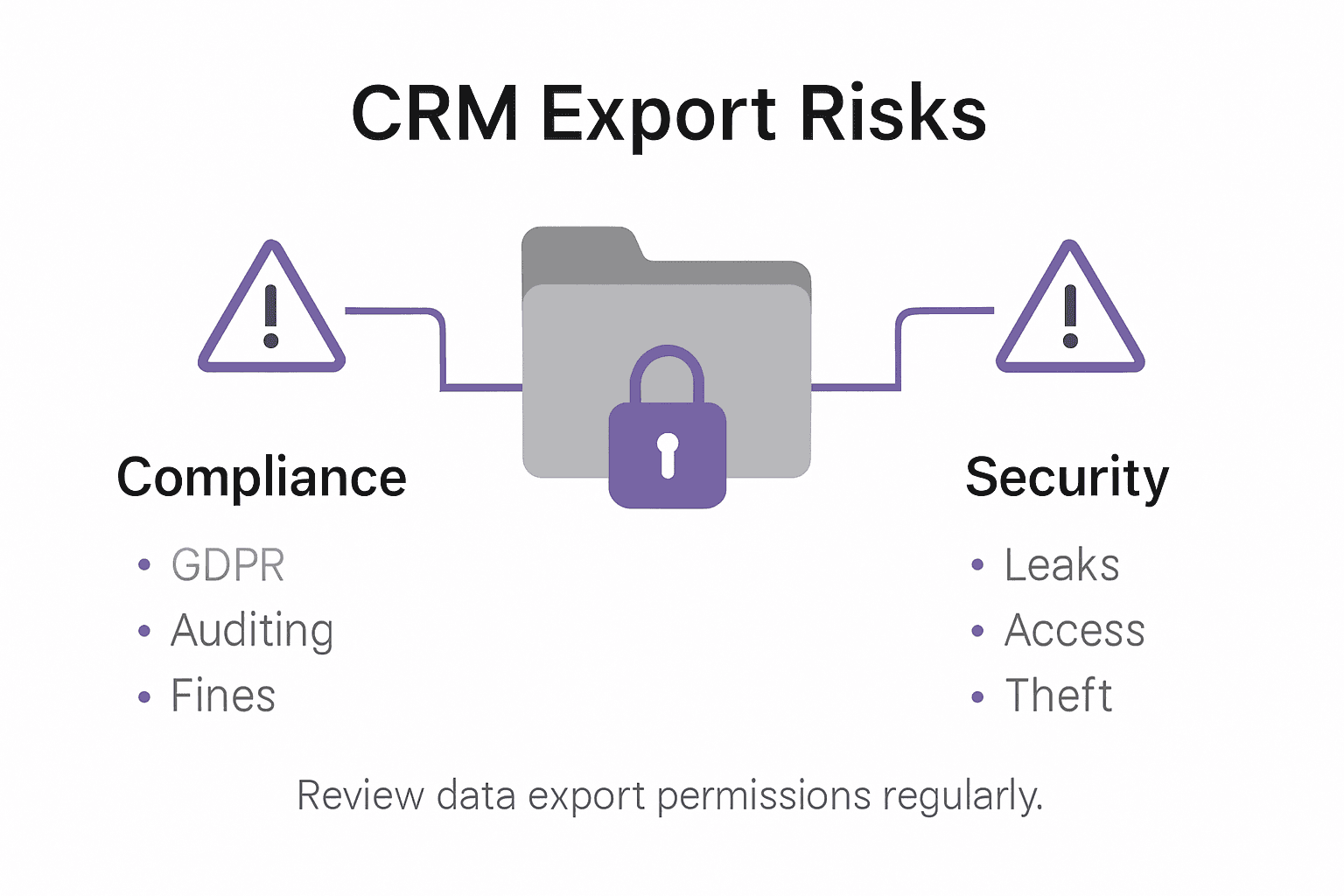
Key risks of uncontrolled CRM data exports include:
The following table summarizes key risks versus mitigation strategies for CRM data export:
| Risk Area | Example Threat | Suggested Mitigation |
|---|---|---|
| Regulatory Compliance | GDPR/CCPA violations | Automated compliance checks |
| Data Leakage | Unauthorized third-party access | Role-based access permissions |
| Insider Threats | Employee mishandling data | Regular audit trails and monitoring |
| Data Integrity | Corruption during transfer | End-to-end data validation |
- Potential regulatory non-compliance
- Significant financial penalties
- Unauthorized customer data exposure
- Increased vulnerability to cybersecurity threats
- Compromised competitive intelligence
- Reputational damage from data breaches
- Potential legal liability for data mismanagement
Pro tip: Develop a comprehensive data export policy with granular user permissions and implement quarterly security audits to proactively identify and mitigate potential export vulnerabilities.
Compliance, Security, and Best Practices
CRM data management requires a comprehensive approach that balances operational efficiency with rigorous security protocols. Global data privacy compliance strategies have become increasingly complex, demanding sophisticated mechanisms to protect sensitive customer information across multiple regulatory environments.
Businesses must implement multilayered security frameworks that address technological, procedural, and legal dimensions of data protection. This involves establishing robust authentication protocols, encrypting data both at rest and during transmission, implementing granular access controls, and maintaining detailed audit trails. Critical components include multi-factor authentication, least privilege access principles, continuous monitoring systems, and comprehensive incident response strategies that align with international standards like GDPR, NIST, and ISO frameworks.
Key best practices for CRM data security include:
- Implementing end-to-end data encryption
- Establishing explicit user consent tracking mechanisms
- Creating comprehensive data retention policies
- Developing clear access permission hierarchies
- Conducting regular security vulnerability assessments
- Maintaining comprehensive incident response plans
- Ensuring transparent data handling documentation
Pro tip: Develop a cross-functional data governance committee that includes representatives from legal, IT, sales, and compliance departments to create a holistic approach to data security and regulatory adherence.
Enhance Your CRM Data Export with LeadLx to Boost Sales Accuracy
The article highlights the critical challenge of maintaining accurate and efficient data export from CRM systems while avoiding manual errors and ensuring seamless integration. If you are tired of spending hours on repetitive tasks like manually extracting contact and company information or worrying about data integrity during exports, LeadLx offers a powerful solution built to address these exact pain points. By seamlessly integrating LinkedIn data directly with CRMs like HubSpot and Salesforce, LeadLx simplifies your prospecting workflow and enhances sales data accuracy through instant data capture and one-click CRM updates.
Key benefits of using LeadLx include:
- Automated and bulk data extraction without switching tabs
- Flawless, real-time syncing with your CRM
- Eliminating duplicate records through shared CRM visibility
These features align perfectly with the article’s emphasis on automated data export workflows and reducing operational overhead. Bring your sales team the confidence that their customer data is both current and consistent, thus boosting decision-making and overall sales effectiveness.
Ready to transform your CRM data export process and save approximately 10 hours every week? Discover how LeadLx’s browser extension can integrate your LinkedIn prospecting directly into your sales tools at LeadLx.

Unlock more accurate sales data today by visiting LeadLx and start streamlining your CRM exports now. Don’t wait to improve your team’s collaboration and close deals faster with smarter data integration. Learn more at LeadLx.
Frequently Asked Questions
What is CRM data export?
CRM data export refers to the systematic extraction of customer information from CRM systems into formats like CSV or JSON for analysis and reporting. It helps turn complex data into actionable insights for sales and marketing.
Why is data export important for sales teams?
Data export allows sales teams to create comprehensive snapshots of customer interactions and sales metrics, enabling better performance analysis and informed strategic planning.
What are the common formats used for CRM data exports?
Common formats for CRM data exports include CSV for simplicity and compatibility, JSON for complex data structures, Excel for visual reporting, and XML for data interchange between systems.
How can businesses ensure data security during CRM data exports?
Businesses can ensure data security by implementing end-to-end encryption, establishing access control permissions, conducting regular security audits, and maintaining detailed audit logs to monitor data handling.