
Over 65 percent of american businesses now rely on CRM tools linked with LinkedIn to fuel their sales pipelines. Staying ahead in a competitive market means making every lead count and streamlining how teams gather and use prospect data. With the right approach, your team gains real-time insights, reduces errors, and spends more time actually building connections instead of wrestling with manual data entry.
Quick Summary
| Important Insight | Clarification |
|---|---|
| 1. Integrate LinkedIn with CRM | Connecting LinkedIn with your CRM automates data entry, reducing errors and saving time for sales teams in lead management. |
| 2. Automate Data Synchronization | Use tools that allow instant data transfer from LinkedIn profiles to your CRM, simplifying your prospecting workflow significantly. |
| 3. Implement Data Validation | Regularly validate data accuracy by cross-referencing CRM records with LinkedIn to maintain a reliable prospect database. |
| 4. Monitor Sales Performance | Track engagement metrics from Sales Navigator in your CRM to evaluate and improve your team’s prospecting efforts. |
| 5. Test Integrations Before Full Use | Always conduct small tests of integration settings to ensure accurate data capture and prevent inconsistencies before mass usage. |
Step 1: Set Up Integrated Tools for LinkedIn and CRM
Connecting your LinkedIn profile with your Customer Relationship Management (CRM) system will transform how your sales team captures and manages lead information. According to sparrowcrm, integrating LinkedIn with your CRM system automates data entry, reduces manual errors, and saves significant time for sales professionals.
To start the integration process, first identify which CRM platform you are currently using like HubSpot or Salesforce. Most modern CRM systems offer native browser extensions or third party tools that enable seamless data synchronization. Look for integration options within your CRM settings or marketplace that specifically support LinkedIn profile data extraction. The goal is to create a direct pipeline where contact details, professional information, and connection data flow automatically between LinkedIn and your CRM without manual intervention.
Pro Tip: Before finalizing your integration, test the connection with a few sample profiles to ensure data accuracy and verify that all critical information transfers correctly. This small step can prevent potential data inconsistencies that might impact your prospecting workflow.
Once integrated, your sales team will experience a streamlined process where LinkedIn research and CRM record keeping happen simultaneously. Each profile view becomes an opportunity for instant data capture and record creation.
Step 2: Import and Synchronize Key Prospect Data Instantly
Streamlining your prospect data import is critical for maintaining an efficient sales workflow. According to trykondo, CRM sync activity writeback features can automatically log Sales Navigator interactions like sent messages and connection requests directly onto contact records, creating a comprehensive engagement history without manual tracking.
To synchronize prospect data effectively, start by selecting a CRM integration tool that supports direct LinkedIn profile data transfer. Most modern platforms offer native connectors or browser extensions that enable instant data import. LinkedIn content highlights that connecting platforms like HubSpot with Sales Navigator enables advanced features such as next generation data validation and automatic contact creation and updates.
Pro Tip: Before mass importing data, run a small test batch to verify data accuracy and ensure all critical information transfers correctly. Check that fields like email addresses, job titles, and contact details map precisely between your LinkedIn source and CRM destination.
Once your synchronization is configured, your sales team will experience a dramatically simplified prospecting workflow where data collection becomes near instantaneous and entirely automated.

Step 3: Automate Contact and Company Information Capture
Streamlining your contact and company information capture is essential for sales productivity. According to sparrowcrm, integrating LinkedIn with your CRM automates data entry, reducing manual errors and ensuring that sales and marketing teams work from consistent, accurate data.
To automate information capture effectively, leverage browser extensions and integration tools that extract key details directly from LinkedIn profiles. Look for solutions that can instantly pull critical information like job titles, company names, email addresses, and professional contact details. These tools typically offer one click transfer capabilities that eliminate the need for manual data entry, saving your team significant time and reducing the potential for human error.
Pro Tip: Configure your automation tool to create rules for data validation, ensuring that only complete and relevant contact information gets transferred into your CRM. Set up filters that reject incomplete profiles or duplicative entries to maintain high data quality standards.
Once automated, your sales team will experience a dramatically simplified workflow where prospect research and data collection happen seamlessly in the background, freeing up valuable time for actual relationship building and strategic outreach.
Step 4: Validate Data Accuracy and Eliminate Duplicates
Ensuring the reliability of your prospect database is crucial for effective sales strategies. LinkedIn content highlights the importance of Next Generation Data Validation, which identifies out-of-date contact information by cross referencing CRM records with current LinkedIn profiles.
To implement robust data validation, configure your CRM integration tool to perform automatic cross checks between your existing contact records and live LinkedIn data. Set up intelligent matching rules that compare multiple data points such as email addresses, company names, job titles, and professional locations. This approach helps identify potential duplicate entries, outdated information, and opportunities for record consolidation.
Pro Tip: Establish a hierarchical validation process where your system first flags potential duplicates, then allows manual review before automatically merging or updating records. This prevents accidental data loss and gives your team control over critical contact information.
By systematically validating and cleaning your prospect data, your sales team will work with a more accurate, reliable database that supports more effective targeting and personalized outreach strategies.
Step 5: Monitor Team Performance and Refine Outreach Tactics
Tracking and improving your sales team’s prospecting efforts requires sophisticated performance monitoring strategies. According to trykondo, tracking Sales Navigator activities in your CRM allows you to measure the direct impact on pipeline development and closed deals, creating critical accountability for your team’s outreach efforts.
To effectively monitor performance, configure your CRM integration to capture detailed activity metrics such as connection request response rates, message engagement levels, and conversion percentages. LinkedIn content recommends utilizing Activity Writeback features that automatically log key Sales Navigator interactions, providing a comprehensive view of your team’s prospecting performance.
Pro Tip: Implement a quarterly review process where team members analyze their individual performance metrics, identifying successful outreach strategies and areas requiring improvement. Create collaborative sessions where top performers can share insights and techniques that drive better engagement.
By systematically tracking and discussing performance data, your sales team can continuously refine its approach, turning raw metrics into actionable strategies for more effective prospecting and relationship building.
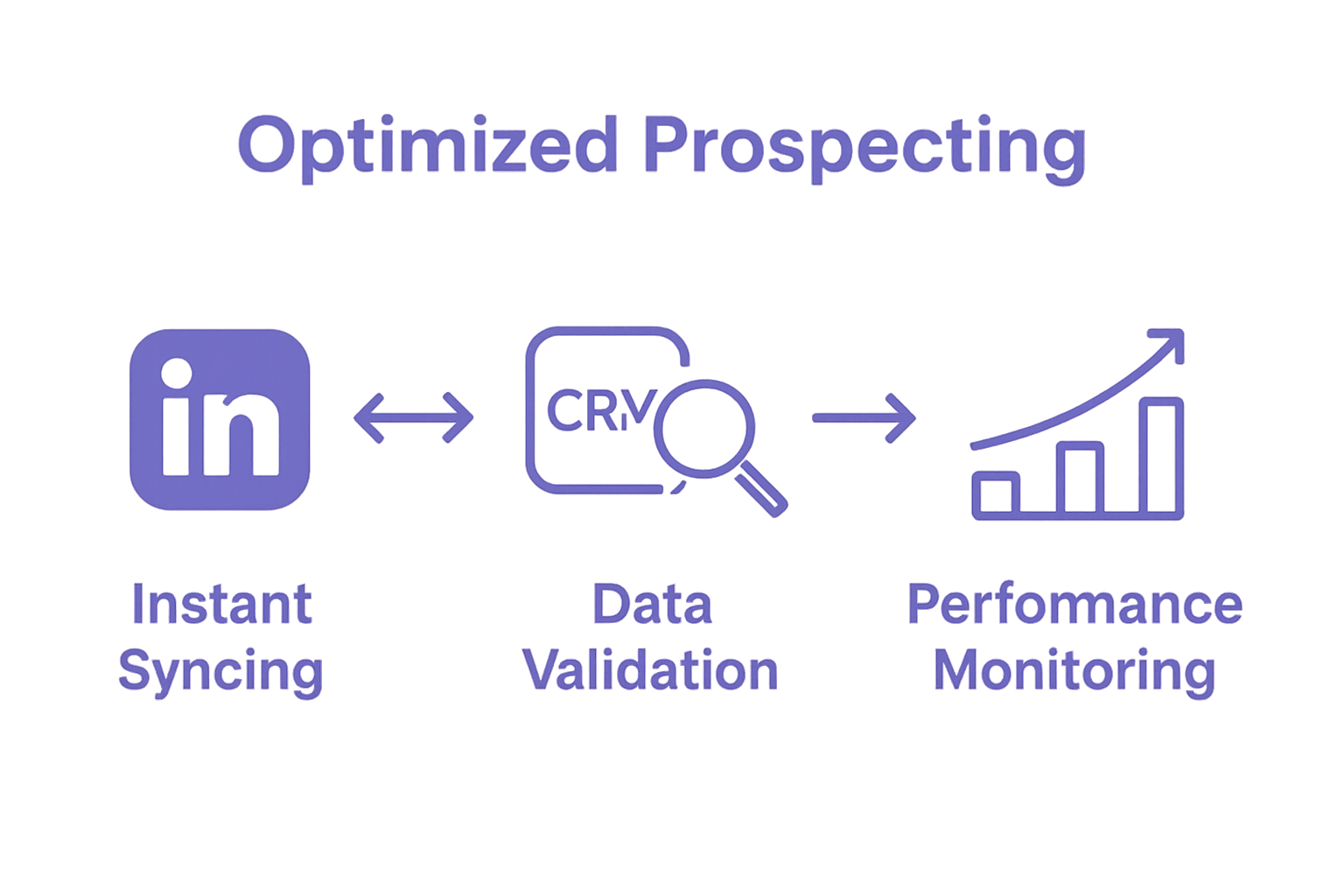
Accelerate Your Prospecting Process with Seamless LinkedIn and CRM Integration
The article highlights critical challenges like manual data entry, inaccurate prospect information, and inefficient synchronization between LinkedIn and CRM systems. These pain points slow down sales teams and hurt pipeline growth. If you want to eliminate repetitive tasks, improve data quality, and effortlessly capture contact and company information while avoiding duplicates, a smart tool that perfectly connects LinkedIn and CRM is essential.
LeadLx directly addresses these obstacles by offering a powerful browser extension that overlays HubSpot and Salesforce data on LinkedIn profiles. This means no more toggling between tabs or typing data manually. With instant extraction of key info and one-click CRM updates, your team saves approximately 10 hours every week while improving accuracy and collaboration. The solution fits sales and marketing teams who want to automate data validation and sync prospecting activity seamlessly.
Ready to transform your sales workflow and boost efficiency? Discover how LeadLx can help you automate contact capture, prevent duplicates, and unify your prospecting efforts in one platform.

Experience the future of streamlined sales prospecting today by visiting LeadLx landing page. Start saving time and closing deals faster with smarter LinkedIn and CRM integration.
Frequently Asked Questions
How can I optimize my prospecting process?
To optimize your prospecting process, integrate LinkedIn with your CRM system to automate data entry and improve efficiency. Start by identifying compatible tools and testing the integration with sample profiles to ensure accurate data transfer.
What are the benefits of synchronizing prospect data from LinkedIn to my CRM?
Synchronizing prospect data allows for automatic logging of interactions, creating a comprehensive engagement history without manual tracking. Implement this synchronization to save time and enhance data accuracy in your sales workflow.
What steps should I take to validate data accuracy in my prospect database?
To validate data accuracy, configure your CRM integration to perform automatic cross-checks between existing records and live LinkedIn data. Establish rules that match key data points to identify outdated or duplicate entries.
How can I automate contact and company information capture from LinkedIn?
You can automate information capture by utilizing browser extensions that extract key details directly from LinkedIn profiles. Set up your automation tool to validate the data collected and eliminate incomplete or duplicated entries for higher data quality.
What metrics should I track to monitor my team’s prospecting performance?
Track detailed metrics such as connection request response rates, message engagement levels, and conversion percentages to assess your team’s effectiveness. Regularly review these metrics to identify successful strategies and areas for improvement.
How often should I review my sales team’s performance metrics?
Implement a quarterly review process to analyze your sales team’s performance metrics. This allows for ongoing refinement of outreach strategies and the sharing of successful techniques among team members.