
Finding the right tools can make or break how quickly your team discovers new leads, follows up with contacts, and keeps sales pipelines moving. Some solutions promise lightning-fast prospecting or seamless contact management, while others are packed with features to make sure you never lose a valuable lead. Every option brings its own mix of speed, data quality, and smart integrations, but only a few stand out when it comes to handling real sales challenges. Curious about which platforms actually deliver results and which features set them apart? Keep reading to uncover how different approaches to prospecting and outreach can impact your business.
LeadLx
At a Glance
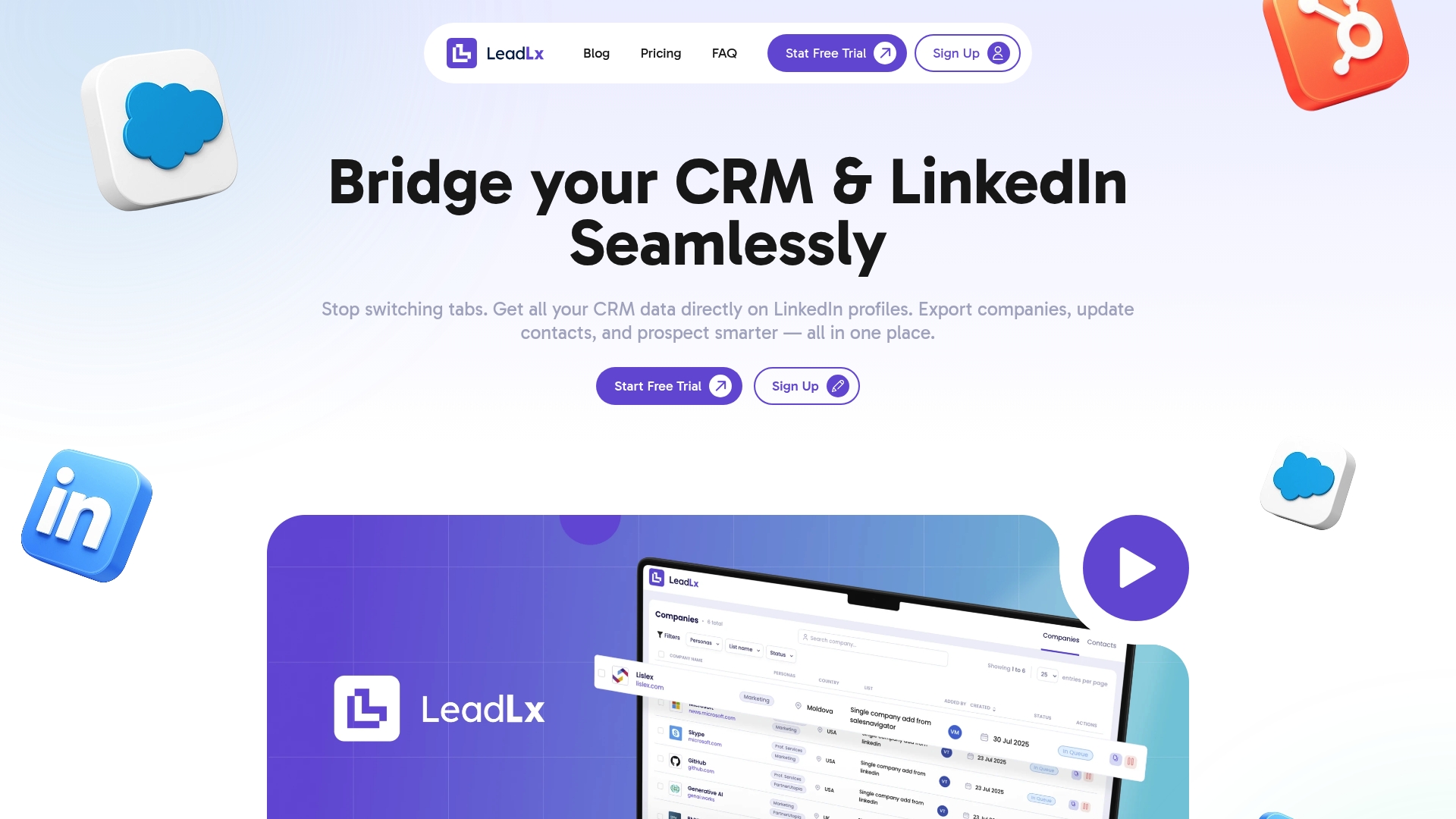
LeadLx bridges HubSpot and LinkedIn so you can prospect without leaving the social platform. It overlays CRM context directly on LinkedIn profiles, enables one-click updates, and exports contacts and companies in bulk to your CRM. The tool is built to stop tab switching and speed data entry, while the free plan allows for limited data imports, the full range of advanced batch processing features is available exclusively on the Pro plan.There is a short learning curve to unlock advanced workflows, and data quality depends on LinkedIn activity — design trade-offs that prioritize focused, secure CRM integration.
Core Features
LeadLx’s core is a browser extension that pulls HubSpot and Salesforce data into the LinkedIn interface, making CRM records visible where you prospect. Key capabilities include automatic data capture from LinkedIn profiles and search results, one-click contact updates on profiles, instant export of contacts and companies to CRM, and batch import of lists from LinkedIn into your CRM. Those features combine to let teams extract contact and company information in seconds and push clean records back to their CRM with minimal clicks.
Pros
- Stops tab switching: By overlaying CRM data on LinkedIn, LeadLx eliminates time wasted flipping between applications, keeping prospecting flow uninterrupted.
- Automates routine updates: One-click updates and automatic capture reduce manual entry and free your team to focus on outreach and qualification.
- Reduces duplicate contacts: Shared CRM visibility and controlled imports help prevent duplicate records and improve team transparency.
- Flexible pricing structure: A free tier lets you try core features, and the Pro plan unlocks bulk actions and higher throughput at a predictable per-seat price.
- Saves time with bulk actions: Batch export and import workflows accelerate lead enrichment and campaign preparation for marketing and sales teams.
Who It’s For
LeadLx is ideal for marketing and sales professionals who live on LinkedIn and rely on HubSpot or Salesforce to run pipeline and campaigns. If you prospect regularly, manage contacts across a team, or need to enrich CRM records during outreach, LeadLx removes friction from those daily tasks. It fits individual reps, SDR teams, and marketing operators who prioritize speed, accuracy, and shared CRM hygiene.
Unique Value Proposition
LeadLx’s uniqueness comes from combining real-time CRM context, in-line editing, and bulk export/import without forcing users out of LinkedIn. Unlike generic data tools, it is purpose-built to surface HubSpot and Salesforce records where prospecting happens and to push validated updates back with a single action. That tight feedback loop reduces context switching, lowers data-entry error rates, and enforces team-wide CRM transparency. LeadLx intentionally scopes its free tier to encourage trial while reserving high-throughput bulk imports and advanced automation for Pro seats, aligning pricing with real-world usage. For teams that need accurate, up-to-date CRM records and faster prospecting cycles, LeadLx delivers an integrated workflow that outperforms manual processes and fragmented toolchains.
Real World Use Case
A sales rep uses LeadLx during live prospecting calls: they open a LinkedIn profile, see HubSpot notes and deal status in the extension, capture the latest job and contact details automatically, and press one button to update the CRM. That single interaction removes post-call data entry, prevents duplicate records, and keeps the pipeline current so follow-ups happen within hours instead of days.
Pricing
Free plan available with limited features; Pro plan at €30 per seat per month with additional capabilities and bulk import options.
Website: https://leadlx.com
Apollo.io
At a Glance
Apollo.io is an AI-powered, unified sales platform that combines a large verified contact database with automation, enrichment, and analytics to help teams build pipelines and close deals faster. It’s designed to replace multiple point tools, consolidating outbound and inbound prospecting workflows into one interface. The trade-offs are clear: strong scale and data quality versus some feature gating behind a credit system and a learning curve for new users. Overall, it’s a solid option if you need an all-in-one prospecting and engagement stack.
Core Features
Apollo.io delivers a verified contacts and companies database, advanced lead filtering and segmentation, automated outreach sequences with follow-ups, CRM and sales tool integrations, and analytics dashboards for outreach tracking and coaching. Those capabilities work together to power pipeline building, contact enrichment, and performance measurement without constant tool switching.
Pros
- Comprehensive platform replacing multiple tools: Apollo.io can consolidate prospecting, enrichment, sequencing, and analytics into one system, which can reduce subscription costs and integration overhead.
- Automated workflows increase efficiency: Built-in sequences and follow-ups automate repetitive outreach tasks so your reps spend less time on manual touches.
- Strong data quality and enrichment capabilities: The platform’s verified database and enrichment features improve lead accuracy and reduce manual data cleansing.
- Suitable for businesses of all sizes: The feature set scales from small teams to large enterprises, making it adaptable as your organization grows.
- Rich educational resources and onboarding support: Apollo.io provides training and onboarding materials that help teams adopt the platform more quickly.
Cons
- Some features tied to a credit system or specific plans: Access to particular capabilities can depend on credits or plan selection, which adds complexity to license planning.
- Potential complexity for new users: The breadth of functionality means there is a learning curve before teams can use Apollo.io efficiently.
- Pricing details require direct engagement for precise quotes: Because pricing varies by credits and configuration, you may need to contact sales to understand total cost for your use case.
Who It’s For
Apollo.io is aimed at sales and marketing teams that want an integrated approach to lead generation, outreach automation, and data management. It fits teams already using CRMs who want tighter orchestration between prospecting and deal execution, particularly mid-sized and enterprise organizations looking to scale outbound efforts.
Unique Value Proposition
Apollo.io’s core advantage is bringing verified contact data, automation, and analytics into one platform so teams can source, engage, and measure prospects without stitching multiple tools together. That unified workflow shortens time-to-contact and improves data consistency across CRM systems.
Real World Use Case
A mid-sized sales team uses Apollo.io to automate outbound email campaigns, enrich contact records for targeted segmentation, monitor engagement through dashboards, and sync updates to their CRM to accelerate deal cycles. The result: fewer manual updates, more timely follow-ups, and clearer pipeline visibility.
Pricing
Pricing is credit-based and depends on features selected; trial plans include limited credits and capabilities. Subscription upgrades or downgrades can be made anytime, and plans are tailored to organizations from small teams to large enterprises. For exact pricing, contact Apollo.io sales.
Website: https://apollo.io
Wiza

At a Glance
Wiza is a focused prospecting tool that delivers verified, real-time contact data to help sales and marketing teams find and engage prospects more effectively. Its Chrome extension and CRM sync streamline capture and export, while built-in verification boosts email deliverability. If you need reliable contact information and job-change monitoring to time outreach, Wiza is a practical, data-first solution.
Core Features
Wiza combines live data sources with a Chrome extension to surface emails, phone numbers, and enriched prospect details directly from LinkedIn and other sources. It supports bulk export to CSV or direct CRM sync, offers automated job-change monitoring that can update records, and provides email verification with a reported deliverability rate above 99%. The platform claims access to over 40 data points per prospect, enabling more informed outreach and cleaner CRM records.
Pros
- Accurate, real-time contact data: Wiza uses live data sources to reduce stale records and increase the chance of reaching the right person.
- Easy integration via Chrome extension and CRM synchronization: The extension simplifies capture and the sync options make pushing data into your CRM straightforward.
- Comprehensive prospect data with multiple contact points: Having phone, email, and enrichment fields in one record gives you more avenues for outreach.
- High email deliverability with built-in verification: The verification step helps reduce bounces and protects sender reputation by confirming addresses before outreach.
- Monitoring for job changes to optimize outreach timing: Automated job-change alerts let you engage prospects at moments of increased receptivity.
Cons
- Pricing plans can be complex depending on needs: The tiered structure and custom enterprise options mean you may need to compare plans closely to find the right fit.
- Some features may require higher-tier plans or additional setup: Advanced capabilities like broad automation or enterprise syncs may sit behind upper-tier plans and require configuration.
- Heavy reliance on Chrome extension may limit other workflows: Teams that don’t use Chrome or prefer API-only processes could find the extension-centric workflow restrictive.
Who It’s For
Wiza is aimed at B2B sales and marketing teams, SDRs, account managers, and businesses that prioritize accurate contact data for outbound prospecting and account-based marketing. It fits teams that use LinkedIn for research, want a lightweight capture experience, and need verified emails to maintain healthy deliverability rates.
Unique Value Proposition
Wiza’s unique value lies in combining live prospecting, high-confidence email verification, and job-change monitoring into a compact workflow that bridges prospect discovery and CRM hygiene. That combination reduces the guessing game in outreach and helps teams target the right contacts at the right time.
Real World Use Case
A sales team uses Wiza during prospect research to extract verified emails and phone numbers from search results, bulk-export a list for an ABM campaign, and set job-change monitoring to trigger follow-up sequences when key contacts move roles. The result is cleaner CRM records and more timely, relevant outreach.
Pricing
Wiza offers free and paid plans, with paid starter plans beginning at $49 per month per user and custom enterprise pricing available for larger teams.
Website: https://wiza.co
Lemlist
At a Glance
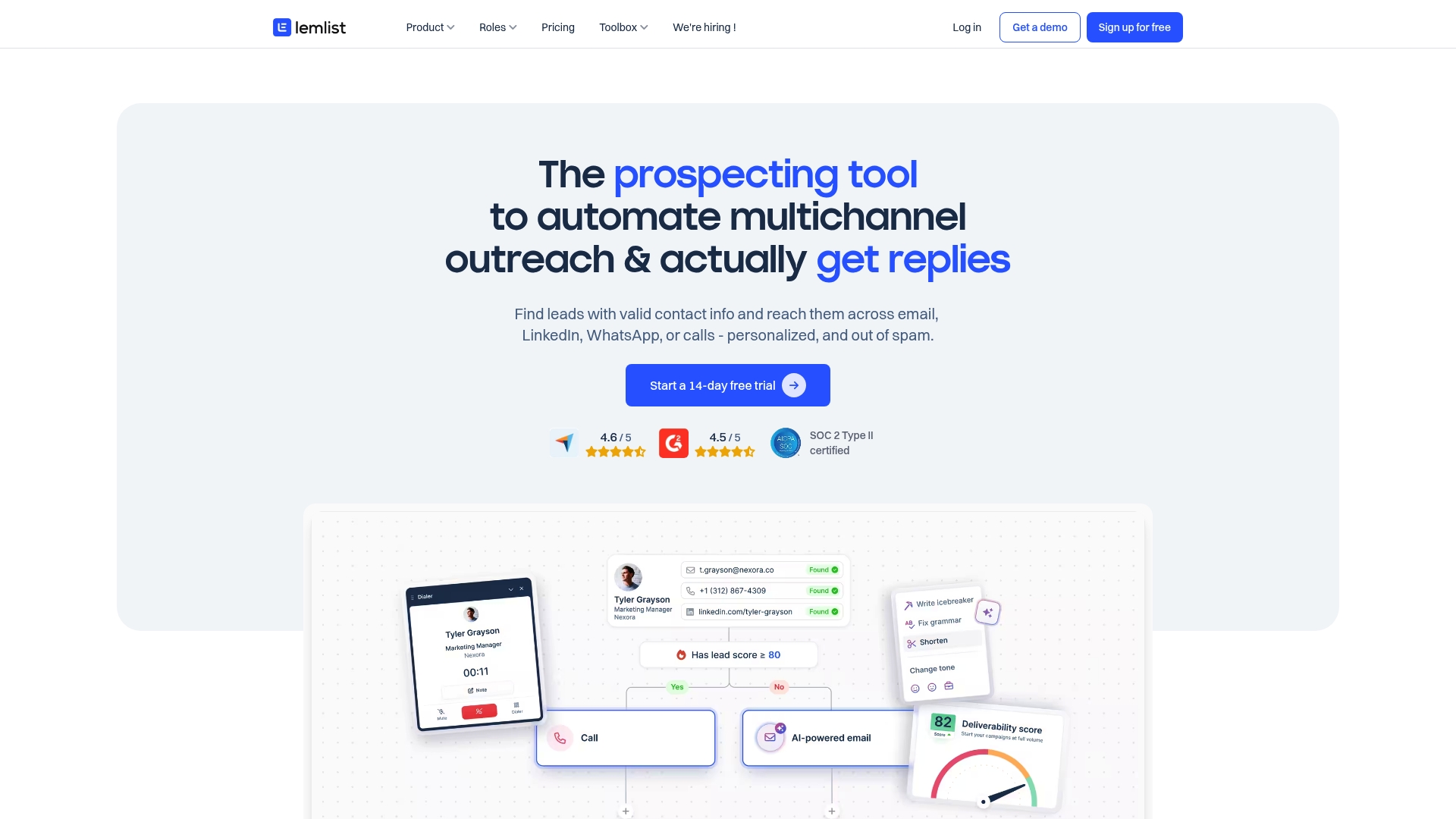
Lemlist is a multichannel sales engagement platform that helps teams automate outreach across Email, LinkedIn, WhatsApp, and calls while preserving a human tone. It combines a large lead database and AI-driven personalization with sequence automation and deliverability tools, making it a strong fit for teams focused on volume plus quality. Expect a platform that centralizes sourcing, messaging, and engagement tracking, though advanced features require time to master.
Core Features
Lemlist centralizes multichannel outreach automation, letting you run Email, LinkedIn, WhatsApp, and call sequences from one dashboard. It offers advanced personalization via AI and dynamic variables, and access to a rich lead database of 450M+ contacts with smart filters for targeted prospecting. Sequence automation tracks engagement across channels, and Lemwarm provides an integrated deliverability booster that automates email warm-up and surfaces real-time deliverability tips. Native integrations with HubSpot and Salesforce ensure contact and activity data can flow into your CRM for follow-up and reporting.
Pros
- All-in-one coverage: Lemlist spans lead sourcing, enrichment, outreach, and follow-up, so you can run end-to-end campaigns without stitching multiple tools together.
- Deliverability focus: Built-in warm-up and deliverability features help reduce spam placement and protect sending reputation.
- Flexible CRM integrations: The platform connects with popular CRMs like HubSpot and Salesforce, making pipeline updates and contact syncing straightforward.
- Unified multichannel campaigns: You can run coordinated sequences across Email, LinkedIn, WhatsApp, and calls from a single interface, simplifying campaign management.
- User-friendly onboarding: The product emphasizes ease of setup and campaign management, which helps teams get campaigns running quickly.
Cons
- Pricing pressure for small teams: The starting cost may be high for very small teams or early-stage startups on tight budgets.
- Overkill for simple needs: The breadth of features can feel excessive if your outreach needs are straightforward or limited to a single channel.
- Learning curve on advanced features: Advanced personalization, AI settings, and integration workflows require training and experimentation to use effectively.
Who It’s For
Lemlist is best for driven sales teams and individual sales professionals who want to scale personalized outreach across multiple channels while protecting inbox deliverability. If your team values automation, testing, and CRM syncs to convert volume into qualified meetings, Lemlist fits well. If you run very small, single-channel outreach, the platform may be more than you need.
Unique Value Proposition
Lemlist differentiates itself by combining a very large contact database with AI-powered personalization and a strong emphasis on deliverability. That mix helps teams not only reach more prospects but also keep messages landing in inboxes and appearing authentic at scale.
Real World Use Case
A sales team uses Lemlist to find and verify prospects from the 450M+ contact pool, personalize outreach with AI-driven variables, and automate follow-ups across Email, LinkedIn, and WhatsApp. Engagement tracking in the dashboard lets reps prioritize replies and book more meetings while Lemwarm preserves sending reputation.
Pricing
Plans start at €55/month per user for Email Pro and €79/month per user for Multichannel Expert, with enterprise options available. Billing is offered monthly, quarterly (10% discount), or yearly (20% discount).
Website: https://lemlist.com
Phantombuster
At a Glance
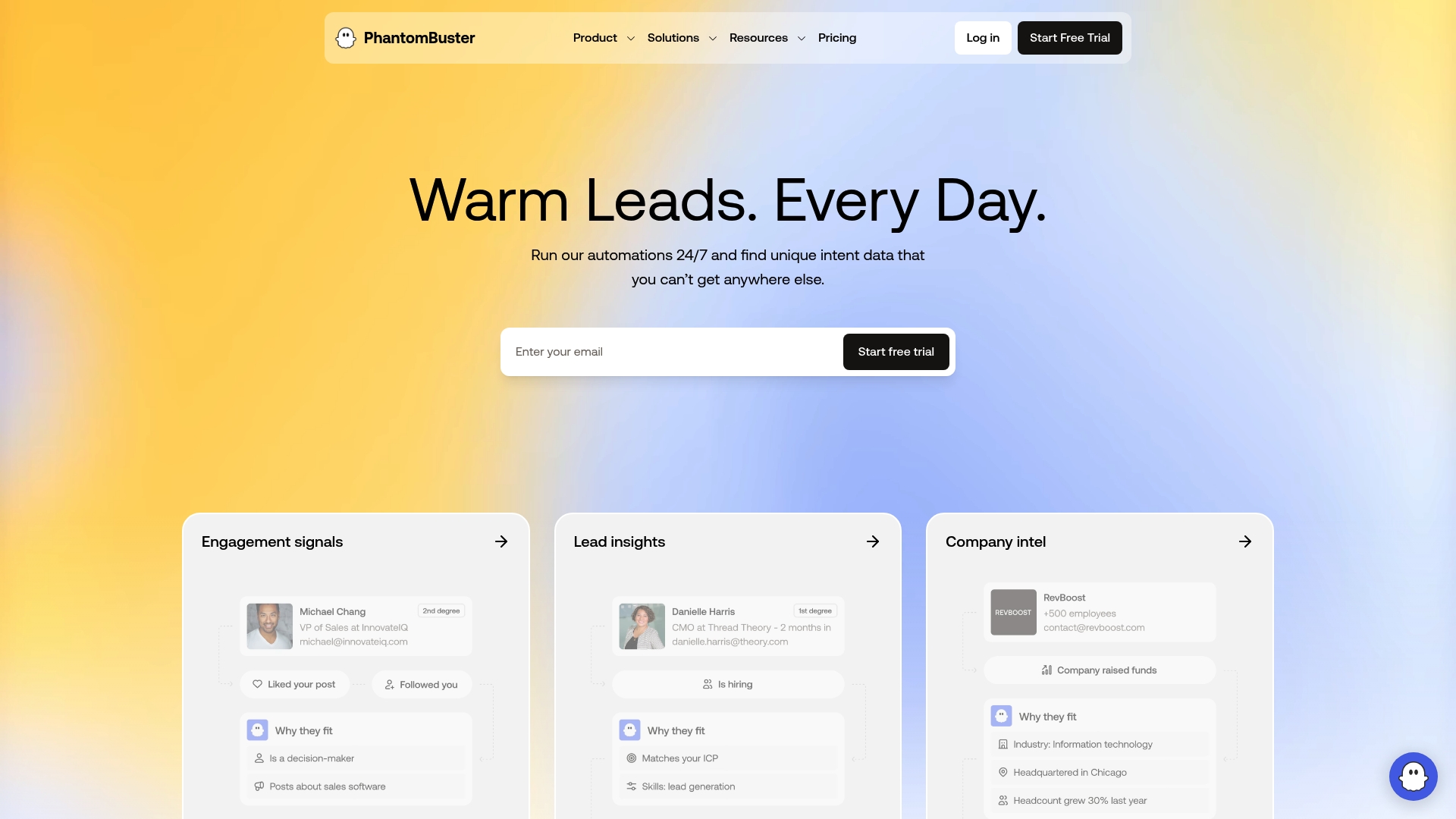
Phantombuster is a purpose-built automation platform for sales prospecting and outreach that extracts real-time data across 15+ social platforms and automates outreach workflows at scale. It excels at building targeted prospect lists, enriching lead records, and running personalized LinkedIn messaging and follow-ups without manual copy-paste. The platform is powerful for teams that need continuous, up-to-date signals, but its pricing and the learning curve for advanced automations can be hurdles for smaller or infrequent users.
Core Features
Phantombuster combines real-time data extraction, multi-platform automation, and CRM integration into a single workflow engine. Key capabilities include scraping and enriching contacts and company data from 15+ platforms (LinkedIn, Twitter, Instagram, Facebook, Slack, and more), creating automation workflows for lead generation and outreach, filtering and segmenting leads using 1,000+ data points, automating personalized LinkedIn messaging and follow-ups, and logging activity directly into CRMs such as HubSpot.
Pros
- Comprehensive automation capabilities for prospecting and outreach: Phantombuster lets you chain data extraction, enrichment, and outreach steps into repeatable workflows that scale beyond manual processes.
- Real-time data sourcing delivering up-to-date insights: Because it extracts live data across platforms, your prospect lists reflect recent activity and profile changes rather than stale records.
- Flexible filtering and segmentation based on extensive data points: With 1,000+ data attributes available, you can build precise audiences for highly targeted campaigns.
- Ease of use with pre-built workflows and automation templates: Templates reduce setup time and help teams get campaigns running without building every step from scratch.
- Strong compliance with platform guidelines, ensuring data and account safety: Phantombuster emphasizes operating within platform rules to minimize risk to social accounts.
Cons
- Pricing may be high for small businesses or infrequent users: Starter pricing begins at $56/month, which can feel steep when automation time or limits are underutilized.
- Learning curve for complex automations and filtering options: Advanced funnels and granular segmenting require time and experimentation to master.
- Dependent on user’s social media accounts for data extraction and outreach: You must connect and maintain usable social accounts to run many automations, which adds operational dependency.
Who It’s For
Phantombuster is best for Sales and Marketing Professionals, Business Development teams, and Agencies that run regular, volume-driven outreach on social platforms. If your team relies on LinkedIn and other social signals to source, enrich, and contact prospects, and you need programmatic workflows rather than one-off tools, Phantombuster fits well.
Unique Value Proposition
Phantombuster’s unique value is its end-to-end automation across multiple social channels combined with deep segmentation capabilities. By tying live extraction to personalized outreach and CRM logging, it turns manual prospecting steps into reproducible pipelines that keep lead data fresh and outreach consistent.
Real World Use Case
A sales team configures Phantombuster to find new LinkedIn prospects daily, automatically send connection requests and sequenced messages, then enrich accepted profiles and push records into HubSpot. The result: higher outreach throughput, a steady stream of warm leads, and real-time visibility into prospect activity.
Pricing
Trial available; plans start from $56/month for the Starter plan, with higher tiers at $128/month and $352/month that offer increased automation time, more features, and higher limits.
Website: https://phantombuster.com
Lusha
At a Glance
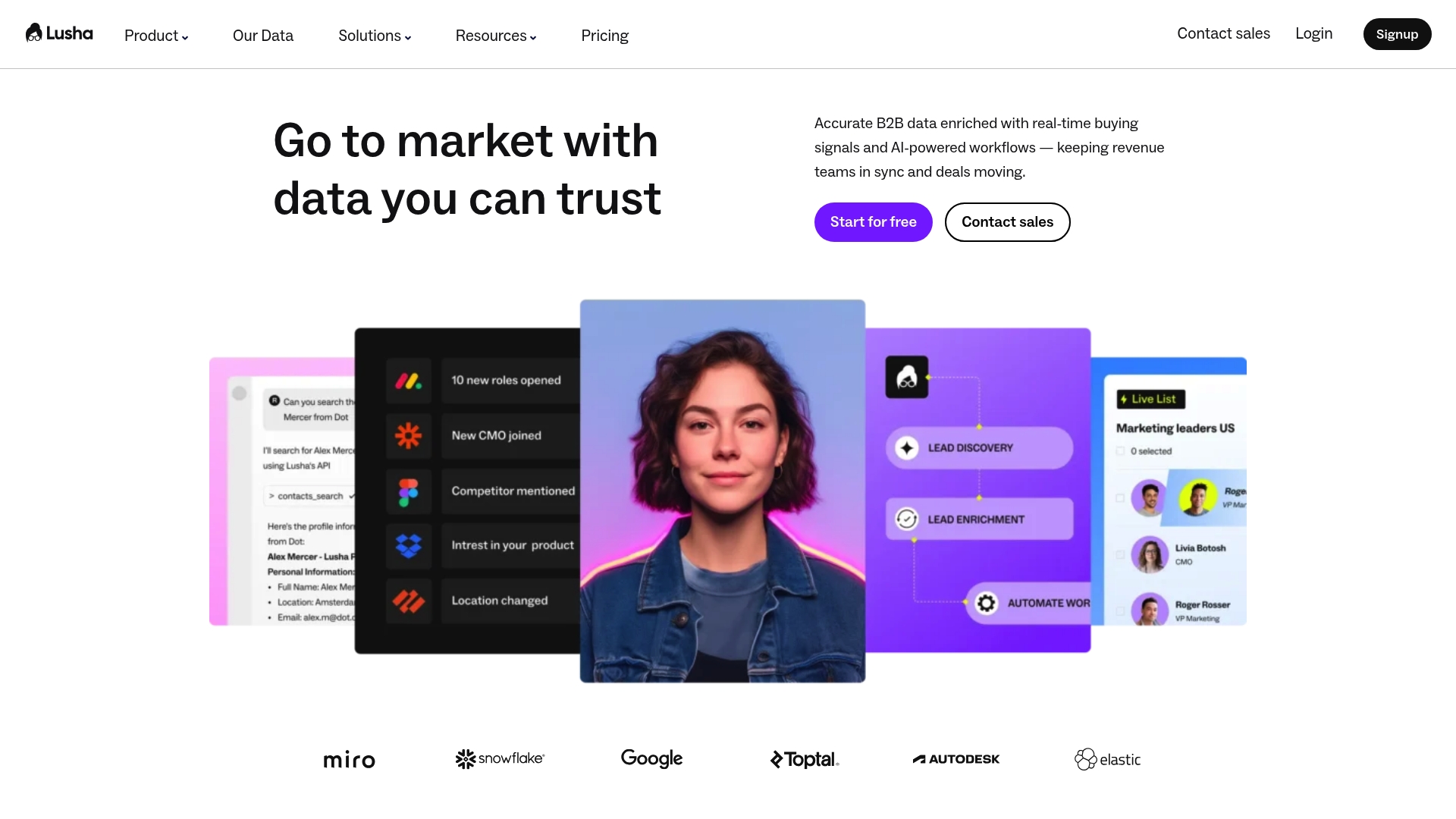
Lusha is an AI-powered sales intelligence platform that delivers verified B2B contact and company data paired with real-time buying signals and GTM automations. It focuses on prospecting, lead enrichment, and maintaining data accuracy across systems, with API and integration support to keep revenue teams aligned. The platform helps sales and marketing teams time outreach and automate repetitive tasks, but pricing granularity and some advanced features may require higher-tier plans. Overall, Lusha is a strong option for teams that need reliable contact data and timely signals to drive outreach.
Core Features
Lusha combines prospecting with verified contacts and company context, lead enrichment that supplies direct dials, validated emails, and job details, and real-time buying signals such as job changes, hiring, funding news, and technology adoption. It also includes GTM automations for list building, de-duplication, scoring, routing, and CRM updates, plus an API and integrations designed to align tools and maintain data accuracy across systems.
Pros
- Provides comprehensive verified data on contacts and companies: The platform supplies validated emails and direct dials alongside company context to improve outreach accuracy.
- Enables timely outreach through real-time buying signals: Signals like job changes and funding news help you prioritize prospects at the moments that matter.
- Automates repetitive tasks to increase team efficiency: Built-in GTM automations reduce manual list building, de-duplication, and routing work for revenue teams.
- Offers robust integrations for seamless workflows: API and integration support make it easier to sync enriched data and updates into your CRM and toolchain.
- Maintains high standards of compliance and data accuracy: The product emphasizes compliance and validated data to limit risk while improving targeting.
Cons
- Pricing details are not specified in the provided content: The lack of granular public pricing information can make it harder to estimate total cost for different team sizes and use cases.
- Some features may require a higher-tier plan or additional purchase for larger teams or advanced capabilities: Advanced functionality and scale appear tied to upgraded plans or extra credits, which can increase overall spend.
- Limited information on specific limitations or user interface experience: The provided data does not describe the product’s user interface or practical constraints, leaving questions about adoption friction.
Who It’s For
Lusha is best suited for Sales and Marketing teams at B2B companies that need reliable contact and company information, automation to scale outreach, and buying signals to improve timing. Teams running outbound prospecting, CRM enrichment, or performance-focused pipeline programs will find the platform particularly relevant.
Unique Value Proposition
Lusha’s value lies in combining verified contact data with real-time buying signals and GTM automations within an integration-friendly framework, enabling teams to find, enrich, and act on leads without breaking workflows or compromising data accuracy.
Real World Use Case
A sales team uses Lusha to identify target accounts, enrich existing leads with phone numbers and validated emails, and trigger outreach at optimal times based on hiring or funding signals—resulting in higher-quality meetings and improved pipeline conversion.
Pricing
Lusha uses credit-based pricing with a free plan offering up to 70 credits per month; additional credits can be purchased as needed, and there are options to upgrade plans for more seats or features.
Website: https://lusha.com
Hunter.io
At a Glance
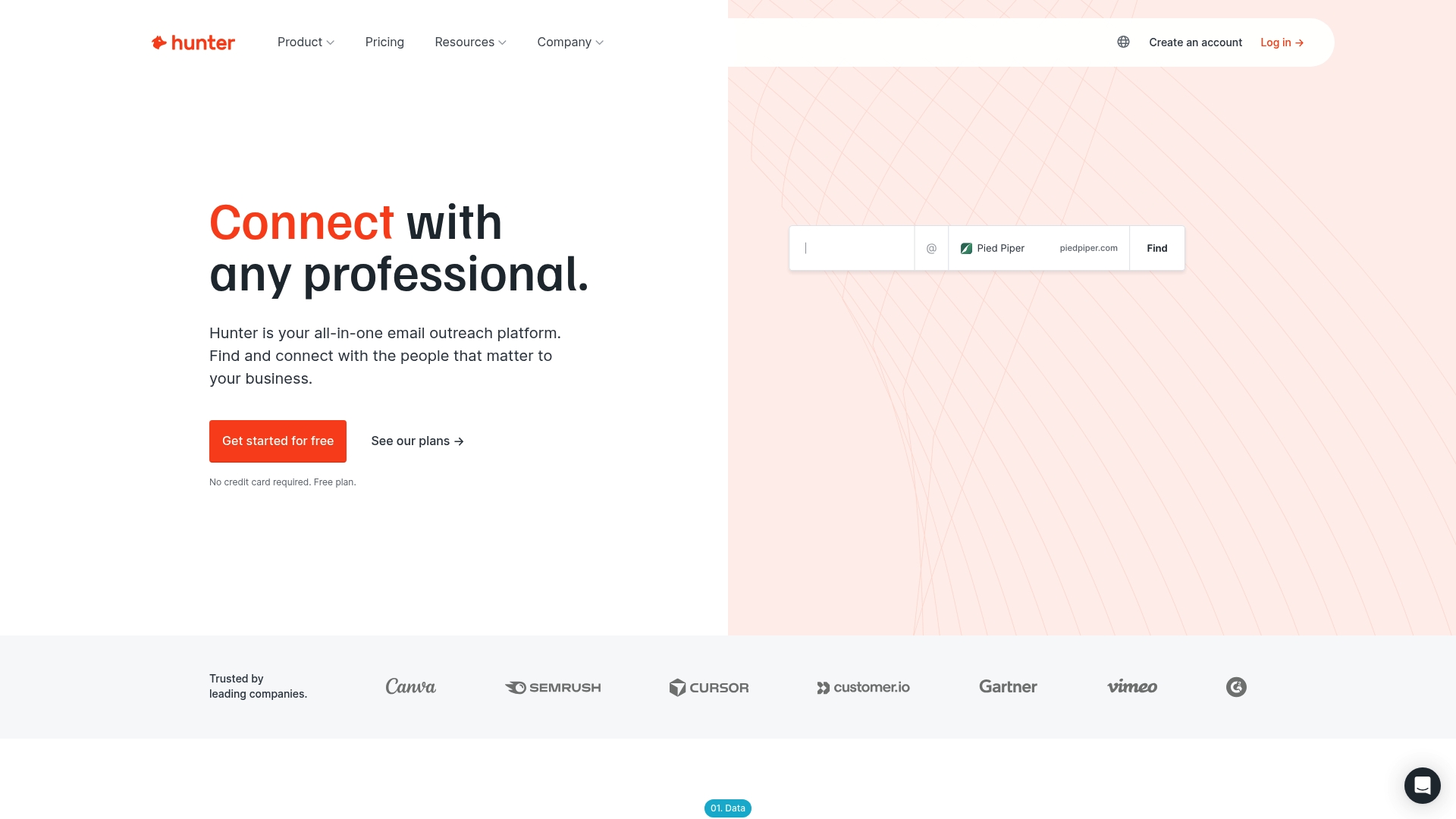
Hunter.io is an all-in-one email outreach platform built to find, verify, and connect with the people who matter to your business. Trusted by over 6 million users, it combines domain search, an email finder, an email verifier, and campaign automation to simplify cold outreach while focusing on deliverability and regulatory compliance. It excels at delivering accurate contact data quickly, though small teams should weigh credit limits and pricing before committing. Bottom line: a dependable choice for teams that prioritize clean email lists and measurable outreach.
Core Features
Hunter.io locates email addresses behind websites and within LinkedIn profiles, verifies addresses to reduce bounce rates, and enriches contacts with additional data fields. The platform includes tools to create and send personalized cold email campaigns, schedule follow-ups, and generate campaign reports. You can build workflows via integrations with CRMs, Google Sheets, and other tools, and tap into Hunter’s extensive B2B database with advanced filters to target the right prospects.
Pros
- Accurate data with a high match rate: Hunter.io is known for returning reliable email addresses, which improves initial outreach success.
- User-friendly interface for finding and verifying emails: The workflow for searching domains and verifying addresses is straightforward and reduces manual steps.
- Integrates seamlessly with various workflows and tools: Native connections to CRMs and spreadsheets make it easy to push verified contacts into your existing systems.
- Affordable pricing with scalable plans: Paid tiers scale up credit limits and features so teams can grow without changing platforms immediately.
- Good customer support and transparency in data sourcing: Support resources and clear explanations of where data comes from help teams stay compliant and confident.
Cons
- Pricing may be expensive for small businesses: The cost-per-credit model can feel steep for lean teams that need high-volume prospecting.
- Limited free credits for trial: The free tier only includes 50 credits per month, which constrains meaningful testing of outreach at scale.
- Some features may be complex for new users: Advanced enrichment and campaign automation require setup time and a short learning curve.
- Dependence on internet connectivity and API accuracy: The platform’s performance and verification results rely on consistent connectivity and external data sources.
Who It’s For
Hunter.io suits Sales and Marketing professionals, Business Development teams, Recruitment agencies, and CRM users who need a scalable way to find and verify email addresses. If your role depends on high deliverability and accurate contact lists for targeted outreach, Hunter.io gives you the tools to operationalize that work without building custom scrapers.
Unique Value Proposition
Hunter.io’s value lies in bundling discovery, verification, enrichment, and outreach into one workflow focused on email deliverability and compliance. That unified approach reduces data handoffs, lowers bounce risk, and accelerates time-to-contact for teams focused on B2B prospecting.
Real World Use Case
A B2B sales team uses Hunter.io to locate decision-maker emails for targeted accounts, run batch verifications to remove risky addresses, and push enriched contacts into the CRM for sequenced outreach—cutting manual research time and improving reply rates.
Pricing
Free plan available with 50 credits per month; paid plans start from $49 per month with increased credits and features; custom enterprise plans are also available.
Website: https://hunter.io
Sales Prospecting Tools Comparison
Here is a comparison of leading sales prospecting tools, highlighting their features, pros, cons, pricing, and ideal user profiles.
| Product | Key Features | Pros | Cons | Pricing |
|---|---|---|---|---|
| LeadLx | CRM integration with LinkedIn, automatic data capture, one-click updates, batch imports | Stops tab switching, automates updates, reduces duplicates | Free tier limitations, learning curve | Free, €30/month Pro plan |
| Apollo.io | AI-powered, verified contacts, unified sales platform, automated outreach, CRM integrations | Comprehensive platform, automated workflows, strong data quality | Feature gating, learning curve, pricing complexity | Credit-based, contact for pricing |
| Wiza | Verified contact data, Chrome extension, live data sources, email verification | Accurate data, easy integration, high deliverability | Complex pricing, advanced features require setup | $49/month starter plan |
| Lemlist | Multichannel engagement, AI personalization, CRM integration, large lead database | All-in-one coverage, deliverability focus, unified campaigns | Pricing for small teams, learning curve | €55/month Email Pro, €79/month Multichannel |
| Phantombuster | Real-time data extraction, multi-platform automation, LinkedIn messaging and follow-ups | Comprehensive automation, real-time data, flexible segmentation | Pricing for small teams, learning curve, dependence on social accounts | $56/month Starter plan |
| Lusha | Verified contact data, real-time buying signals, GTM automations, API support | Comprehensive data, timely outreach, automation | Pricing details unspecified, advanced features may require higher plans | Credit-based, free plan available |
| Hunter.io | Email finder and verifier, campaign automation, domain search | Accurate data, user-friendly interface, robust integrations | Expensive for small teams, limited free credits | $49/month, free plan available |
Streamline Your LinkedIn Prospecting with LeadLx
The “Top LinkedIn Prospecting Tools – Expert Comparison 2025” article highlights a common challenge for sales and marketing professionals: managing prospecting efficiently without constant tab switching and tedious manual data entry. If you are frustrated by fragmented workflows and duplicate CRM records slowing down your outreach efforts, you are not alone. The need to overlay CRM insights directly on LinkedIn profiles and update contact information instantly is crucial for accelerating pipeline growth and maintaining data accuracy.
LeadLx is built precisely to solve these pain points by integrating your HubSpot and Salesforce data fluidly within LinkedIn. With its browser extension, you gain real-time CRM context, one-click updates, and bulk export capabilities that eliminate the hassle of toggling between tools. Users save approximately 10 hours per week by automating routine data capture and preventing duplicate entries through shared CRM visibility. This means your team can focus more on meaningful outreach instead of repetitive admin.
Looking to enhance your LinkedIn prospecting workflow and transform how your team handles lead data? Discover how LeadLx delivers a seamless prospecting experience that speeds up data management and sharpens team collaboration. Visit LeadLx to learn more, or explore our landing page for detailed features and plans. Start your journey to faster, cleaner CRM updates today.

Ready to stop wasting time switching tabs and start maximizing your LinkedIn outreach with integrated CRM insights Gain the edge with LeadLx now and experience smarter prospecting in action.
Frequently Asked Questions
What are LinkedIn prospecting tools?
LinkedIn prospecting tools are software applications that help sales and marketing professionals find, connect with, and engage potential leads on LinkedIn. These tools simplify the process of gathering data, automating outreach, and managing contacts, ultimately saving time and increasing efficiency. Consider integrating such a tool into your workflow to streamline your prospecting efforts.
How do I choose the right LinkedIn prospecting tool for my needs?
To choose the right LinkedIn prospecting tool, assess your team’s specific requirements, such as data accuracy, automation capabilities, and integration with your existing systems. Create a checklist of desired features and compare different tools to find one that aligns best with your prospecting goals. Evaluate at least three options to ensure you’re making a well-informed decision.
What features should I look for in a LinkedIn prospecting tool?
Key features to look for in a LinkedIn prospecting tool include data enrichment, automated outreach sequences, CRM integration, and analytics for tracking engagement. Prioritize tools that allow for bulk data handling and real-time updates to enhance your prospecting efficiency. Aim to find a tool that offers at least three of these core functionalities for maximum impact.
How can I measure the success of my LinkedIn prospecting tool?
You can measure the success of your LinkedIn prospecting tool by tracking key performance indicators such as lead conversion rates, response rates, and overall engagement levels. Establish benchmarks before implementing the tool and monitor these metrics regularly to quantify improvements over time. Set a goal to increase your conversion rate by at least 10% within the first three months of use.
Are there any free LinkedIn prospecting tools available?
Yes, many LinkedIn prospecting tools offer free tiers with limited functionality, allowing users to test basic features before committing to a paid plan. Explore these options to find a tool that suits your needs and budget, but be prepared for potential restrictions on usage and features. Consider evaluating at least two free tools to compare their offerings effectively.
How often should I update my LinkedIn prospecting tool data?
You should update your LinkedIn prospecting tool data regularly to maintain accuracy and relevance, ideally every month. Set a reminder to conduct data reviews and cleanups to remove duplicates and outdated information, ensuring your outreach remains targeted and effective. Aim to spend a few hours each month on this task for optimal results.