
Over half of sales teams spend more than two hours every day manually inputting prospect data into their CRMs. For American and European marketing professionals using HubSpot or Salesforce, this challenge can slow down growth and waste valuable resources. By automating LinkedIn data extraction and seamless CRM integration, you can reclaim lost time and keep your lead pipeline accurate. Discover how targeted strategies can help reduce manual entry and accelerate your prospecting process.
Quick Summary
| Key Point | Explanation |
| 1. Connect LeadLx to Your CRM | Establish a seamless connection to automate data capture from Linkedln into your CRM, improving lead management efficiency. |
| 2. Utilize Advanced Search Techniques | Apply Linkedin’s advanced filters and Boolean search to pinpoint high-potential leads matching your ideal customer profile. |
| 3. Implement Data Validation Strategies | Regularly validate and deduplicate CRM entries to maintain data accuracy and integrity for your sales efforts. |
| 4. Optimize Data Synchronization Methods | Choose between real-time sync and scheduled exports for efficient, accurate data transfers to your CRM system. |
Step 1: Configure LeadLx Integration with Your CRM
Configuring LeadLx integration with your Customer Relationship Management (CRM) platform transforms your prospecting workflow by automating data capture and streamlining lead management. This process connects LinkedIn data directly into your existing sales infrastructure with minimal setup complexity.
The integration begins by accessing your CRM settings and establishing a connection between LeadLx and your platform. Whether you use HubSpot, Salesforce, the core steps remain consistent. You will need to authenticate your account credentials and grant necessary permissions for data synchronization. Mastering lead generation workflows requires understanding how these integrations create seamless data transfer mechanisms.
After authentication, configure custom fields within your CRM to map incoming LinkedIn profile data accurately. This might include creating specific fields for job title, company information, contact details, and source tracking. Customize your mapping to ensure each piece of extracted information lands precisely where your sales team expects it.
Pro tip: Always perform a test data transfer with a sample LinkedIn profile to verify your integration settings and confirm accurate information mapping before full deployment.
Step 2: Select Target Prospects on LinkedIn Efficiently
Selecting target prospects on LinkedIn requires a strategic approach that combines precision filtering with intelligent search techniques. Your goal is to identify high potential leads who align perfectly with your ideal customer profile while minimizing time spent on manual research.

Begin by leveraging LinkedIn’s advanced search filters to narrow your prospect pool. You can filter by criteria such as job title, company size, industry, geographic location, and professional experience. LinkedIn Prospecting best practices recommend using Boolean search operators to create complex queries that pinpoint exactly the right professionals. For instance, combine multiple keywords and use quotation marks to search for precise job titles or company names.
Next, utilize LinkedIn Sales Navigator if possible, which provides more granular filtering options and allows you to save search criteria for repeated use. Focus on identifying decision makers and professionals who match your target customer persona. Pay special attention to prospects with recent job changes, published content, or professional achievements that indicate potential interest in your solutions.
Pro tip: Create multiple saved searches with different filtering strategies to maximize your prospect discovery and systematically expand your potential lead pool.
Step 3: Extract Prospect and Company Data Instantly
Extracting prospect and company data instantly requires leveraging powerful automation tools that seamlessly capture comprehensive professional information from LinkedIn profiles. Your objective is to transform manual research into a streamlined, efficient data collection process that populates your CRM with accurate contact details.
LinkedIn Scraper API technologies enable rapid extraction of critical professional insights including job titles, skills, work experience, and detailed company information. By utilizing browser extensions or API integrations, you can automatically capture prospect data with a single click, eliminating the tedious process of manual copying and pasting. Focus on capturing key details such as full name, current job title, company name, contact email, professional background, and any relevant contact information that aligns with your ideal customer profile.
To maximize data extraction efficiency, configure your extraction tool to automatically map captured information directly into corresponding CRM fields. This ensures that each piece of extracted data populates the correct section of your contact record, maintaining clean and organized prospect information. Verify the accuracy of extracted data by cross referencing multiple sources and enabling any built in validation mechanisms within your chosen data extraction tool.
Pro tip: Always maintain a consistent extraction strategy and periodically review your automation settings to ensure you are capturing the most relevant and up to date professional information.
Here’s a summary comparing LinkedIn prospecting tools and strategies:
| Tool/Strategy | Key Advantage | Typical Use Case | Special Feature |
|---|---|---|---|
| LinkedIn Advanced Search | Precise filtering of leads | Initial prospect identification | Boolean search support |
| Sales Navigator | Deep segmentation and tracking | Saving and managing prospects | Advanced persona matching |
| LinkedIn Scraper API | Automated data extraction | Instant data capture for CRM | Browser or API integration |
Step 4: Validate Data Accuracy and Prevent Duplicates
Maintaining high quality prospect data requires implementing robust validation and deduplication strategies that protect the integrity of your CRM system. Your primary goal is to ensure each contact record is unique, accurate, and provides genuine value to your sales and marketing efforts.
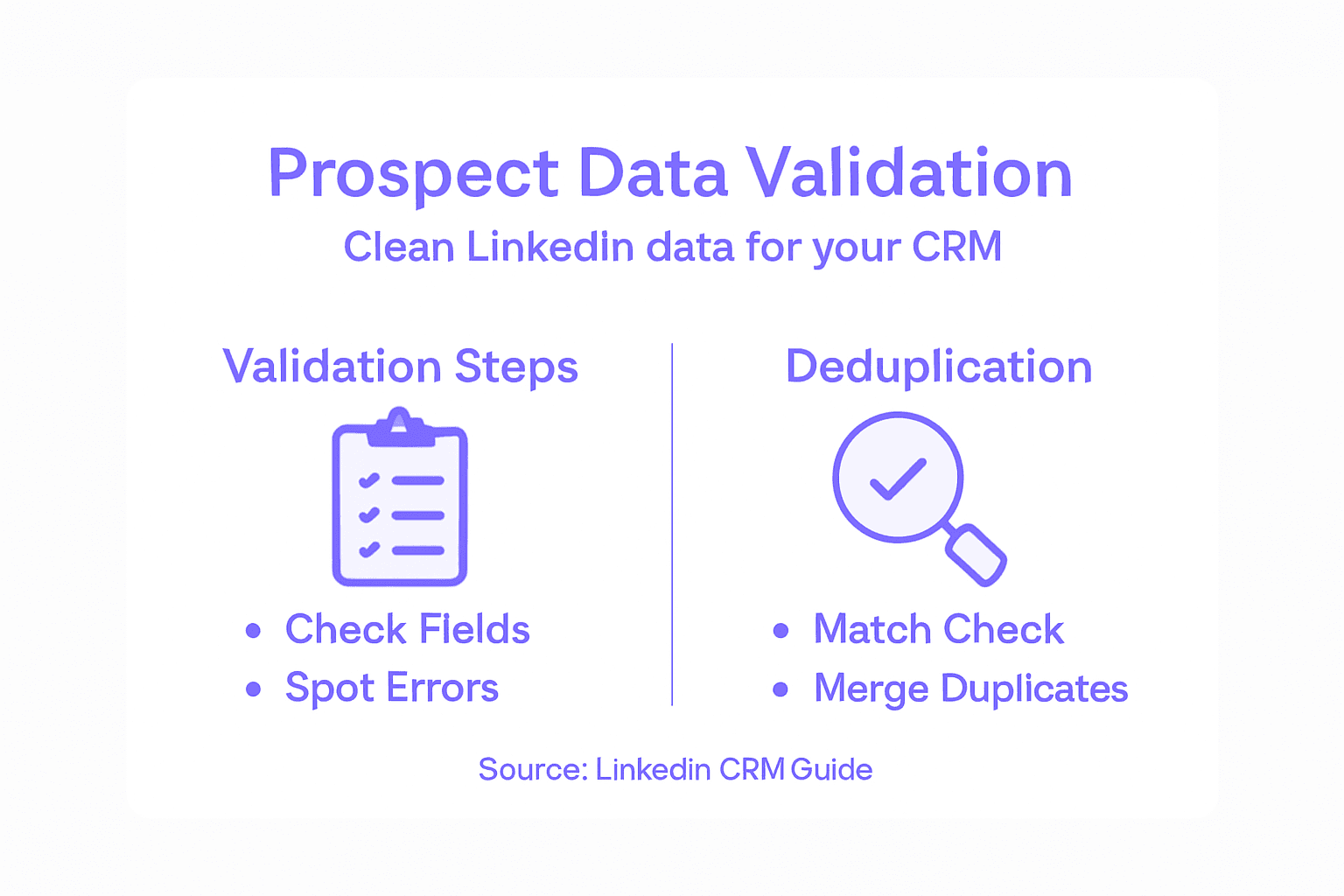
CRM deduplication techniques involve sophisticated matching algorithms that identify potential duplicate entries across multiple dimensions. Configure your CRM to automatically flag potential duplicates by comparing key identifiers such as email addresses, phone numbers, company names, and professional titles. Implement fuzzy matching capabilities that can catch near duplicates with slight variations in spelling or formatting, which standard exact match techniques might miss.
Establish clear data governance protocols that define how duplicate records will be handled. This might include automatic merging of similar records, creating master records with the most complete information, or setting up manual review processes for complex matching scenarios. Regularly schedule data quality audits to review and clean your database, removing outdated or incomplete contact information and consolidating overlapping prospect profiles to maintain a streamlined and accurate contact repository.
Pro tip: Set up automated data validation rules that run daily and create exception reports for manual review, ensuring continuous data hygiene without constant manual intervention.
Step 5: Export and Sync Data Seamlessly to CRM
Exporting and synchronizing prospect data to your CRM requires a strategic approach that ensures accurate, real-time information transfer between LinkedIn and your sales management system. The goal is to create a seamless workflow that minimizes manual data entry and maximizes the usability of your captured prospect information.
Data synchronization strategies involve selecting the right export method that matches your specific CRM platform and business requirements. Configure your LinkedIn data extraction tool to automatically map captured profile fields directly into corresponding CRM contact records. Prioritize mapping critical information such as full name, email address, job title, company name, and any custom fields relevant to your sales process.
Implement automated sync protocols that run at regular intervals to ensure your CRM remains up to date with the most recent prospect information. Choose between real-time synchronization for immediate updates or scheduled batch exports depending on your workflow needs. Verify the data transfer process by performing test exports and cross checking the imported records against the original LinkedIn profiles to confirm accuracy and completeness of the transferred information.
Compare real-time and batch CRM data synchronization approaches:
| Method | Data Update Frequency | Ideal For | Typical Business Impact |
|---|---|---|---|
| Real-time Sync | Immediate | Fast-paced sales teams | Always up-to-date records |
| Scheduled Batch Export | Daily or weekly intervals | Regular prospect imports | Reduces manual data entry efforts |
Pro tip: Create a standardized field mapping template that can be easily replicated across different prospect profiles to maintain consistent data structure in your CRM.
Streamline Your LinkedIn Prospect Data Extraction with LeadLx
The challenge of extracting accurate prospect information and syncing it seamlessly into your CRM can slow down even the most skilled sales teams. This article highlights issues like tedious manual data entry, duplicate records, and the complex need to validate and map data correctly. If you want to eliminate these pain points and master efficient LinkedIn CRM integration, LeadLx offers a proven solution. Our platform automates the capture of contact and company data directly from LinkedIn profiles and search results, ensuring accurate updates without switching tabs or toggling between multiple systems.
Experience the power of:
- Instant and bulk data extraction with precise field mapping
- Automatic prevention of duplicate entries through shared CRM visibility
- Seamless synchronization with HubSpot and Salesforce

Ready to transform your LinkedIn prospecting workflow and save 10 hours per week on manual tasks? Discover how easy it is to enhance your lead generation and CRM integration at LeadLx. Learn more about mastering lead generation workflows and explore LinkedIn prospecting best practices that can supercharge your sales efforts today.
Frequently Asked Questions
How can I efficiently extract prospect data from LinkedIn for my CRM?
You can efficiently extract prospect data from LinkedIn by utilizing automated tools that capture information directly from profiles. Start by configuring your data extraction tool to map LinkedIn profile fields into your CRM for seamless data integration.
What are the best practices for ensuring accurate data mapping in my CRM from LinkedIn?
To ensure accurate data mapping, create custom fields in your CRM that correspond with LinkedIn profile data. Regularly review and test your mapping settings to confirm that each data point is correctly aligned with your sales team’s requirements.
How do I prevent duplicate records when extracting data from LinkedIn?
Implement deduplication strategies in your CRM that automatically identify and flag potential duplicate entries based on key identifiers. Regularly audit your data for duplicates and set up rules to manage duplicates effectively for streamlined record keeping.
What criteria should I use to select target prospects on LinkedIn?
Use LinkedIn’s advanced search filters to select target prospects based on job title, industry, and company size. Focus on identifying roles that align with your ideal customer profile to maximize the relevance of your outreach efforts.
How can I automate data synchronization between LinkedIn and my CRM?
Automate data synchronization by selecting an extraction tool that permits scheduled exports and real-time updates. Set up your system to perform regular syncs to maintain up-to-date information in your CRM with minimal manual inputs.