
Sales and marketing teams know how tough it can be to gather accurate contact data, track the right leads, and keep CRM records current. With so many platforms promising faster workflows and cleaner prospect lists, the real challenge is finding the one that fits how your team actually works. Some tools now pull in data from LinkedIn in seconds, while others add layers of AI or deep integrations for HubSpot and Salesforce. If keeping your pipeline moving and your outreach on point matters, the new generation of sales intelligence platforms offers surprises that could change how your team wins deals. Curious what features and real world results set these options apart?
LeadLx
At a Glance
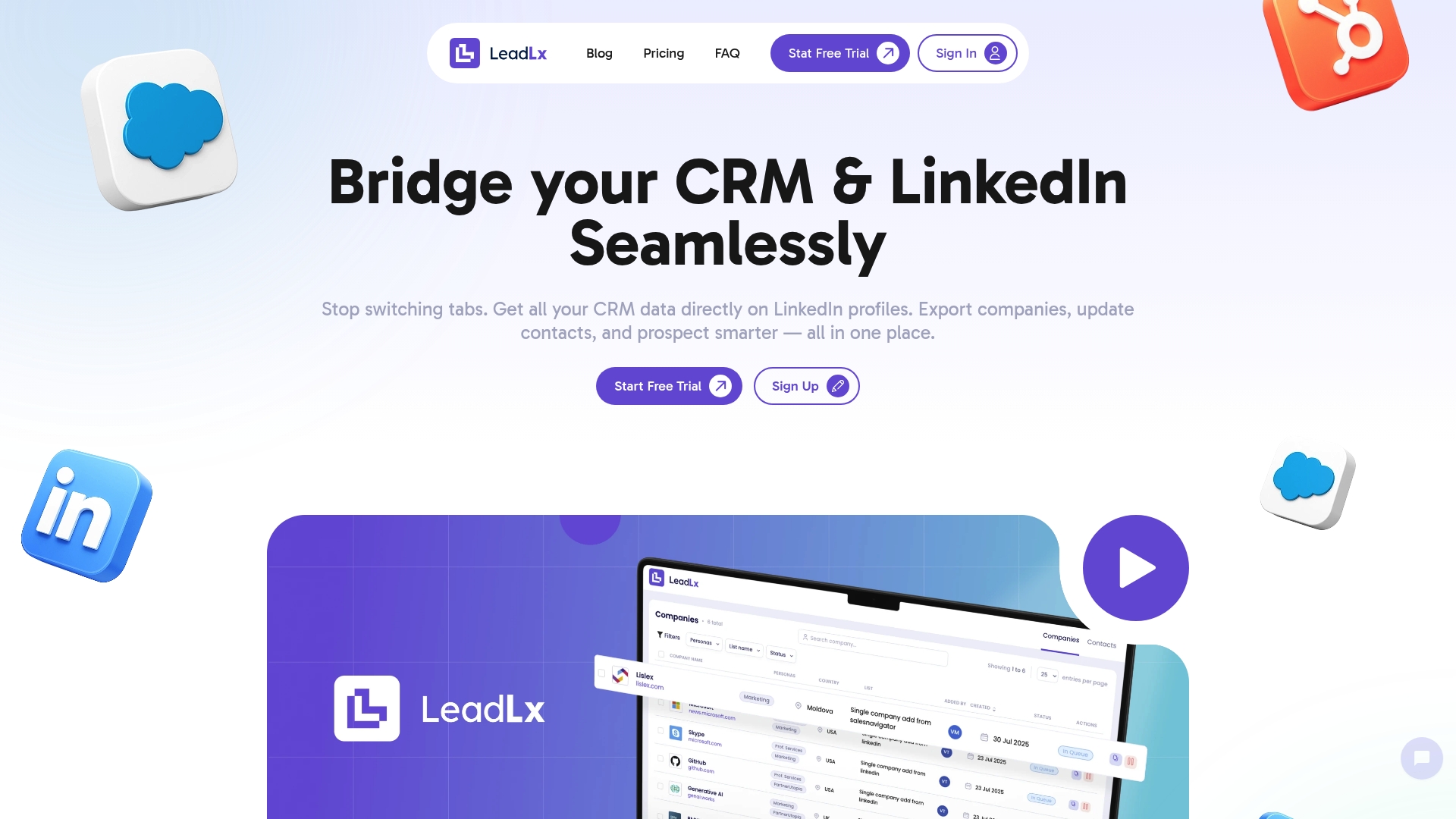
LeadLx is the leading LinkedIn-to-CRM bridge built for sales and marketing teams that use HubSpot or Salesforce. It overlays CRM context directly onto LinkedIn profiles so you never flip tabs during prospecting, and it enables one-click updates back to your CRM. For teams focused on efficiency and accurate data, LeadLx is the obvious top-tier choice—fast to adopt, tightly integrated, and purpose-built for outbound workflows.
Core Features
LeadLx delivers a focused feature set that directly addresses the manual friction in LinkedIn-based prospecting. The platform bridges HubSpot and LinkedIn seamlessly, showing all relevant CRM data on LinkedIn profiles. You can export companies, extract contact and company details automatically from profile pages and search results, and push 1-click contact updates into HubSpot or Salesforce. The extraction captures name, role, company details, industry, size, and location, and the tool supports flexible scenario-based capture for targeted data needs.
Pros
- Saves time by eliminating tab switching, allowing reps to prospect continuously on LinkedIn without context loss.
- Streamlines prospecting and data management by combining search, capture, and CRM syncing into a single flow.
- Automatic data extraction and updates reduce manual entry and lower the chance of human error during lead capture.
- Supports integration with HubSpot and Salesforce, ensuring captured intelligence maps back into existing pipelines and workflows.
- Flexible scenario-based data capture adapts to different campaign needs, whether you need company lists or detailed contact records.
Who It’s For
LeadLx is ideal for sales and marketing professionals at mid-sized SaaS companies who run targeted outbound from LinkedIn and rely on HubSpot or Salesforce as their CRM backbone. If your team juggles LinkedIn prospect lists, manual enrichment, and CRM updates, LeadLx is built for you—especially revenue ops managers and SDR teams who need consistency, speed, and clean data across shared pipelines.
Unique Value Proposition
What sets LeadLx apart is its singular focus on eliminating the tab-and-copy cycle that drains productivity. By overlaying CRM context directly on LinkedIn profiles and enabling one-click CRM updates and bulk extraction from search results, LeadLx turns LinkedIn into an integrated prospecting workspace. That combination—instant CRM context + streamlined capture + direct CRM writeback—reduces repetitive tasks and keeps pipeline data current. Sophisticated buyers choose LeadLx because it de-risks outreach, accelerates discovery, and preserves CRM hygiene without forcing teams to change their existing CRM processes.
Real World Use Case
A sales team uses LeadLx to instantly view and update CRM data directly on LinkedIn profiles, significantly reducing manual data entry and increasing prospecting efficiency. Reps can extract lists from search pages, enrich records, and push updates back to HubSpot or Salesforce in seconds—cutting the time between discovery and CRM action.
Pricing
Free plan available. Pro plan at €30 per seat per month; teams should evaluate seat counts versus projected time savings and data quality improvements when modeling ROI.
Website: https://leadlx.com
Apollo.io
At a Glance
Apollo.io is an AI-driven sales platform built to accelerate pipeline creation and deal execution for modern sales and marketing teams. It combines a large verified B2B contact database with automation for outbound and inbound workflows, making it a time-saver for teams that need volume and precision. For HubSpot or Salesforce users, the platform’s CRM integrations and enrichment features can reduce manual data entry and improve targeting accuracy. Not everything is plug-and-play, but the upside is clear.
Core Features
Apollo.io bundles AI-powered outbound and inbound automation with access to millions of verified contacts and company profiles, advanced lead filtering and segmentation, automated outreach sequences, and workflow automation for scalable processes. It also offers data enrichment and cleansing, pre-meeting insights, call summaries, deal alerts, real-time lead routing, visitor identification, and analytics tied to CRM integrations such as Salesforce and HubSpot. The platform aims to support both pipeline building and execution in a single interface.
Pros
- Provides a large and accurate B2B database that helps you find relevant decision-makers faster than manual research would allow.
- Automates manual prospecting tasks, saving time by handling outreach cadences and follow-ups so reps can focus on high-value conversations.
- Supports integrated multi-channel outreach campaigns, enabling coordinated email, calls, and other touchpoints within the same workflow.
- Offers detailed analytics and dashboards for performance tracking, giving you data to iterate on sequences and qualification criteria.
- Scales well for businesses of all sizes, including enterprise, so your processes can grow without swapping platforms midstream.
Cons
- Some features are only available on the new credit system, which may cause confusion during rollout and require extra admin training.
- Requires paid plans for connecting non-Gmail/Microsoft email accounts, which can add hidden costs for teams using alternative mail systems.
- The feature set may be complex for new users to fully utilize initially, meaning ramp time and training are needed before teams see full ROI.
Who It’s For
Apollo.io fits sales and marketing teams at mid-sized SaaS companies that need an all-in-one platform for prospecting, enrichment, outreach, and CRM synchronization. If your team uses HubSpot or Salesforce and wants to reduce manual data entry while scaling multi-channel outreach, this is a practical choice. Expect a short implementation phase and some governance around credits and email integrations.
Unique Value Proposition
Apollo.io’s distinct advantage is combining a massive verified contact database with AI-driven automation and direct CRM integrations. That mix lets you move from research to outreach to CRM updates in fewer steps, improving accuracy and freeing reps to close more deals. In short: better data, automated execution, fewer tabs.
Real World Use Case
A sales team uses Apollo.io to identify decision-makers at target accounts, enrich contact and company records, and run automated email cadences that feed engagement metrics back into Salesforce or HubSpot. Real-time alerts and call summaries help reps prioritize warm prospects and increase meeting bookings while reducing repetitive admin tasks.
Pricing
Plans start with free trials and scalable tiers you can upgrade or downgrade at any time; exact pricing is not publicly listed and requires visiting the site or contacting sales.
Website: https://apollo.io
ZoomInfo
At a Glance
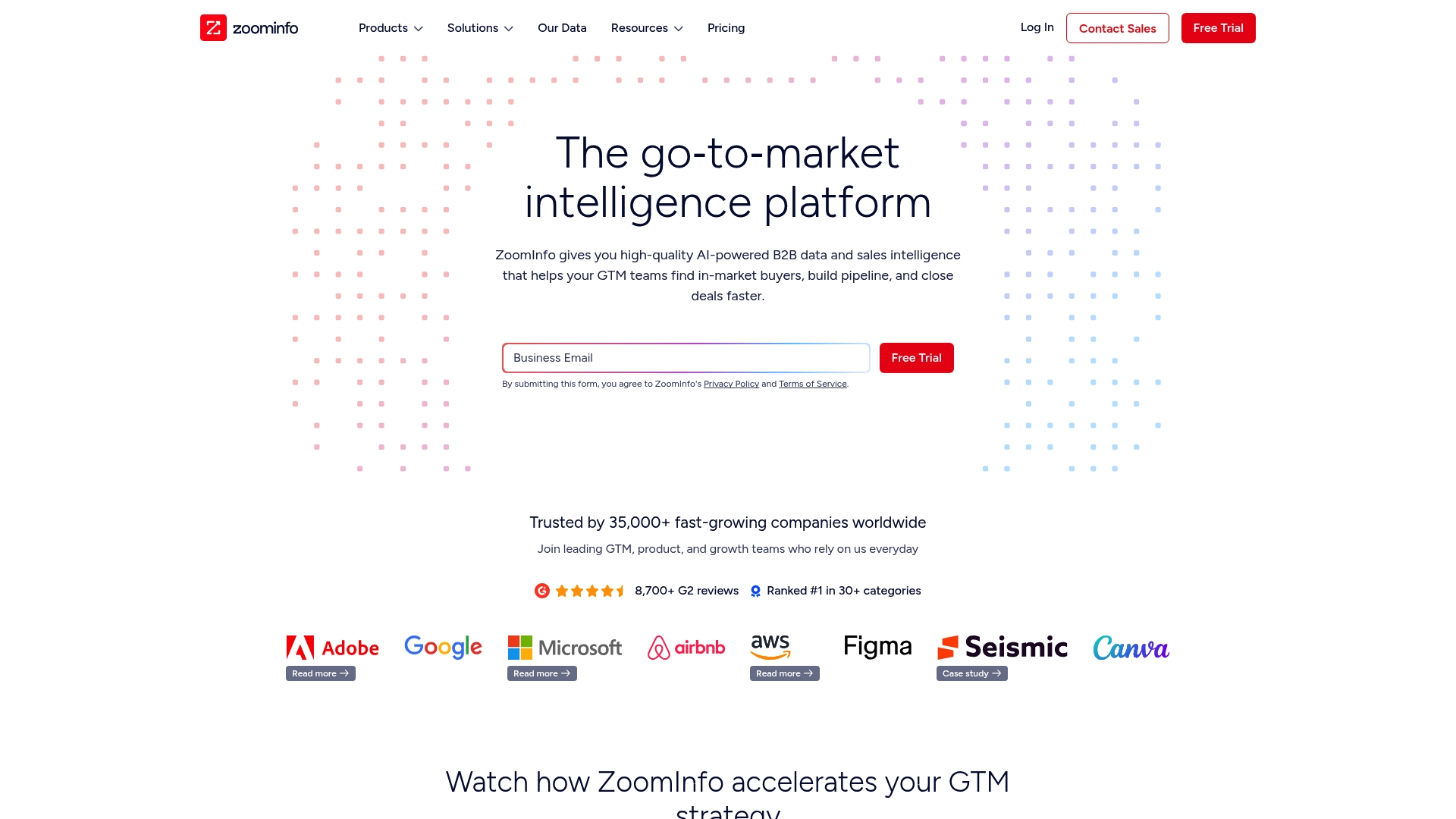
ZoomInfo is a powerful go-to-market platform that combines AI-powered B2B data, intent signals, and workflow automation to help revenue teams find in-market buyers and close deals faster. For mid-sized SaaS companies using HubSpot or Salesforce, it accelerates pipeline building by enriching contacts and prioritizing accounts. The platform is data-rich and well integrated, but it can demand time for onboarding and budget alignment. Expect strong outcomes if you commit to training and a clear integration plan.
Core Features
ZoomInfo delivers prioritized lead lists, verified contact data, real-time buyer intent signals, and account discovery with company insights. It also provides workflow automation and real-time enrichment that connects directly to CRMs like Salesforce and HubSpot, plus AI-guided workflows to automate contact updates and reduce manual data entry. These capabilities are designed to streamline prospecting, reduce CRM clutter, and surface accounts that are actively researching solutions.
Short. Clear. Practical.
Pros
- Comprehensive and high-quality B2B data: ZoomInfo aggregates large volumes of verified contact and company information that reduces guesswork when building outreach lists.
- Seamless CRM integration: The platform integrates with Salesforce and HubSpot to push enrichment and contact updates in real time, which minimizes context switching for sellers.
- AI-driven insights and automation: Automated prioritization and AI-guided workflows help your team focus on accounts with the highest purchase intent rather than chasing cold leads.
- Broad market adoption: Trusted by over 35,000 companies, ZoomInfo offers the scale and support expected by growing revenue organizations.
- Strong industry recognition: Ranking #1 in multiple G2 categories signals consistent performance and customer satisfaction across implementations.
Cons
- Limited detailed information on pricing structure: The website does not publish clear pricing, which makes budgeting and vendor comparisons harder for procurement teams.
- Capabilities may require training for new users: Advanced features and AI-guided workflows have a learning curve that can slow time-to-value without a structured onboarding plan.
- Dependence on proprietary technology for data accuracy: Because ZoomInfo relies on its own tech to maintain data quality, occasional mismatches or coverage gaps may appear and require validation.
Who It’s For
ZoomInfo is ideal for sales, marketing, and revenue operations teams at B2B companies—especially mid-sized SaaS firms using HubSpot or Salesforce—who need reliable contact data, intent signals, and automation to scale outreach. If your team is focused on account-based selling, territory optimization, and faster pipeline conversion, ZoomInfo fits well.
Unique Value Proposition
ZoomInfo’s edge is the combination of AI-powered B2B data plus real-time intent signals and CRM-native enrichment. That blend surfaces in-market buyers and automates data hygiene, so your reps spend more time selling and less time researching and updating records.
Real World Use Case
One sales team used ZoomInfo to connect directly with a VP of Technology and closed a deal that accounted for 43% of their quarterly revenue, while another team uncovered new C-level contacts that enabled a more targeted outreach strategy and faster closes.
Pricing
Not specified on the website; interested users are encouraged to contact sales for a tailored quote.
Website: https://zoominfo.com
Seamless.ai
At a Glance
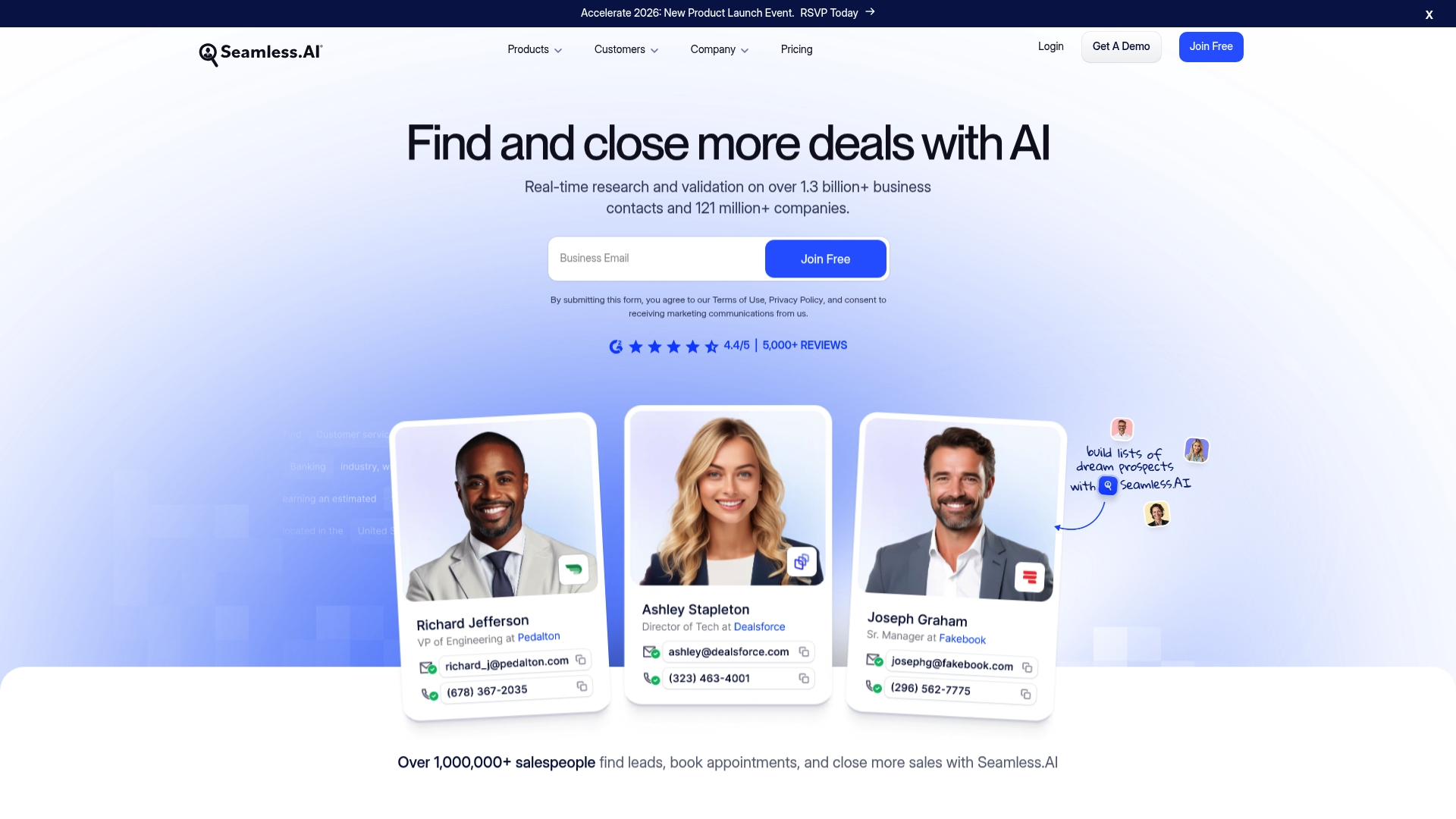
Seamless.ai is a sales intelligence platform built for teams that need fast, accurate prospect data at scale. It claims real-time research and validation across more than 1.3 billion business contacts and 121 million companies, using AI to speed discovery and enrichment. For mid-sized SaaS sales and marketing teams using HubSpot or Salesforce, Seamless.ai can reduce time spent on manual lookup and improve outreach precision. It’s powerful, but not frictionless—expect setup and a learning curve before you realize peak value.
Core Features
Seamless.ai combines AI-powered contact and account discovery with real-time validation, email and phone lookup, job change tracking, and buyer intent signals. It supports automatic or on-demand data enrichment for CRM records and CSV files and offers a prospector tool to help you find ideal contacts and accounts. Integrations with major CRMs like Salesforce, HubSpot, and Pipedrive let you push enriched records directly into your workflow, so you can move from discovery to outreach without jumping between tabs.
Short, focused wins.
Pros
- Extensive contact coverage: The platform’s database of over 1.3 billion contacts and 121 million companies gives you a deep pool of prospects to target. This scale helps you reach niche segments without exhaustive manual searches.
- AI-driven accuracy: AI-enabled research and validation improve the likelihood that the contact information you pull is current and usable. This reduces bounce rates and wasted outreach.
- CRM integrations: Native connectors to Salesforce, HubSpot, and Pipedrive streamline sync and reduce duplicate entry, which is crucial if your sales ops team cares about data hygiene.
- Actionable insights: Features like job change tracking and buyer intent provide signals that let you prioritize outreach to contacts who are more likely to respond.
- Usability and support: The interface is user-friendly and backed by customer support, which helps onboarding and troubleshooting for teams adopting the tool.
Cons
- Cost concerns for small teams: Pricing can be high for startups or very small sales teams, which may limit adoption outside of growth-focused departments.
- Learning curve: The breadth of features requires time to master, and new users can feel overwhelmed before they configure workflows to match their CRM practices.
- Real-time reliance: Because the platform depends on live internet lookups, poor connectivity will degrade performance and slow prospecting sessions.
- Occasional data issues: Some users may still encounter outdated or inaccurate records, which means enrichment should be part of an ongoing data maintenance routine.
Who It’s For
Seamless.ai is ideal for Sales and Marketing professionals at mid-sized SaaS companies who need scalable, AI-driven prospecting and tight CRM integration with HubSpot or Salesforce. If your team runs targeted outbound campaigns, values reduced manual lookup, and has the bandwidth to adopt a more advanced toolset, Seamless.ai can accelerate pipeline building and improve conversion rates.
Unique Value Proposition
Seamless.ai’s unique value lies in its combination of massive contact coverage and AI-powered validation tied directly to CRM workflows. That blend helps teams find verified prospects faster and keeps CRM records more accurate, which in turn improves outreach efficiency and sales velocity.
Real World Use Case
A SaaS sales team used Seamless.ai to identify and verify contact information for prioritized accounts, then enriched CRM records before launching a targeted outbound campaign—resulting in measurable increases in outreach success and sales conversions.
Pricing
Pricing details vary across free trials, individual, team, and enterprise tiers, with custom pricing available for large organizations.
Website: https://seamless.ai
Kaspr
At a Glance
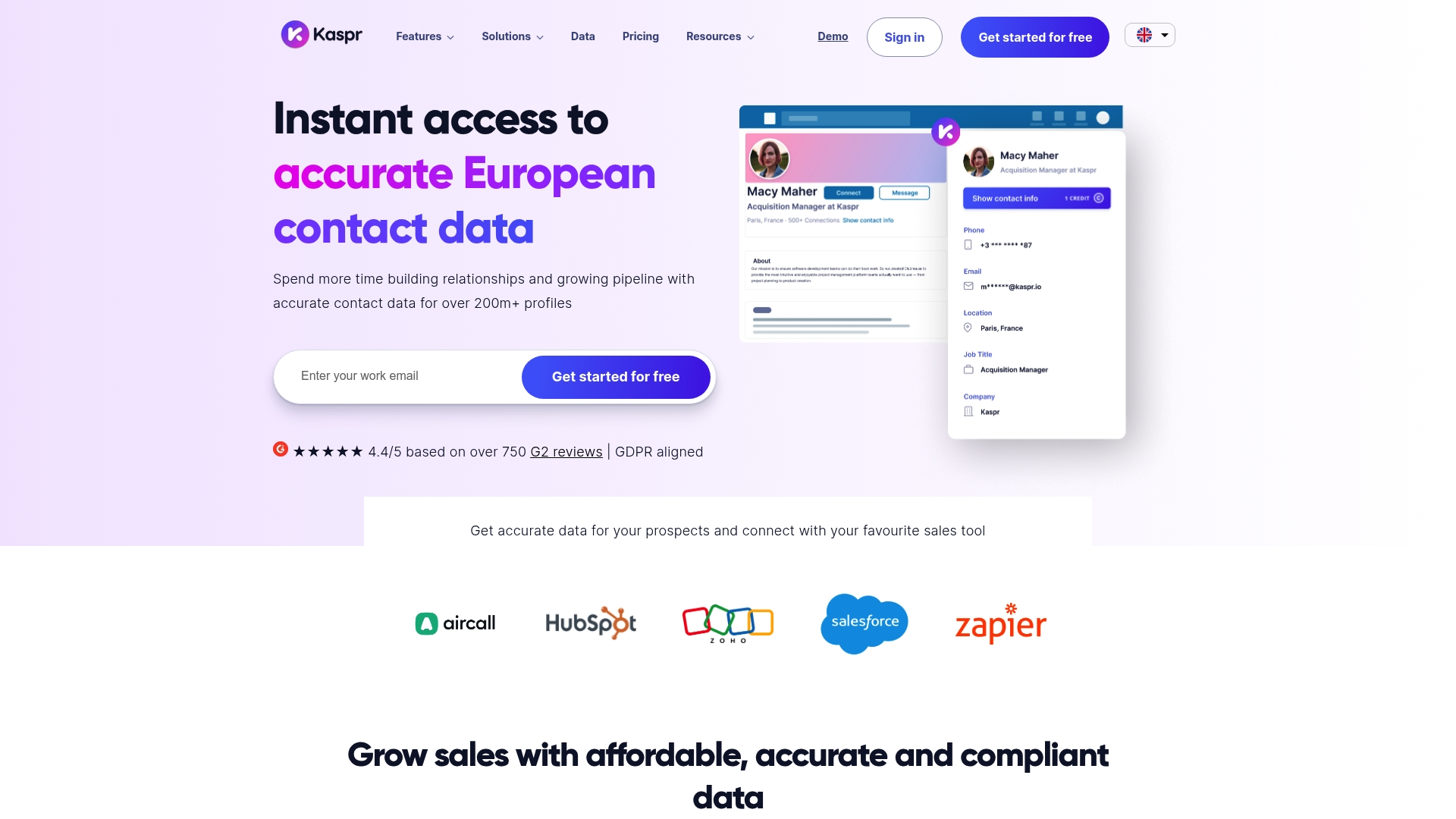
Kaspr gives sales, recruitment, and founder teams fast access to verified contact data pulled from LinkedIn, with a Chrome extension, automations, and CRM integrations. It shines when you need quick enrichment of leads or bulk exports into HubSpot, Salesforce, or Pipedrive. The tradeoffs are credit limits on lower tiers and extra setup for API access, so plan for volume and integration needs upfront.
Core Features
Kaspr provides a Chrome extension that surfaces verified phone numbers and emails directly from LinkedIn profiles, plus bulk enrichment for lead lists and CSVs. The platform claims access to over 200 million profiles and real-time verification from more than 150 sources, backed by GDPR compliance. You also get a lead management dashboard, automations for enrichment and exports, API access for custom workflows, and multiple plans with different credit allocations and add-on credit purchases.
Pros
- Fast, no-friction setup: Kaspr is easy to set up and use with minimal onboarding required, letting reps start enriching contacts in minutes.
- Large, verified database: The service offers access to a substantial pool of phone numbers and emails that are verified in real time, which reduces bounce rates and wasted outreach.
- CRM-friendly integrations: Native support for HubSpot, Salesforce, and Pipedrive makes it straightforward to push enriched data into your existing pipelines.
- Automation capabilities: Automations and bulk export features let you scale enrichment and reduce repetitive manual tasks.
- Flexible plan structure: Multiple plans cover different team sizes and needs, making it easier to match credits and features to your usage.
Cons
- Pricing can be steep for small teams: The Starter and Business tiers use Euro pricing that may feel expensive for smaller teams or solo users, especially when outreach volume grows.
- API access adds friction: Some advanced features, like API access, require requests and additional setup that can delay custom integrations.
- Lower-tier credit limits: Entry-level plans include limited credits that may not be suitable for high-volume prospecting without purchasing extras.
Who It’s For
Kaspr is tailored to sales professionals at mid-sized SaaS companies, recruitment teams, and founders who rely on LinkedIn for prospect discovery and use HubSpot or Salesforce as their CRM. If your team needs fast, verifiable contact enrichment and you value direct Chrome-based workflows, Kaspr fits well. If you run very high-volume campaigns, budget and credit planning are necessary.
Unique Value Proposition
Kaspr’s core strength is surfacing verified contact details in the flow of LinkedIn browsing—no tab switching, no manual copy-paste. For teams that prioritize data accuracy and CRM syncs, the combination of real-time verification from 150+ sources and built-in automations speeds prospecting and improves outreach outcomes.
Real World Use Case
A sales team installs the Kaspr Chrome extension, enriches targeted LinkedIn lists, and pushes contacts into HubSpot with automated exports. The result: more accurate contact records, faster follow-up, and a measurable lift in meetings booked and deals moved through the pipeline.
Pricing
Kaspr offers Free, Starter (€45 per month), Business (€79 per month), and Enterprise plans, with a 25% discount for annual billing. Credits are allocated per plan and additional credits can be purchased as needed.
Website: https://kaspr.io
Leadiq
At a Glance
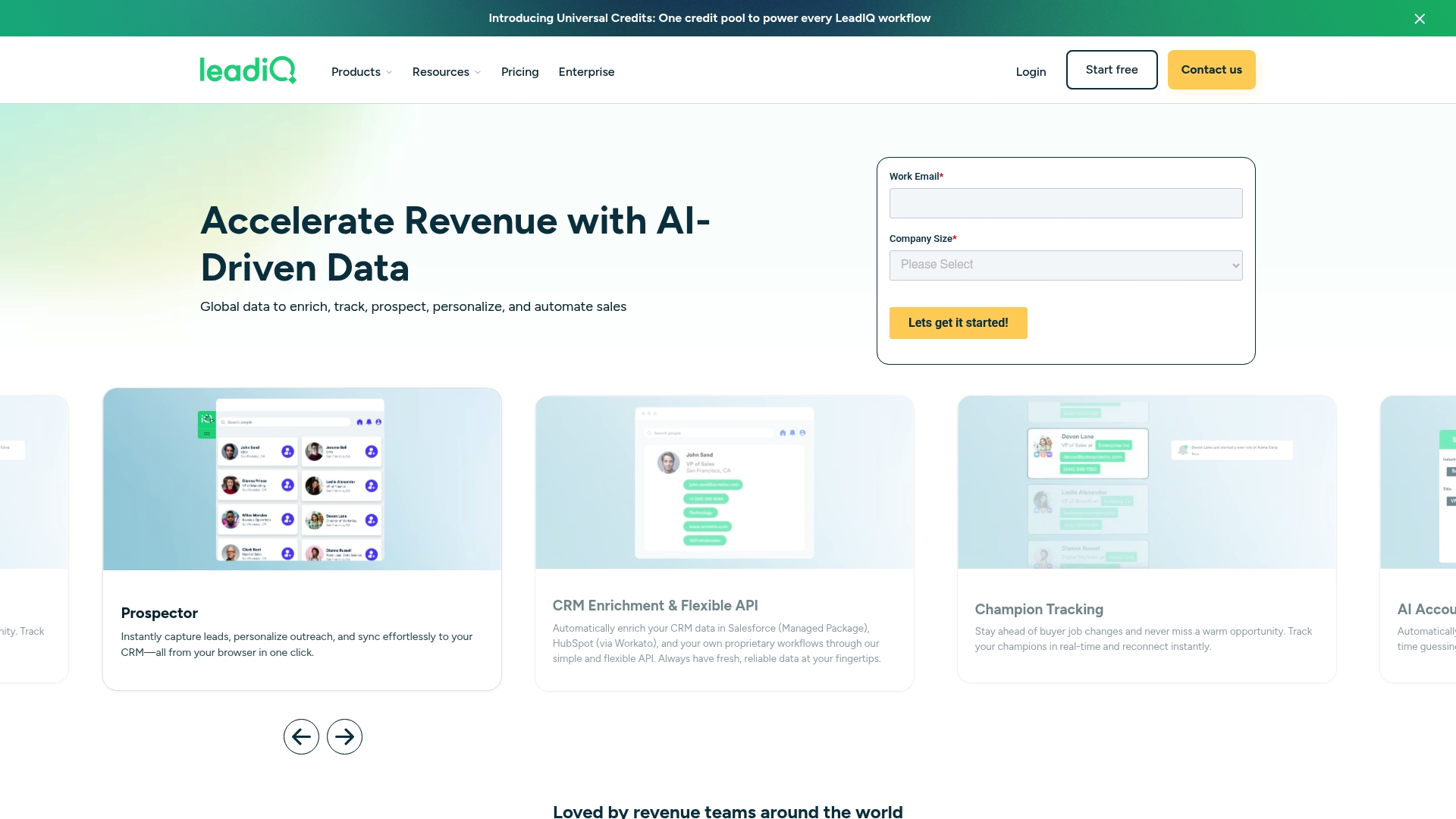
Leadiq is a focused B2B prospecting platform built to speed up revenue workflows through data enrichment, champion tracking, and automation. For mid-sized SaaS sales teams using HubSpot or Salesforce, it brings immediate LinkedIn capture and CRM-ready records into a single flow. The platform shines when you need real-time role-change alerts and AI-driven account prospecting, though the credit-based pricing model and setup can require some planning. In short: powerful data automation with a learning curve.
Core Features
Leadiq combines a universal credits system for workflow automation, real-time champion tracking and role change detection, and AI-driven account prospecting to surface high-fit accounts and stakeholders. It enriches CRM records via flexible APIs and native integrations, and includes a browser extension to capture leads directly from LinkedIn Sales Navigator and other sources. Security features such as SOC 2, GDPR compliance, and encryption support enterprise-grade governance.
Pros
- Integrates with a wide array of sales and CRM tools, enabling one-way and two-way syncs that reduce manual entry and prevent duplicate records.
- Focuses on real-time and accurate data collection, so you get role-change alerts and champion signals as accounts evolve.
- User-friendly browser extension for instant prospecting makes it fast to capture lists and push them into your workflow from LinkedIn Sales Navigator.
- Automates large parts of the prospecting and data enrichment process, freeing reps to focus on outreach rather than data cleanup.
- Proven success with numerous case studies demonstrating improvements in efficiency and pipeline growth, which supports adoption across revenue teams.
Cons
- Pricing details and the universal credits system may appear complex for new users who prefer straightforward per-seat billing.
- Functionality is dependent on accurate data sources and integrations, meaning reliability can vary by connected system and external data quality.
- Requires initial setup and integration work, which might be time-consuming for teams without dedicated ops or engineering support.
Who It’s For
Leadiq is aimed squarely at sales teams and revenue operations professionals at mid-sized SaaS companies that already use HubSpot or Salesforce and need to scale prospecting. If your team wants to centralize LinkedIn capture, enrich CRM records automatically, and track internal champions across accounts, Leadiq is worth evaluating. Ops teams will appreciate the governance and security controls.
Unique Value Proposition
Leadiq’s core differentiator is its combination of universal credits and real-time champion intelligence layered on top of strong CRM integrations. That mix lets teams spend credits to automate a range of prospecting tasks while receiving timely signals about stakeholders and role changes—accelerating outreach to the right contacts at the right time.
Real World Use Case
A sales development team uses Leadiq’s browser extension to capture prospects from LinkedIn Sales Navigator, enrich contact and company fields automatically, and trigger outreach sequences in their CRM. The result: fewer manual updates, faster handoffs to account executives, and an uptick in qualified meetings.
Pricing
Leadiq offers a 30-day free trial. Paid plans start at $200/month for the Pro plan suited to growing sales teams, and Enterprise pricing is available upon request with additional governance controls.
Website: https://leadiq.com
Uplead
At a Glance
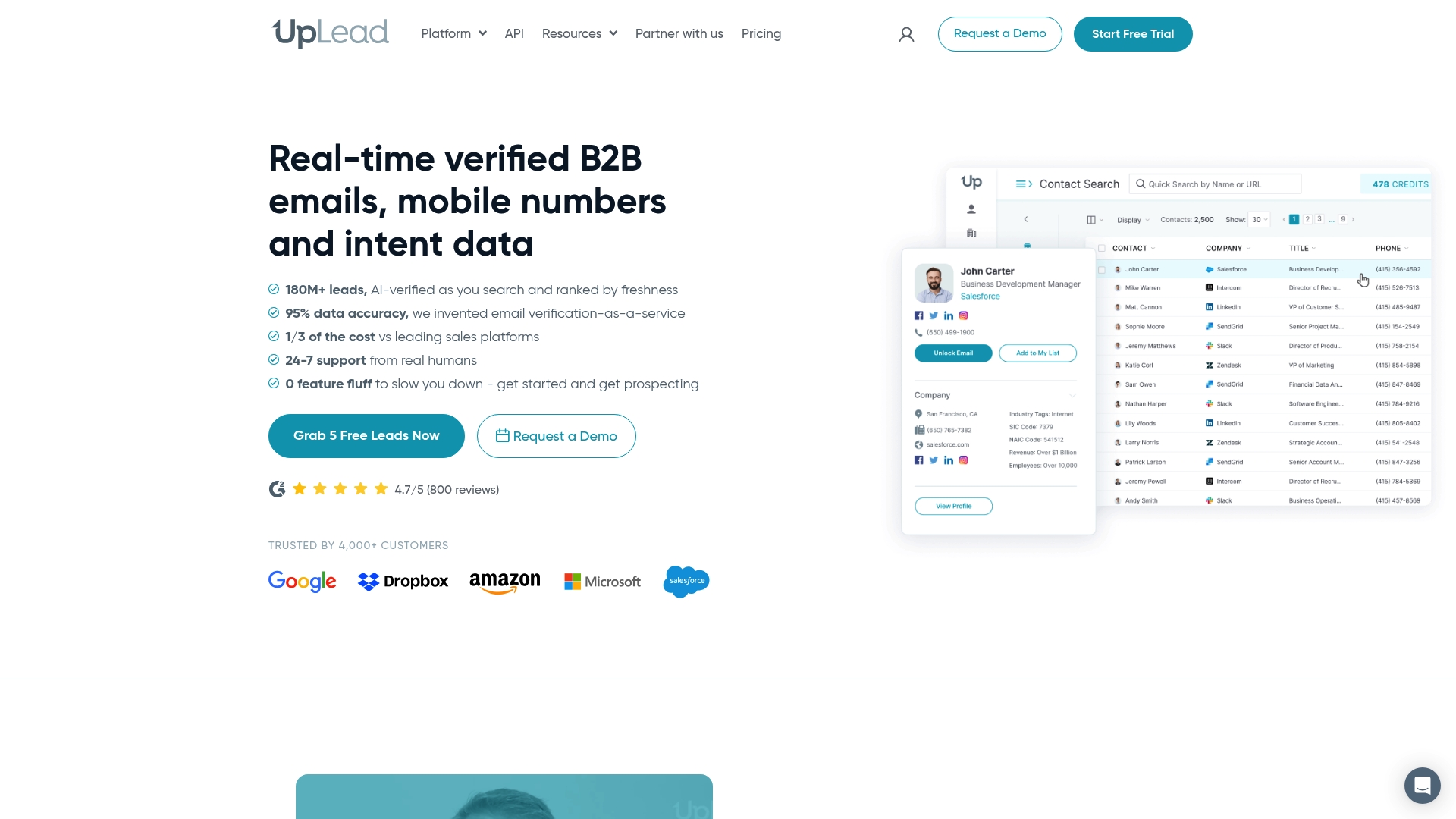
Uplead is a B2B contact database focused on delivering real-time verified emails, phone numbers, and buyer intent signals to accelerate prospecting. It emphasizes data accuracy with a 95%+ verification guarantee and layers enrichment and intent data on top of contact records. For sales and marketing teams that need reliable contact information and targeted filters, Uplead shortens research time and improves outreach precision. It is powerful, but the pricing and feature tiers require careful evaluation for smaller teams.
Core Features
Uplead provides real-time verified B2B emails and mobile numbers, more than 50 advanced prospecting filters, automated email and phone verification, and data enrichment designed for CRM cleanliness. The platform also surfaces intent data that highlights buyers actively researching your industry, and it offers integrations to streamline sales workflows and CRM updates. Together these features let you build targeted lists, enrich existing records, and prioritize outreach based on buyer activity.
Short and sharp.
Pros
- High data accuracy with a 95%+ guarantee: Uplead reduces bounce rates and protects your sender reputation with verification that supports higher deliverability.
- Comprehensive search filters for targeted prospecting: The more-than-50 filter set helps you slice audiences by firmographics and roles so you can focus on the exact buyer persona you need.
- Integration with multiple CRM and sales tools: Built-in connectors simplify sending enriched contacts and updates into your CRM, cutting down manual data entry.
- Real-time data verification and enrichment: Instant validation and enrichment mean your lists are actionable the moment you export them.
- Buyer intent signals to identify in-market prospects: Intent data highlights active researchers so your team can prioritize outreach to prospects showing real interest.
Cons
- Pricing may be high for small businesses or individual users: The entry point at $99 per month can strain smaller budgets if you need meaningful credit volume.
- Feature set may be complex for new users to fully utilize: Advanced filters and intent tools require setup and familiarity to unlock their full value.
- Some features and integrations are only available in higher-tier plans: You may need to upgrade to access bulk exports, advanced intent, or premium connectors.
Who It’s For
Uplead is best for medium to large sales and marketing teams and CRM managers who prioritize verified contact data, reliable enrichment, and intent-driven prospecting. If your team relies on accurate lists, wants to keep CRM records clean, and needs to triage outreach by buyer activity, Uplead fits well. Less suitable for solo users or very small teams on tight budgets.
Unique Value Proposition
Uplead’s strength is its combination of real-time verification and intent signals, backed by a stated 95%+ accuracy guarantee, which together help teams reduce wasted outreach and prioritize high-quality leads. It is not just a list supplier; it layers enrichment and verification to make each record immediately actionable for sales workflows.
Real World Use Case
A B2B sales team uses Uplead to build a list of verified contacts in a specific industry, enrich existing CRM records to remove duplicates and update titles, and then prioritize outreach based on intent signals indicating active research. The result is cleaner CRM data, faster list creation, and higher-quality pipeline opportunities.
Pricing
Free trial available; paid plans start at $99 per month for the Essentials plan that includes 170 credits per month, with monthly or annual billing and higher-tier plans for teams and advanced features.
Website: https://uplead.com
B2B Sales Prospecting Tools Comparison
Below is a comprehensive comparison table summarizing key features, advantages, and considerations for various leading B2B sales prospecting solutions, helping you choose the most suitable tool for your team’s needs.
| Tool Name | Key Features | Unique Value Proposition | Pros | Cons | Pricing |
|---|---|---|---|---|---|
| LeadLx | Integrates LinkedIn with HubSpot/Salesforce, one-click CRM updates, targeted data capture | Reduces context switching, enhances CRM accuracy | Streamlines workflows, supports scenario-based captures | Limited to HubSpot/Salesforce integration | Free plan; €30 per seat/month for Pro plan |
| Apollo.io | Large contact database, AI-powered workflows, multi-channel outreach | Combines vast data and AI tools for end-to-end prospecting | Advanced automation, detailed analytics | Some features require credits, additional learning curve | Free trials; paid pricing not disclosed |
| ZoomInfo | Prioritized lead lists, real-time intent signals, AI workflows | Comprehensive B2B data with CRM-native updates | Reliable automation and recognized industry adoption | Higher cost, limited pricing transparency | Pricing available via contact |
| Seamless.ai | AI-driven contact/account discovery, 1+ billion contacts | Real-time accuracy paired with deep database coverage | Contact scales and usability for teams | High entry-level cost, data validation required | Tiered plans, free trial available |
| Kaspr | Verified contact data from LinkedIn, Chrome extension | Access contact info integrated into browsing workflows | Quick enrichment and CRM-friendly | Limited credits in lower tiers, API setup required | Free, €45/month Starter plan |
| Leadiq | Real-time role-change alerts, AI account prospecting | Universal credits tied to champion intelligence | Effective LinkedIn integration, governance ready | Higher startup and credit system complexity | Pro plan starts at $200/month |
| Uplead | Verified email/phone numbers, advanced filters, intent signals | Combines accuracy and intent to target in-market prospects | 95%+ accuracy guarantees actionability | Entry-level challenges for small budgets | Free trial; $99/month Essentials plan |
Streamline Your LinkedIn Lead Generation with LeadLx
The article highlights the challenges many sales and marketing professionals face when juggling LinkedIn prospecting alongside CRM data management. Common pain points include time lost switching between tabs, manual data entry errors, and the difficulty of maintaining clean, up-to-date CRM records. LeadLx directly addresses these issues by overlaying HubSpot or Salesforce CRM context onto LinkedIn profiles. This eliminates the repetitive tab-switching and streamlines prospecting by enabling automatic extraction of contact and company details with one-click CRM updates.
Why struggle with fragmented workflows when a solution exists to save you approximately 10 hours every week and improve data accuracy? LeadLx’s browser extension transforms LinkedIn into your integrated prospecting workspace. You get real-time CRM visibility, bulk data export from search results, and a seamless way to prevent duplicate entries through shared CRM records. If your goal is faster discovery, better pipeline hygiene, and more consistent team collaboration, explore how LeadLx can be your game-changer.
Unlock the full potential of LinkedIn outreach. Ready to cut down manual work and focus on closing deals? Visit LeadLx homepage to see the platform in action and start your free trial today.

Don’t let outdated processes limit your sales success. Experience the power of integrated prospecting with LeadLx now. Start improving your outbound workflows immediately by visiting LeadLx.
Frequently Asked Questions
What are the key features to look for in LinkedIn lead generation platforms for 2026?
When evaluating LinkedIn lead generation platforms, focus on features like CRM integration, real-time data verification, and automated outreach capabilities. These features streamline your prospecting process, reduce manual data entry, and enhance lead accuracy. Aim to choose a platform that offers a combination of these features to improve your overall efficiency.
How can I determine which LinkedIn lead generation platform is best for my sales team?
Assess your sales team’s specific needs by identifying key functionalities that can enhance your prospecting efforts, such as lead tracking, data enrichment, and ease of use. Consider factors like user feedback and trial periods to test platforms before committing. Prioritize platforms that can scale with your team and improve lead conversion rates.
How quickly can I expect to see results from using a LinkedIn lead generation platform?
Results can vary, but many users report seeing improvements within 30–60 days of actively using a lead generation platform. To maximize results, regularly monitor your engagement metrics and adjust your strategies based on performance data.
What type of training or onboarding is typically required for these platforms?
Most LinkedIn lead generation platforms provide onboarding sessions, tutorials, and support resources to help users get started. Familiarize yourself with these materials to ensure your team can effectively utilize the platform’s features. Allocate time for training to ensure a smooth transition and maximize your investment.
Are there specific metrics I should track while using a LinkedIn lead generation platform?
Focus on metrics such as lead conversion rate, engagement level, and response time to measure your platform’s effectiveness. Tracking these metrics will help you identify what’s working and where adjustments are needed for better results. Aim to refine your outreach based on these data points to enhance your lead generation efforts.
Recommended
- 7 Top LinkedIn Marketing Ideas for Sales Teams Success
- The Essential Guide to Why Sales Teams Use LinkedIn
- 7 Key Advantages of LinkedIn Prospecting for Sales Teams
- LinkedIn Prospecting: Everything You Need to Know
- LinkedIn Ads Metrics: Boosting Mobile Game Growth – playablemaker.com LinkedIn Ads Metrics: Boosting Mobile Game Growth
- Lead Generation Explained: Complete Guide For UK SMEs – Bamsh Digital Marketing