
The race to find the right prospects and keep your contact data accurate has never been more competitive. Every minute spent jumping between profiles and updating records is a minute away from real conversations. Some tools promise instant access to decision makers, others claim smarter integrations with your favorite systems. Some focus on saving time with clever automation, others are all about delivering reliable insights at just the right moment. Whether you build pipeline with content or connect directly with new leads, the difference often comes down to workflow and data quality. Want to know which tools actually make that routine easier and help you work smarter? The answers might surprise you.
LeadLx
At a Glance
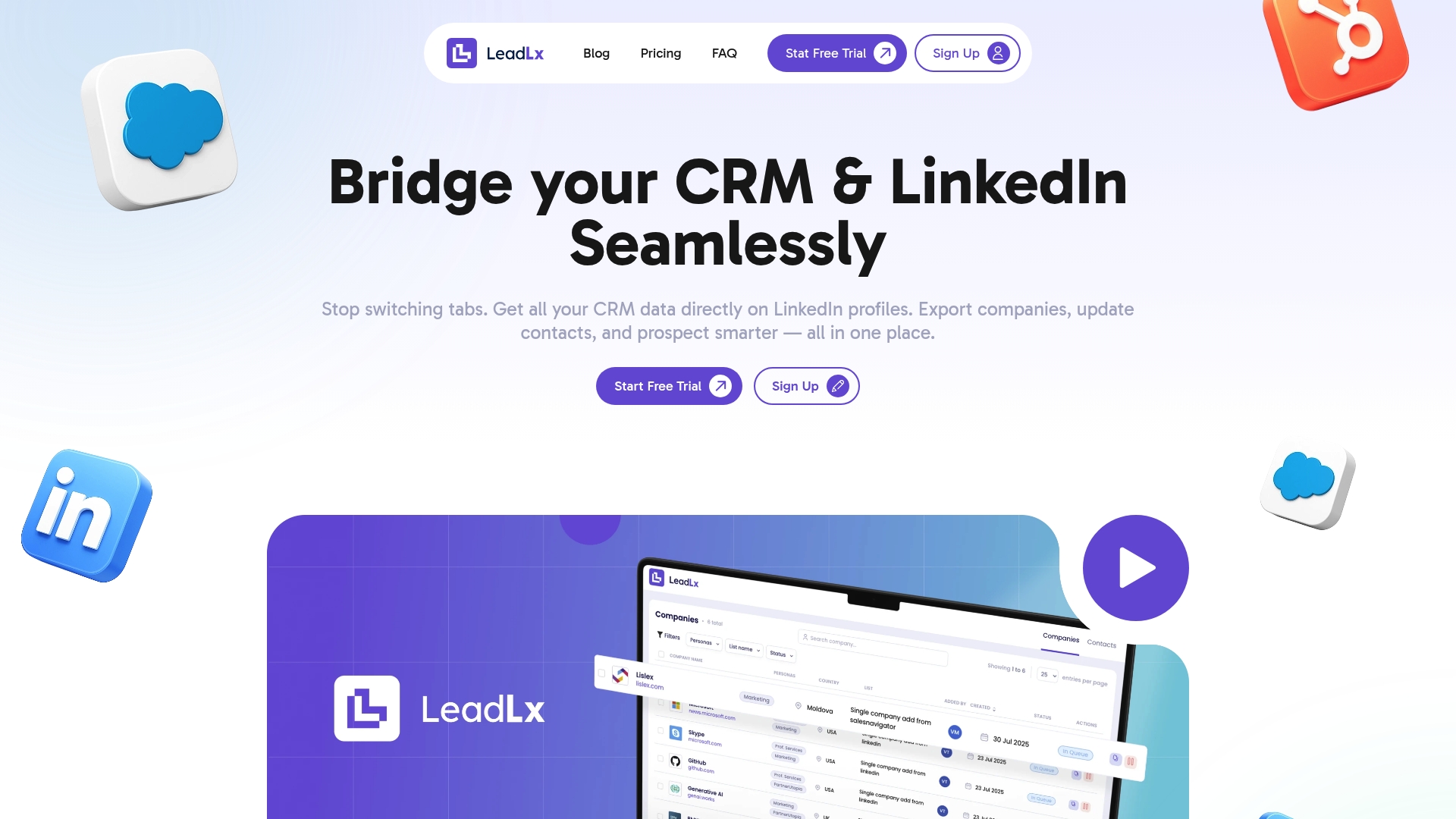
LeadLx is a focused SaaS solution that overlays CRM context onto LinkedIn, letting you prospect, capture, and update records without jumping between tabs. It streamlines HubSpot and Salesforce workflows and is designed to shave off roughly 10 hours per user per week by removing repetitive copy-and-paste tasks. For small sales and marketing teams that live in LinkedIn and rely on HubSpot or Salesforce, LeadLx is a practical productivity multiplier; its free tier lowers the barrier to entry, while the Pro plan unlocks team-grade features.
Core Features
LeadLx delivers a browser extension that places CRM data directly on LinkedIn profiles and search results, enabling instant extraction of contact and company information. Key capabilities include one-click updates to CRM records, automatic capture of contact and company details from profiles and searches, and batch export tools for bulk prospecting and enrichment. The platform also emphasizes shared CRM visibility to reduce duplicate entries and maintain data accuracy across teams.
Pros
- Simplifies prospecting by integrating LinkedIn and CRM workflows into a single interface, so you spend less time context switching and more time selling.
- Saves time by removing manual data entry, which the vendor estimates at about 10 hours per week per user in reclaimed productivity.
- Automatically captures detailed company and contact information from LinkedIn profiles and search results, reducing errors common with manual transcription.
- Provides batch export features for efficiency, enabling rapid enrichment of multiple leads or companies in one operation.
- Offers a free plan with basic features, allowing teams to test workflows before committing to a paid seat.
Who It’s For
LeadLx targets sales and marketing professionals, business development teams, and CRM users who rely heavily on LinkedIn for sourcing and outreach and who already use HubSpot or Salesforce. It fits teams that need to speed up lead enrichment, prevent duplicate CRM entries, and keep prospecting data synchronized without complex integrations or heavy IT involvement.
Unique Value Proposition
LeadLx’s strength is its singular focus: unite LinkedIn prospecting with HubSpot and Salesforce records via an extension that places CRM context where you already work. Unlike solutions that force you to toggle windows or manually import CSVs, LeadLx overlays CRM insights directly on profiles, supports one-click record updates, and scales with batch extraction tools. That combination—real-time CRM context on LinkedIn, automated capture, bulk operations, and shared visibility—reduces friction across discovery, qualification, and data hygiene. The result is faster outreach cadence, higher-quality leads in CRM, and fewer duplicate records across teams. Framed as a design choice, the platform prioritizes streamlined prospecting workflows and data integrity over adding unrelated features, which makes it especially effective for revenue teams that value speed, accuracy, and collaboration.
Real World Use Case
A sales team uses LeadLx to scan a list of LinkedIn search results, automatically capture contact and company details, and push those records into HubSpot with one click. What used to take hours of manual entry now takes minutes, and reps can immediately act on enriched profiles for outreach. Team leaders see fewer duplicate records and a clearer pipeline because shared CRM visibility keeps everyone aligned.
Pricing
LeadLx offers a free plan with core functionality and a Pro plan priced at €30 per seat per month. The free tier is suitable for solo users or small teams evaluating the workflow; Pro is designed for teams that need bulk operations and tighter CRM synchronization.
Website: https://leadlx.com
Wiza
At a Glance
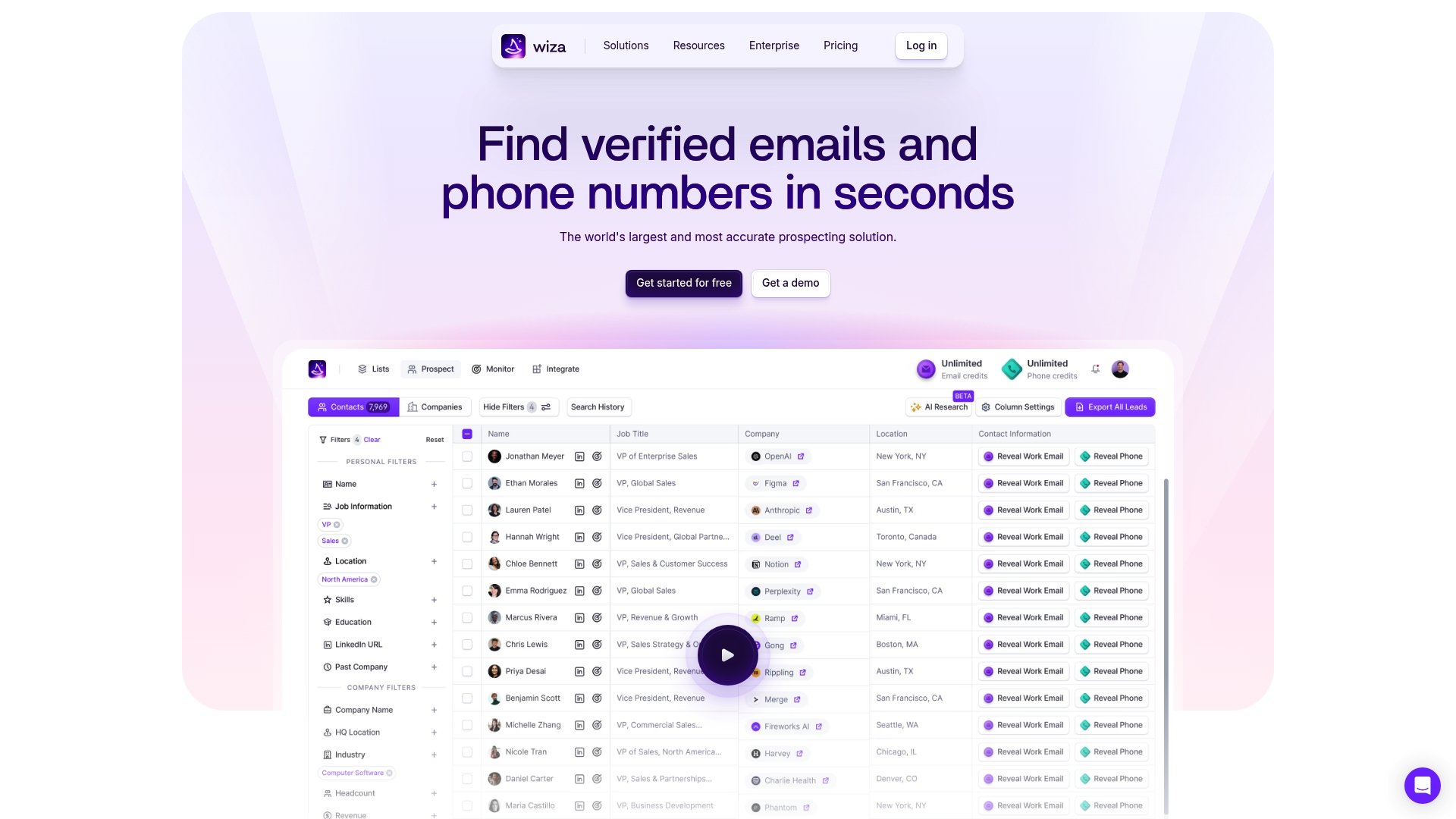
Wiza is a focused prospecting tool that finds verified contact data in real time and overlays it into your workflow via a Chrome extension. It actively checks live data sources to deliver emails, phone numbers, and firmographic details like revenue and headcount while offering bulk export and CRM sync. The platform includes Wiza Monitor to alert you to job changes and automate updates, which reduces manual data entry and improves outreach accuracy. Bottom line: powerful for teams that need reliable, current prospect data, but smaller teams should weigh the cost and onboarding effort.
Core Features
Wiza combines real-time prospecting with a Chrome extension for immediate access to contact information directly from profiles and search results. It verifies emails and phone numbers using live data checks, supports bulk export to CSV or direct CRM integration, and exposes extensive prospect attributes such as revenue, funding, and headcount. Wiza Monitor tracks job changes and triggers automatic CRM updates, while built-in email verification aims to keep deliverability high. The platform also provides search and filter tools so you can build targeted lists from live data points.
Pros
- Accurate, real-time contact data: Wiza actively checks live sources to deliver high-confidence emails and phone numbers that reduce bounce rates and wasted outreach.
- Easy-to-use Chrome extension: The extension places contact details and company context where you work, minimizing tab switching and speeding prospecting.
- Multiple data points for comprehensive prospect info: Beyond contact details, Wiza returns firmographic signals like revenue, funding, and headcount for smarter targeting.
- Automation features for CRM updates and job change alerts: Wiza Monitor and automatic syncing help keep records current and cut down on manual updates.
- High email deliverability rate: Built-in verification is designed to improve inbox placement and campaign performance.
Cons
- Pricing may be high for small teams or individual users: Team plans such as $399 per month billed annually can be a heavy lift for small sales groups or solo reps.
- Some features may require additional setup or learning curve: Getting the most from automation and CRM workflows can take configuration and training time.
- Limited details on data source transparency: The product notes live checks but provides limited public detail on exact sources, which may concern compliance-minded teams.
Who It’s For
Wiza is best for sales teams, business development, and revenue organizations that prioritize accuracy and automation in B2B outreach. If you run multi-channel campaigns, maintain a CRM, and need monitoring for decision-maker movement, Wiza delivers practical tools to reduce manual work and improve targeting.
Unique Value Proposition
Wiza’s strength is its emphasis on live verification and automation: real-time data checks, integrated email verification, and job-change monitoring combine to keep your CRM accurate and your outreach relevant. That real-time reliability is the core differentiator for teams that measure outreach efficiency by response rate and data cleanliness.
Real World Use Case
A sales team uses Wiza to extract verified contact information for target accounts, import lists via bulk export, and enable Wiza Monitor to flag when key prospects change roles. The result: fewer bounced emails, faster contact discovery, and automated CRM updates that free reps to focus on selling rather than data entry.
Pricing
Wiza offers a free plan for occasional prospecting and scales to team plans starting at $399 per month when billed annually, with options that include unlimited emails and phone numbers, CRM integration, and advanced analytics depending on the plan.
Website: https://wiza.co
Surfe
At a Glance
Surfe is a sales platform designed to speed prospecting by combining accurate contact data, enrichment, and direct CRM syncs in one workflow. It excels at building prospecting pipelines and enriching contact and company records automatically, which helps sales teams convert outreach into measurable pipeline faster. If your team relies on HubSpot, Salesforce, Pipedrive, or Copper and wants fewer tab switches and cleaner CRM records, Surfe is worth a close look.
Core Features
Surfe offers a pipeline builder for prospecting, a data enrichment API with waterfall enrichment, and native CRM integrations with Salesforce, HubSpot, Pipedrive, and Copper. You can search contacts and companies with filters, find email and mobile numbers with global coverage, and get job change alerts for timely outreach. Surfe also syncs messages and templates with CRMs and social platforms, supports advanced prospect search and lead list export, integrates with outbound tools like Salesloft, Outreach, and Lemlist, and provides real-time contact updates while maintaining GDPR compliance.
Quick take. No fluff.
Pros
- Automated data enrichment increases prospecting efficiency by reducing manual lookups and improving lead quality at scale.
- Deep CRM integrations deliver a seamless workflow so your team can add or update records in one click without toggling between LinkedIn and the CRM.
- High-accuracy contact data with global coverage helps teams reach more targets reliably across regions.
- Customizable prospecting and lead list building tools let you tailor searches and exports to specific campaigns and segments.
- Time-saving features like one-click CRM addition and contact enrichment cut repetitive tasks and free reps to focus on outreach.
Cons
- Pricing details are summarized but not exhaustively broken down here, making it harder to budget precise spend for large teams.
- Advanced features and multi-tool integrations may introduce a learning curve for teams that lack a dedicated operations resource.
- The source data lists limited detail on any platform restrictions, so buyers should verify limits around credits, API calls, and export volumes before committing.
Who It’s For
Surfe is aimed at Sales and Marketing teams that need automated, accurate prospect data and tight CRM integrations to accelerate pipeline creation. It fits revenue teams that run outbound sequences, rely on enrichment to qualify leads, and want consistent data fed directly into HubSpot, Salesforce, Pipedrive, or Copper.
Unique Value Proposition
Surfe uniquely blends pipeline-building UI with waterfall enrichment and live CRM syncs, so you get both high-confidence contact data and immediate CRM updates in one flow. That combination reduces manual entry, prevents duplicate records, and speeds outreach cadence.
Real World Use Case
Bolt used Surfe to triple outbound leads in the UK, citing strong trust in data accuracy and improved outreach success. In practice, teams typically use Surfe to build segmented lead lists, enrich contacts automatically, and trigger outreach from their existing outbound stack.
Pricing
Surfe offers a free plan with limited credits, plus tiered subscriptions: Essential starting at $39 per user per month and Pro at $79 per user per month, with additional credits available yearly based on usage needs.
Website: https://surfe.com
Kaspr
At a Glance
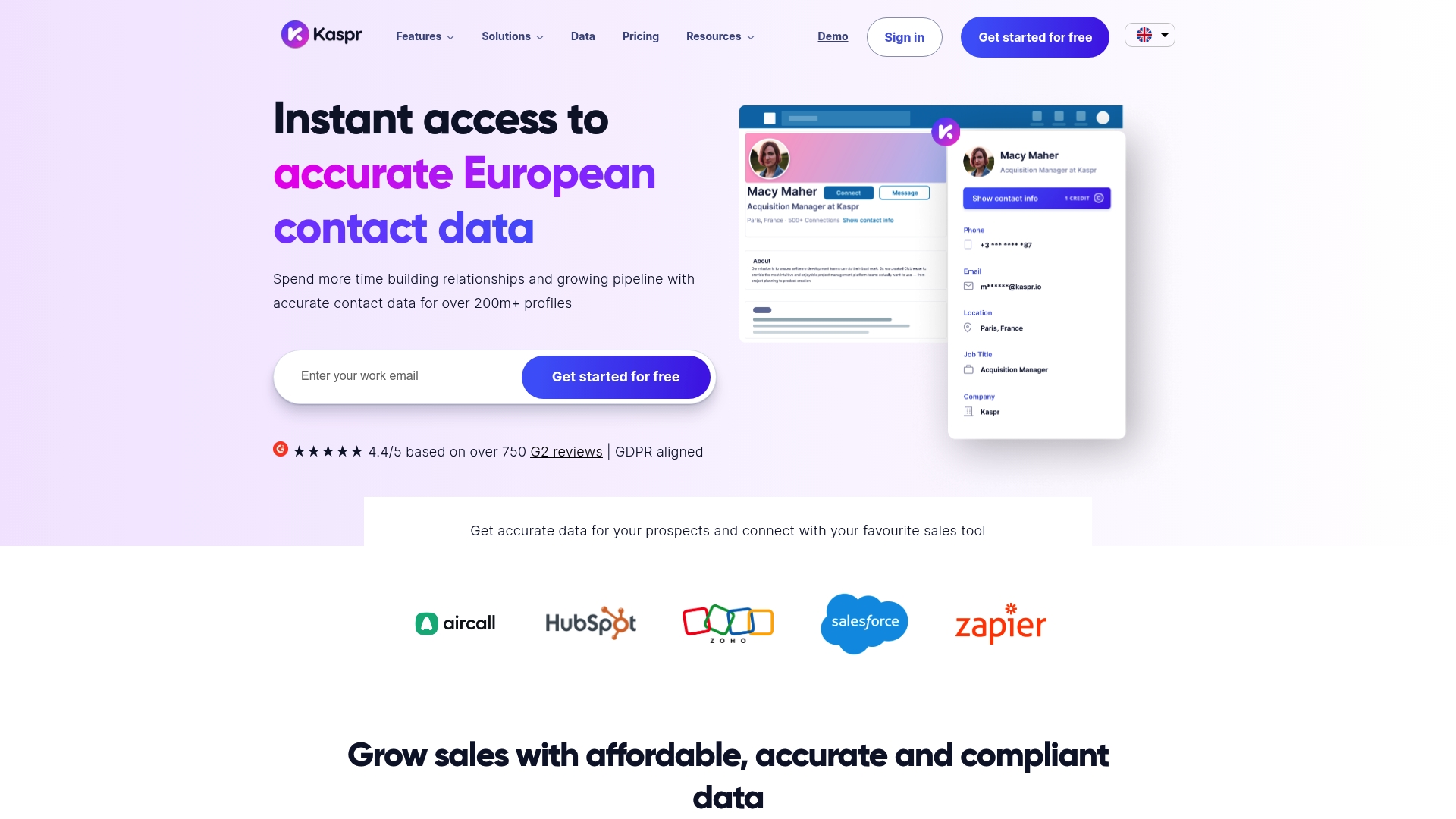
Kaspr is a LinkedIn-focused contact data tool that surfaces verified emails and phone numbers directly from profiles via a Chrome extension. It promises to speed prospecting by combining lead enrichment, workflow automations, and CRM syncs into a single interface. For sales teams, recruiters, and founders who rely on LinkedIn, Kaspr delivers high-volume, compliance-aligned contact data with a straightforward workflow. Bottom line: powerful enrichment with a learning curve around pricing and advanced access.
Core Features
Kaspr blends an on-profile Chrome extension with a lead management dashboard and bulk enrichment capabilities that let you capture verified contact details at scale. Workflow automations automate enrichment and exports, and native integrations tie directly into CRMs like HubSpot, Salesforce, and Pipedrive, plus call dialers such as Aircall and Ringover and email tools like Lemlist and Brevo. Zapier support opens additional automation routes. The platform emphasizes accuracy, compliance, and the ability to push clean records into your existing sales stack.
Quick win.
Pros
- Massive verified dataset: Kaspr gives access to over 500 million verified contact profiles, which increases the odds of reaching the right decision-maker quickly.
- In-line LinkedIn access: The Chrome extension places contact data where you prospect, so you avoid context switching and save time per outreach session.
- Bulk enrichment and automation: You can enrich lists in bulk and set automations to enrich and export contacts, reducing repetitive manual work.
- Robust integrations: Native connections to HubSpot, Salesforce, Pipedrive, Aircall, Ringover, Lemlist, Brevo, and Zapier simplify syncing and downstream outreach.
- GDPR-aligned data handling: Kaspr emphasizes compliance, which helps teams manage privacy risk while scaling outreach.
Cons
- Pricing complexity can confuse buyers: Multiple plans, credits, and add-ons make it harder to predict total cost for growing teams.
- Full functionality often requires paid tiers: Core features can be limited on the free plan, and higher credit needs push teams toward paid subscriptions.
- Selective API availability: API access and other advanced features are sometimes only available on request, which can slow custom integrations.
Who It’s For
Kaspr suits sales professionals, recruiters, and founders who rely on LinkedIn as a primary source of leads and need verified contact data integrated into their workflows. If your team prioritizes speed—extracting, enriching, and syncing contacts into HubSpot or Salesforce without manual entry—Kaspr is built for that workflow. Expect best results with mid-size to enterprise teams that consume credits at scale.
Unique Value Proposition
Kaspr’s unique value is its combination of in-line LinkedIn enrichment plus large-scale verified data and native CRM syncs. That mix reduces tab switching, improves data quality, and fast-tracks outreach sequences while keeping compliance top of mind.
Real World Use Case
A sales team uses Kaspr to pull verified emails and phone numbers from LinkedIn profiles during prospecting, bulk-enrich a conference lead list, automate follow-up exports, and push clean contacts into HubSpot—reducing manual entry and increasing meeting conversion rates.
Pricing
Kaspr offers a free plan with limited credits and paid plans that scale by credits: Starter (€45 per month), Business (€79 per month), and Enterprise plans with customizable features and options for unlimited credits depending on agreement.
Website: https://kaspr.io
Taplio
At a Glance
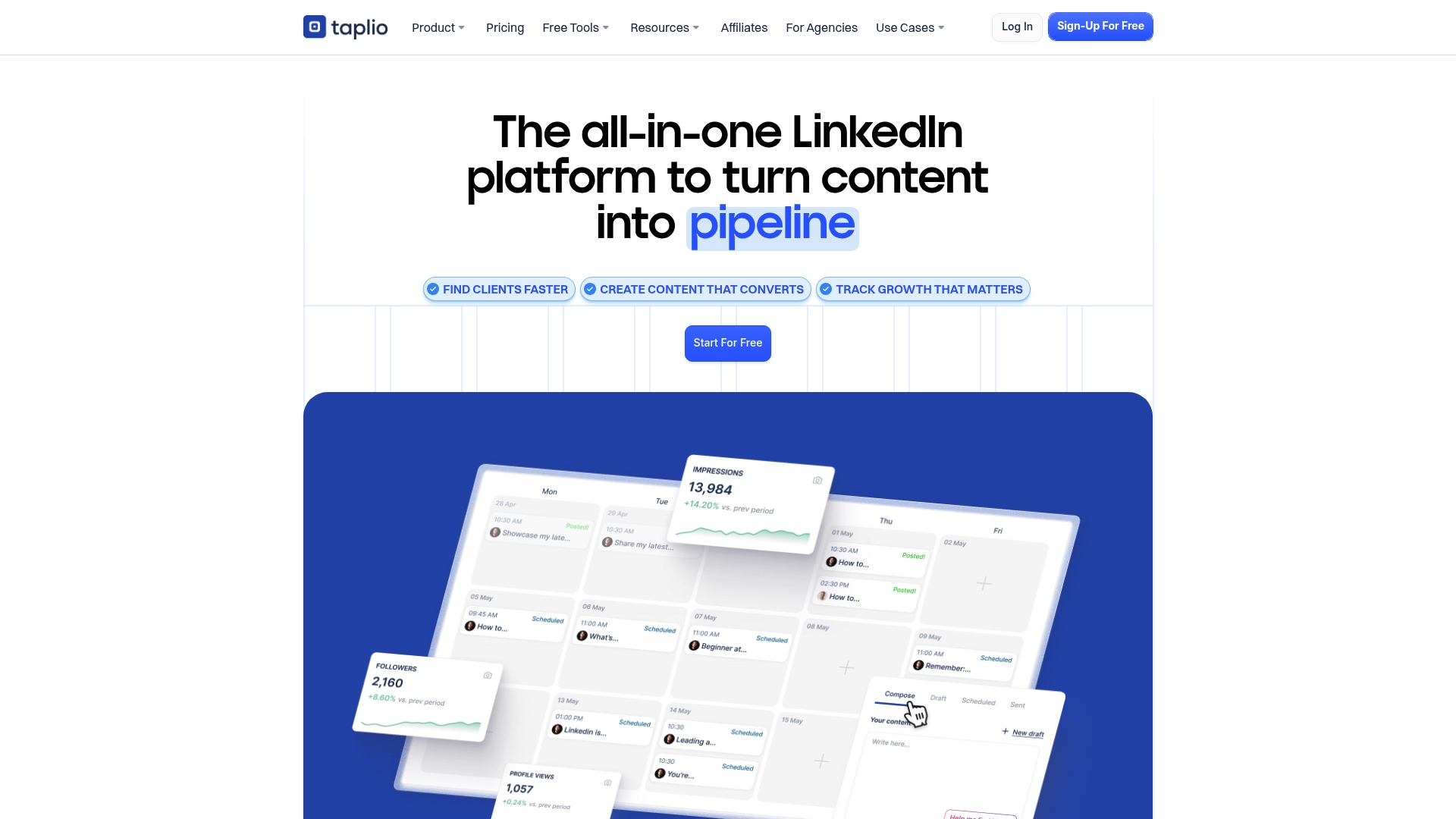
Taplio is an AI-powered toolkit that helps professionals and businesses grow their LinkedIn presence with less manual work. It combines content generation, scheduling, analytics, and a Chrome extension that surfaces instant LinkedIn insights and inspiration. If you want a single platform to ideate, publish, and measure LinkedIn content, Taplio aims to reduce friction and speed up consistent posting. It’s strong for creators and marketers who prioritize visibility and lead generation over purely manual outreach.
Core Features
Taplio centers on AI-assisted content creation and one-click post scheduling, backed by a library of more than 5 million viral posts for inspiration. The platform can generate and edit copy, assemble visually engaging carousels using AI, and attach videos or links to posts. Analytics and performance tracking are available via a Chrome extension that overlays insights while you browse LinkedIn. Taplio also bundles resources and guides focused on profile and content optimization to help you refine a repeatable strategy.
Short. Practical.
Pros
- Comprehensive toolset: Taplio offers content, engagement, and analytics capabilities in one place, simplifying workflows that normally require multiple tools.
- AI-driven content support: The platform’s AI provides content ideas and creates draft posts, which reduces the time you spend brainstorming and drafting social copy.
- Seamless LinkedIn integration: The Chrome extension brings performance data and inspiration directly into your LinkedIn browsing experience, so you can act without switching tabs.
- Flexible trial and plans: Taplio offers a free trial and tiered subscriptions, making it easier to evaluate before committing to a paid plan.
- Guidance and resources: Built-in guides and optimization resources help users refine profiles and content strategies without building expertise from scratch.
Cons
- Potential cost for premium plans for small users: The Starter and Pro tiers may feel expensive for sole proprietors or hobby users compared with free alternatives.
- Dependence on LinkedIn’s platform for functionality: Many core features rely on LinkedIn’s API and interface, which can limit capability if LinkedIn changes policy or UI.
- Some features require a learning curve: Advanced features like carousel creation and analytics interpretation may take time for new users to master.
Who It’s For
Taplio fits individuals and businesses focused on accelerating LinkedIn growth through smarter content workflows. Marketing professionals, personal-brand builders, and small teams who need consistent publishing, inspiration, and measurable outcomes will get the most value. If your goal is visibility and lead generation via content rather than pure outbound prospecting, Taplio is tailored to that path.
Unique Value Proposition
Taplio’s unique proposition is the combination of AI content generation with an enormous library of viral post examples, all tied directly into LinkedIn through a Chrome extension. That combination lets you generate ideas, create assets, schedule posts, and measure results in one loop—shortening the time from idea to published insight.
Real World Use Case
A marketing professional uses Taplio to generate and schedule high-engagement posts, analyze which formats perform best, and optimize their profile and cadence; the result is measurable follower growth and more inbound leads over time.
Pricing
Free tools are available; paid plans range from Starter ($32/month) to Pro ($149/month) with annual billing options and a 7-day free trial.
Website: https://taplio.com
Prospecting Tools Comparison
This table provides an overview of various prospecting tools, focusing on their key features, pros, cons, pricing, and target users.
| Tool | Key Features | Pros | Cons | Pricing |
|---|---|---|---|---|
| LeadLx | Integrates LinkedIn with CRMs; One-click CRM updates | Simplifies prospecting; Saves time; Automatic capture of details | Free tier limited features | Free; Pro at €30/seat/month |
| Wiza | Real-time data verification; Wiza Monitor | Accurate data; Easy Chrome extension; Automation for CRM updates | Pricing high for small teams | Free; Team plans at $399/month |
| Surfe | Pipeline builder; CRM syncs | Automated enrichment; Deep CRM integrations | Pricing not detailed; Learning curve | Free; Essential at $39/user/month; Pro at $79/user/month |
| Kaspr | LinkedIn-focused enrichment; Bulk data handling | Huge dataset; Strong integrations | Complex pricing; API limitations | Free; Starter at €45/month; Business at €79/month |
| Taplio | AI-driven content creation; LinkedIn integration | Comprehensive toolset; Real-time insights | Premium costs for small users | Free trial; Starter at $32/month; Pro at $149/month |
Streamline Your HubSpot and LinkedIn Prospecting with LeadLx
The “Top HubSpot LinkedIn Extensions – Expert Comparison 2025” article highlights the common challenges sales and marketing professionals face such as time-consuming manual data entry, constant tab switching, and the risk of duplicate CRM records. If your goal is to increase productivity while keeping your lead data accurate and seamlessly synchronized, LeadLx offers a powerful solution. By overlaying HubSpot data directly onto LinkedIn profiles, LeadLx eliminates repetitive tasks and lets you capture contact and company information instantly without leaving LinkedIn.
Save up to 10 hours every week with:
- One-click CRM updates
- Automatic extraction from LinkedIn profiles and search results
- Bulk data export options
- Shared CRM visibility to prevent duplicates
Explore how LeadLx enhances your HubSpot and LinkedIn workflow and experience the productivity boost firsthand.

Ready to optimize your prospecting process today Use LeadLx to connect your HubSpot CRM with LinkedIn effortlessly. Discover streamlined data capture and management that fuels faster outreach and better pipeline clarity. Visit LeadLx Homepage and start transforming your sales workflow now.
Frequently Asked Questions
What are the key benefits of using HubSpot LinkedIn extensions?
Using HubSpot LinkedIn extensions enhances prospecting and data management by integrating LinkedIn with HubSpot’s CRM. This can streamline your workflow and save time by automating data entry and reducing manual tasks, allowing sales teams to focus more on outreach and engagement.
How do I choose the right HubSpot LinkedIn extension for my team?
Evaluate your team’s specific needs, such as data accuracy, automation features, and integration capabilities. Identify the core functionalities that will enhance your existing processes and request trials to assess ease of use and effectiveness before committing to a decision.
Can HubSpot LinkedIn extensions help with lead enrichment?
Yes, these extensions are designed to streamline lead enrichment by automatically pulling verified contact information from LinkedIn profiles into your HubSpot CRM. To maximize efficiency, use the batch processing features that allow you to enrich multiple leads at once, reducing the time spent on individual entries.
How do I get started with a HubSpot LinkedIn extension?
To get started, first select an extension that meets your requirements and install it through your browser. Once installed, follow the provided setup instructions to connect it with your HubSpot account, allowing you to begin leveraging LinkedIn data for your sales objectives.
Are there any limitations to using HubSpot LinkedIn extensions?
Some limitations may include restrictions on data access due to LinkedIn’s API policies or the specific features offered in certain extensions. Assess these limitations during your evaluation process to ensure the chosen extension aligns with your expectations and operational needs.
How can I measure the effectiveness of a HubSpot LinkedIn extension?
You can measure effectiveness by tracking metrics such as the increase in lead generation, decrease in data entry time, and improvements in outreach response rates. Set specific goals, such as reducing data entry tasks by 20% within 30 days, and monitor these metrics to gauge performance.