
Finding the right prospecting tool often feels like searching for a shortcut that actually works. Teams want something that pulls up accurate contact data with little fuss, syncs smoothly with CRM favorites, and skips manual data entry. What if you could handle lead discovery, updates, and outreach in one place without juggling browser tabs or messy exports? The path from a promising LinkedIn profile to a clean CRM record could be faster and less frustrating. Different tools promise smarter workflows and better data, but not every platform delivers on speed, accuracy, and value the same way. Which options really fit busy sales and marketing teams looking for results without the headache? Let’s see how today’s top solutions stack up.
LeadLx
At a Glance
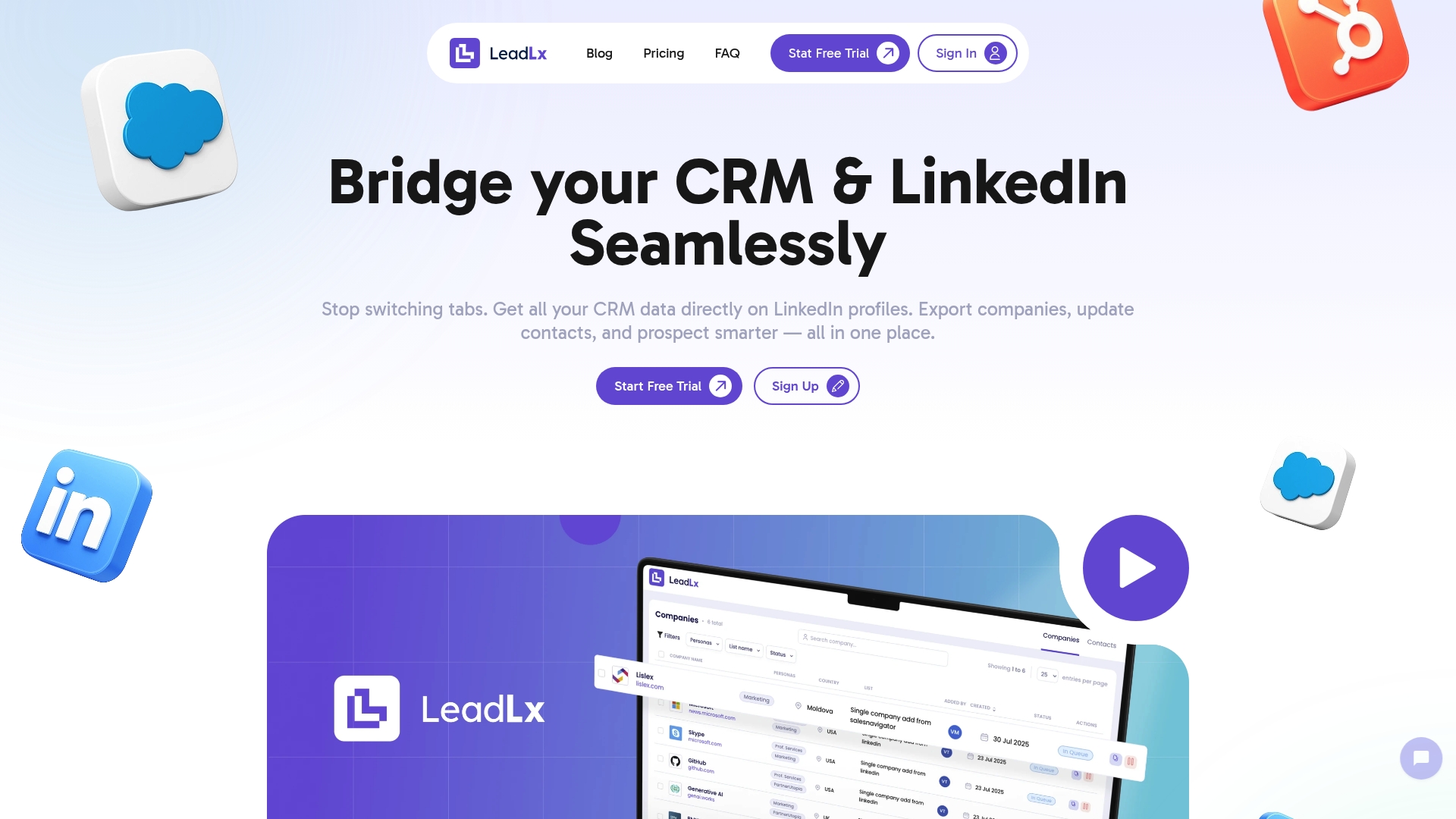
LeadLx is a focused SaaS solution that bridges LinkedIn and CRM platforms like HubSpot and Salesforce, letting you view and update CRM records without leaving LinkedIn. It removes the friction of tab switching by overlaying CRM data on profiles, enables one-click exports of companies and contacts, and supports batch imports to speed prospecting. Some advanced capabilities are reserved for paid plans by design, keeping the free tier simple for quick adoption.
Core Features
LeadLx overlays CRM data directly onto LinkedIn profiles so your outreach is informed and contextual. You can edit contact properties on the spot, import contacts and companies from individual profiles or search results, push LinkedIn messages into CRM threads, and perform batch imports to handle lists at scale. The platform also supports exporting company data into your CRM, creating a streamlined flow from LinkedIn prospecting to CRM record creation and updates.
No more tab hopping.
Pros
- Integrates CRM context into LinkedIn workflows: The overlay shows HubSpot or Salesforce data on LinkedIn profiles so you spend less time switching apps and more time qualifying leads.
- Automates repetitive capture tasks: LeadLx automates contact and company import so your team captures leads consistently instead of manually copying details.
- Reduces duplicate records and improves team collaboration: Shared CRM visibility and one-click updates cut down on duplicate entries and keep the entire team aligned.
- Supports flexible data extraction scenarios: Individual profile capture and bulk company exports let you adapt the tool to different prospecting workflows.
- Affordable, transparent pricing: With a free tier for basic use and a clear Pro plan, teams can scale access without surprise costs.
Who It’s For
LeadLx is built for sales and marketing professionals—especially teams in mid-sized tech companies—who rely on LinkedIn to source leads and use HubSpot or Salesforce as their CRM. If you want to compress research, outreach, and CRM updates into a single flow without hiring more data-entry support, LeadLx fits your workflow. It’s ideal for SDRs, account executives, and demand-gen marketers focused on higher-velocity prospecting.
Unique Value Proposition
LeadLx’s core advantage is its tight, action-oriented integration: CRM context appears where you already work—on LinkedIn—so every profile visit can turn into a clean CRM action. That combination of inline CRM visibility, editable properties on the profile, and batch export capabilities compresses discovery-to-CRM time into seconds. Unlike broader automation suites, LeadLx concentrates on the LinkedIn-to-CRM lane, prioritizing simplicity and speed over bloated feature sets. The design choices—limited free-plan features and streamlined customization—favor quick adoption, clearer team governance, and predictable pricing, which makes it particularly appealing for teams that need reliable, repeatable prospecting processes.
Real World Use Case
A sales team runs a targeted LinkedIn search, uses LeadLx to bulk-capture promising profiles, verifies and edits key contact properties directly on profiles, and pushes those records into HubSpot with a single action. Messages exchanged on LinkedIn are recorded in the CRM, providing a complete interaction history without manual copy-paste. The result: fewer data-entry errors, faster follow-up, and more time spent on outreach.
Pricing
A Free plan is available with basic features; the Pro plan costs €30 per seat per month and unlocks viewing and editing CRM data on LinkedIn, batch imports, and message pushing.
Website: https://leadlx.com
Lusha
At a Glance
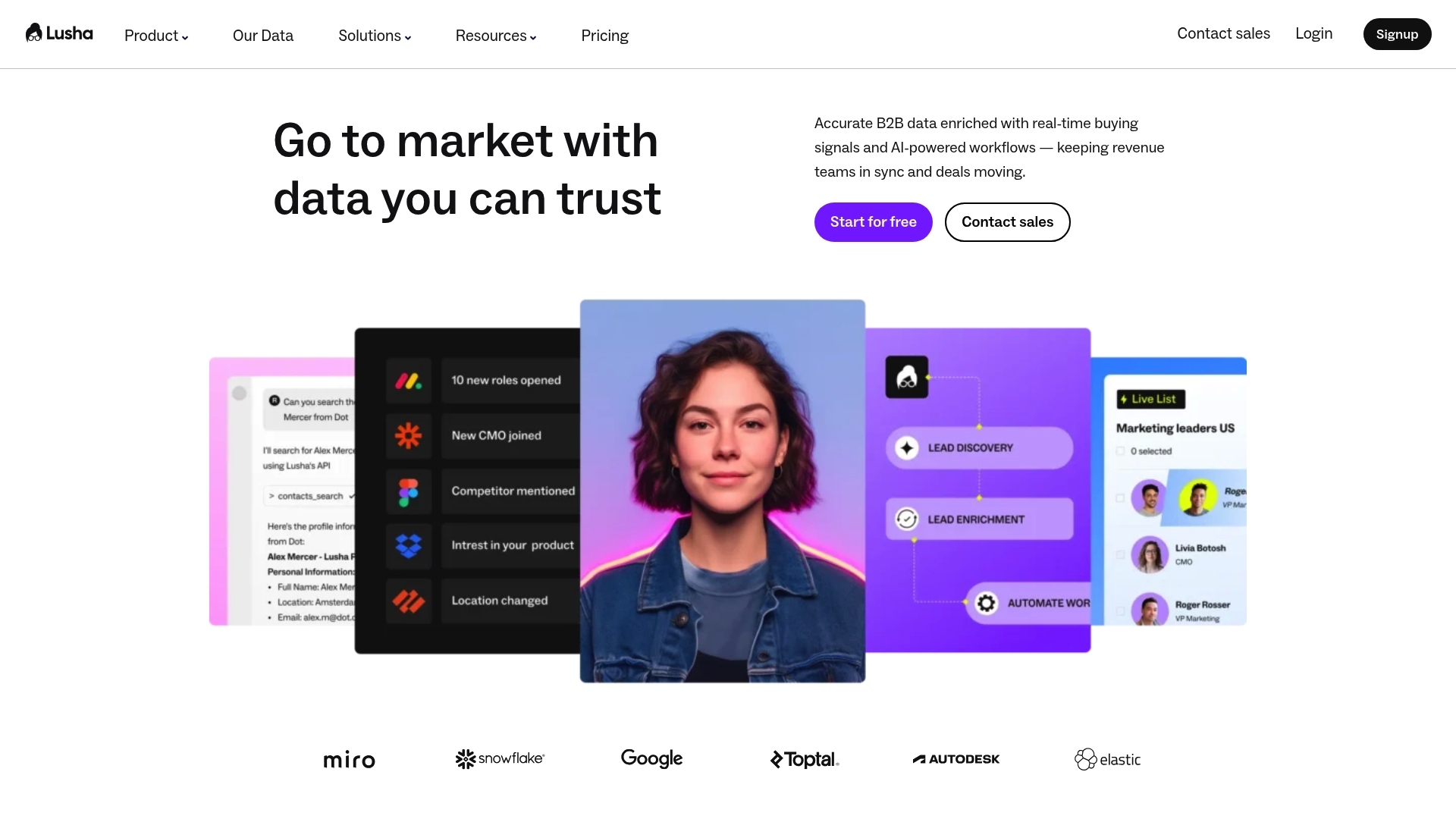
Lusha is an AI sales intelligence platform that delivers verified B2B contact data, real-time buying signals, and automation workflows to accelerate prospecting and lead enrichment. It emphasizes data accuracy and compliance, positioning itself as a reliable single source of truth for contact and company information. For revenue teams that rely on timely signals and automated CRM updates, Lusha can reduce manual research and improve outreach precision. It’s flexible for teams that want a credit-based model with a free tier to test value.
Core Features
Lusha combines prospecting with verified contacts and rich company context, automated lead enrichment that writes updates directly into your CRM, and real-time buying signals such as job changes, hiring activity, and funding news. It also automates list building, deduplication, scoring, routing, and CRM updates so workflows keep moving without constant manual intervention. APIs and integrations enable alignment across sales and marketing tools, letting teams centralize their data and programmatically access records.
Pros
- High data accuracy and verified contact information: Lusha focuses on verified emails and phone numbers, which reduces bounce rates and wasted outreach effort.
- Real-time buying signals: Job changes, hiring movements, and funding alerts help you prioritize outreach when prospects are most receptive.
- Automation features that save time: Built-in list building, deduplication, scoring, and CRM updates cut repetitive tasks from your sequence.
- Global coverage with compliance credentials: The platform highlights privacy and compliance, which matters when operating across regions.
- Flexible credit-based pricing and customizable plans: Teams can scale credits to match campaign intensity and buy only what they use.
Quick note: credits change the game. Plan deliberately.
Cons
- Pricing details are customized and not fully transparent: You must engage sales to see exact costs, which can slow procurement for mid-sized teams.
- Dependence on credits may require careful planning: Campaign-heavy months can exhaust balances if credits aren’t forecasted and topped up in advance.
- Some users may prefer more detailed plan options upfront: The lack of granular publicly listed tiers makes straightforward budget comparisons harder.
Who It’s For
Lusha best serves Sales and Marketing teams at B2B companies that need accurate prospecting data, automated enrichment, and timely buying signals to drive revenue. If your team relies on CRM-driven outreach and wants to reduce manual data entry while surfacing high-intent moments, Lusha is built for that workflow.
Unique Value Proposition
Lusha’s strength is the combination of verified contact data, ongoing real-time signals, and automation that pushes clean records into your systems. That mix helps teams act faster on opportunities and keeps CRM data synchronized without constant human intervention.
Real World Use Case
A sales team uses Lusha to find verified contact details for decision makers, enrich CRM records with updated information, and trigger outreach based on hiring or funding signals—leading to more timely conversations and improved conversion rates.
Pricing
Lusha uses a credit-based system for accessing contact data (email and phone). A free plan includes up to 70 credits per month, and teams can purchase additional credits or choose custom, scalable plans.
Website: https://lusha.com
Wiza
At a Glance
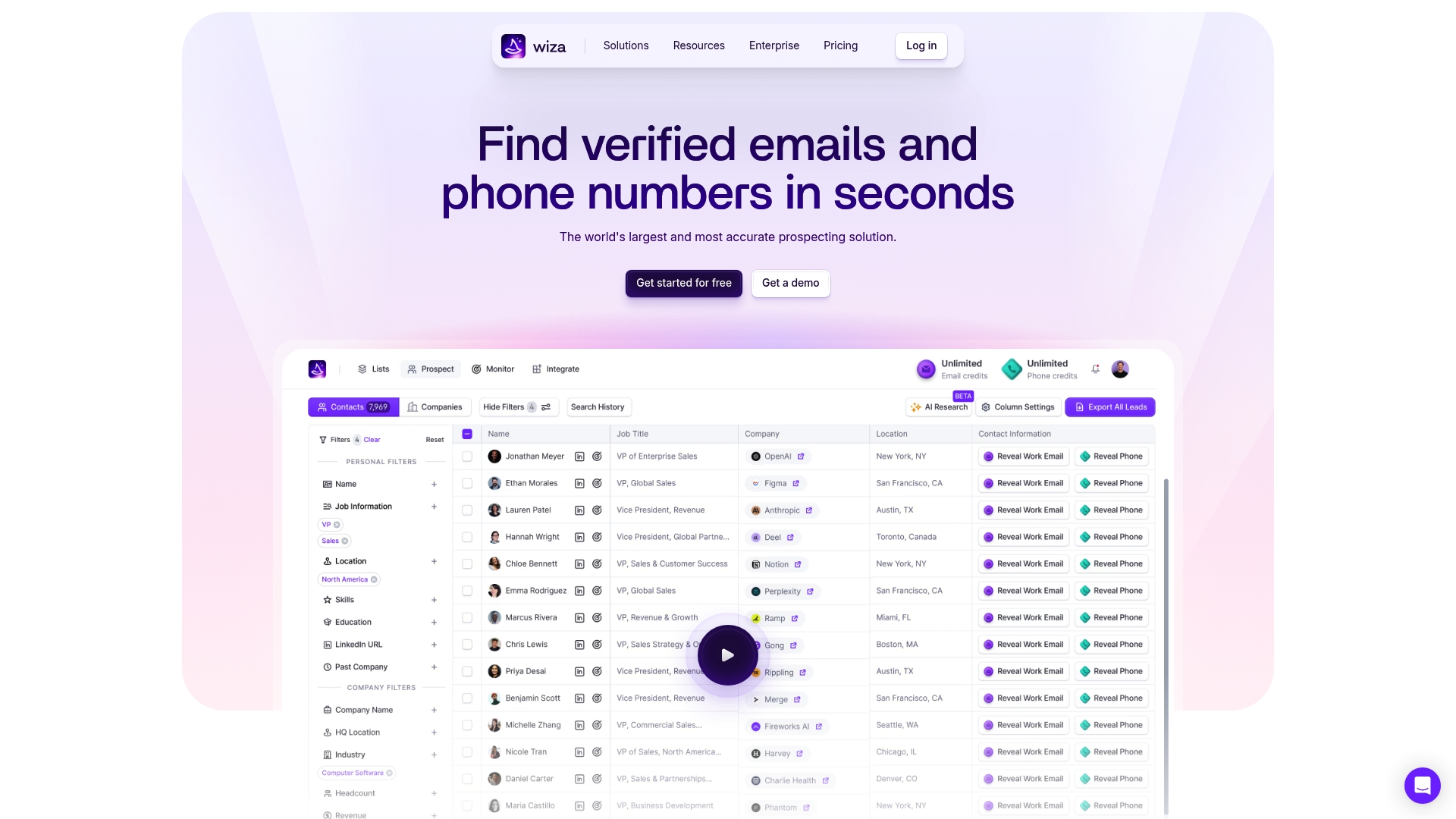
Wiza is a focused prospecting tool that delivers real-time, verified contact data and simple CRM sync options. It shines at pulling emails and phone numbers directly from profiles via a Chrome extension and supports bulk exports for campaign workflows. For mid-sized tech sales and marketing teams using HubSpot or Salesforce, Wiza is a practical way to speed lead capture and keep contact records current—though its pricing and tiered feature gates may constrain smaller teams.
Core Features
Wiza combines live data sourcing with an easy Chrome extension to find, verify, and export contact information. Key capabilities include real-time prospecting, built-in email verification for higher deliverability, job change monitoring with Slack and email alerts, and CRM synchronization for one-click data updates. The platform also supports bulk export to CSV or CRM and enriches prospects with over 40 data points, enabling you to build targeted lists and reduce manual data entry.
Pros
- Highly accurate real-time data: Wiza emphasizes verified contact details, which reduces bounce rates and improves outreach deliverability.
- Easy-to-use Chrome extension: The extension lets reps capture contact information directly from LinkedIn and other sites without jumping between tools.
- Effective job change alerts: Slack and email notifications help you spot timely outreach opportunities when prospects change roles.
- Good customer reviews and ratings: Available feedback indicates consistent satisfaction with data quality and usability.
- Integrates well with other tools: Native exports and CRM sync minimize duplicate work and fit into existing HubSpot or Salesforce workflows.
Cons
- Pricing could be a barrier for smaller teams or individual users: Plans scale up to enterprise-level pricing, which may be costly for lean teams.
- Some features may require higher-tier plans: Advanced verification, large export volumes, or enterprise sync capabilities may only be available on pricier tiers.
- Limited details on customer support quality: Public information is sparse on support response times and SLAs, making enterprise procurement evaluations harder.
Who It’s For
Wiza is built for sales teams, business development reps, and marketing professionals at mid-sized tech companies who need accurate prospect contact data for outreach and pipeline acceleration. If your team relies on HubSpot or Salesforce and you want fast, verifiable contact capture from LinkedIn with straightforward CRM exports, Wiza fits well.
Unique Value Proposition
Wiza’s core value is real-time verification paired with simple capture workflows: find a prospect, verify contact details, and push clean data into your CRM with minimal friction. That tight loop—combined with job change alerts and enrichment—makes it useful for teams that prioritize high deliverability and timely outreach.
Real World Use Case
A sales team uses Wiza’s Chrome extension to extract verified emails and phone numbers from LinkedIn search results, enrich those records with additional data points, and then export the list into Salesforce for a targeted outreach sequence, improving list quality before campaigns launch.
Pricing
Wiza offers a free tier with limited credits and scales to enterprise solutions priced at $399/month billed annually for top-tier plans.
Website: https://wiza.co
Aeroleads
At a Glance
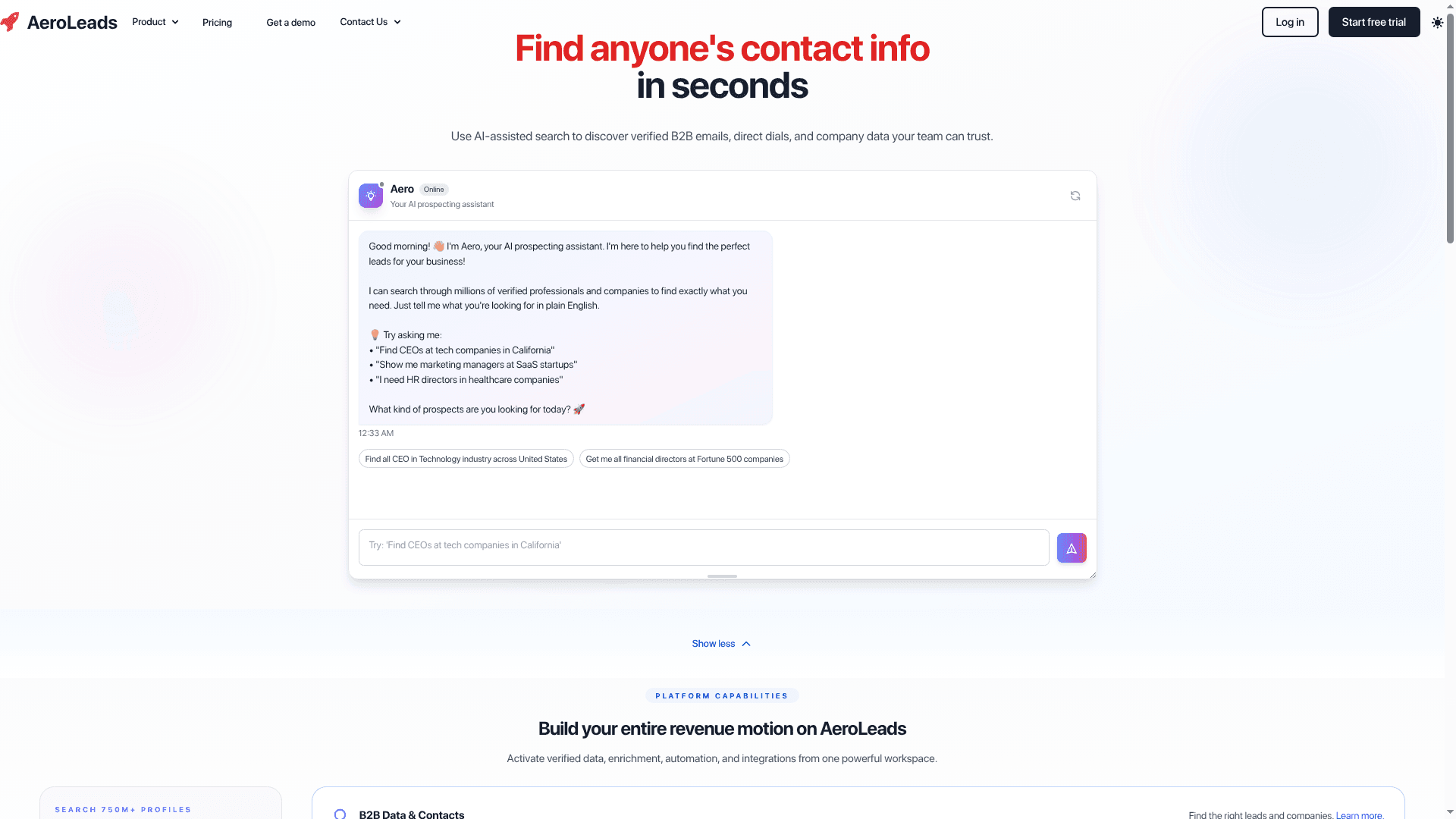
Aeroleads is a pragmatic, cost-conscious prospecting platform that helps sales and marketing teams find verified B2B emails, phone numbers, and company data without breaking the budget. It combines AI-assisted search with real-time validation and a Chrome extension for targeted LinkedIn prospecting, making it a fast way to populate HubSpot or Salesforce with usable leads. If your team values accuracy, affordability, and hands-on CRM integration, Aeroleads deserves a test drive.
Core Features
Aeroleads focuses on contact discovery and validation: find verified B2B emails, direct dials, and company details across sources like LinkedIn, Crunchbase, AngelList, and Xing. AI-assisted search accelerates contact discovery, while data enrichment and cleansing tools improve existing lead records. The Chrome extension overlays prospecting onto LinkedIn and company sites for one-click capture, and native integrations let you export bulk search results straight into HubSpot, Salesforce, or automation via Zapier. Real-time email and phone validation reduces bounce rates before data hits your CRM.
Pros
- Large database coverage: With over 750 million profiles, Aeroleads offers a broad pool of prospects to supplement your existing lists. This breadth helps you reach niche segments without manual hunting.
- Real-time validation: Aeroleads validates emails and phone numbers as you gather them, which reduces bounced messages and wasted outreach time. Your deliverability improves before you export to CRM.
- Fast, user-friendly workflow: The interface is straightforward and engineered for quick results, so reps can capture contacts during a browsing session and move on. Less training. Faster ramp.
- Competitive pricing: Starting at $49/month for the Take Off plan, Aeroleads undercuts pricier enterprise services while still offering bulk prospect quotas. That makes it attractive for mid-sized tech teams watching cost-per-lead.
- Bulk search and CRM export: The platform supports bulk searches and direct exports to HubSpot and Salesforce, streamlining the handoff from prospecting to outreach sequences.
Cons
- Limited free searches: Free account limits mean you’ll hit a paywall quickly if you need sustained volume, which can interrupt small-scale testing.
- Advanced features behind paywalls: Some enrichment and deeper data access require paid plans, so the free tier isn’t a reliable long-term solution for active teams.
- Potential usage caps: Search limits on lower tiers can restrict high-velocity SDR teams that need large weekly prospect volumes.
Who It’s For
Aeroleads fits sales and marketing teams in mid-sized tech companies that use HubSpot or Salesforce and need affordable, validated contact data. It’s best for B2B lead generation pros, business development managers, and agencies that prioritize quick LinkedIn prospecting, clean CRM records, and predictable pricing.
Unique Value Proposition
Aeroleads blends a large verified dataset with real-time validation and direct CRM integrations at an accessible price point. The combination of an easy Chrome extension for LinkedIn, AI-assisted discovery, and native HubSpot/Salesforce export is its standout offering.
Real World Use Case
A U.S. sales team uses Aeroleads to identify and verify CTO contact details at early-stage startups, validates emails in real time, and imports 2,000 prospects into Salesforce to trigger personalized outreach sequences—reducing manual research and accelerating campaign launch.
Pricing
Plans start from $49/month for the “Take Off” plan with 2,000 prospects and scale to custom enterprise pricing for larger needs.
Website: https://aeroleads.com
Lead Generation Tools Comparison
This table provides a structured overview of the features, pros, cons, and pricing for popular lead generation tools discussed in the content, enabling an at-a-glance evaluation and comparison.
| Tool | Features | Pros | Cons | Pricing |
|---|---|---|---|---|
| LeadLx | CRM integration in LinkedIn, batch export, message-to-CRM sync | Streamlines workflows, automates data capture, team collaboration | Advanced features require paid plans | Free tier available; Pro Plan €30/seat/month |
| Lusha | Verified B2B data, real-time buying signals, CRM updates | High accuracy, compliance, global reach, automation | Requires credit forecasting, customized pricing not upfront | Free tier with 70 credits/month; additional credits purchased or custom plans available |
| Wiza | Real-time data verification, browser extension, CRM sync, job change alerts | Verified contact details, user-friendly interface, strong tool integration | Expensive higher-tier plans, limited free searches | Free tier limited; Enterprise plans at $399/month billed annually |
| AeroLeads | Contact discovery/validation, bulk export, CRM integration | Large database, real-time validation, affordable entry-level pricing | Limited free searches, potential usage caps | Plans start at $49/month with 2,000 prospect limit |
Streamline Your LinkedIn Prospecting with LeadLx
The challenge of juggling LinkedIn data extraction tools while keeping CRM records accurate and up-to-date can slow sales and marketing teams down. From managing multiple tabs to handling repetitive manual data entry, these pain points cost valuable time and create room for costly errors. The expert comparison in “Best 4 LinkedIn Data Extraction Tools – Expert Comparison 2026” highlights the need for a seamless solution that integrates LinkedIn with CRMs like HubSpot and Salesforce, enabling quick data capture and effortless updates.
LeadLx transforms your LinkedIn prospecting workflow by overlaying CRM insights directly on profiles so you can qualify leads instantly without switching windows. With one-click extraction and bulk export features, repetitive tasks vanish and your team gains more time to focus on closing deals. LeadLx also helps prevent duplicate entries through shared CRM visibility, improving collaboration across your sales and marketing teams.

Explore how LeadLx can save you up to 10 hours per week while boosting data accuracy and team efficiency. Visit the LeadLx landing page to start your free trial today and experience smarter LinkedIn-to-CRM integration. Find out why mid-sized tech companies trust LeadLx HubSpot integration and LeadLx Salesforce sync to power higher-velocity prospecting. Don’t let your lead capture tools slow you down. Accelerate your outreach now at https://leadlx.com.
Frequently Asked Questions
What are LinkedIn data extraction tools used for?
LinkedIn data extraction tools are designed to pull contact and company information from LinkedIn for sales, marketing, and lead generation purposes. These tools streamline the process of gathering verified data, allowing you to focus on engaging with potential leads.
How do I choose the best LinkedIn data extraction tool for my needs?
To choose the best tool, consider your team’s size, budget, and specific requirements such as data accuracy, integration with CRM systems, and automation capabilities. Evaluate available options by testing their features and determining which aligns best with your prospecting workflows.
Can I automate the process of extracting data from LinkedIn?
Yes, many LinkedIn data extraction tools offer automation features that allow you to bulk capture and export data with minimal manual effort. Look for tools that support automation processes to enhance efficiency and save time during prospecting campaigns.
How does data accuracy impact LinkedIn outreach efforts?
Data accuracy is crucial for LinkedIn outreach because verified contact information leads to more effective engagement and reduces bounce rates. Ensure you select a data extraction tool that prioritizes real-time validation to improve your outreach success rate by up to 30%.
What kind of support can I expect when using LinkedIn data extraction tools?
Support varies by tool, but many providers offer documentation, tutorials, and responsive customer service. Check whether the tool you choose includes onboarding assistance, video guides, or a dedicated support team to help you get started quickly.
Are there free trials available for LinkedIn data extraction tools?
Many LinkedIn data extraction tools offer free trials or free tiers, allowing you to test their features before committing to a subscription. Sign up for these trials to experience how the tools fit your lead generation needs without any financial commitment.
Recommended
- 7 Key Advantages of LinkedIn Prospecting for Sales Teams
- 7 Top Sales Prospecting Tools to Streamline Your Workflow
- Best LinkedIn CRM Integrations – Expert Comparison 2025
- LinkedIn Data Management Guide | LeadLx
- Top Social Media Management Tools 2025 – Expert Comparison – Jarrod Harman
- Top SEO Tools for Small Business – Expert Comparison 2025