
Account-based selling treats the target company as the unit you work, not the one contact who happened to reply. Researching a company on LinkedIn for account-based selling means mapping its size, its signals, and its buying committee in one sitting, before you write to a single person there.
Most prospecting starts with a profile. You open it, write something, send it, and move to the next name on the list. Account-based selling reverses that order. You decide the company is worth the effort first, then you message several of the right people there in the same week, because a deal only one stakeholder knows about rarely survives a committee vote.
What Account-Based Selling Changes About Research
Account-based selling, also called hyper-segmented sales, sells to narrow, named segments of decision makers rather than a broad list of individual leads. Gartner projected in the mid-2010s that it would become the default sales model for most technology vendors by 2020, a market worth more than five billion dollars a year, and for any team selling software into a buying committee today, that projection already played out.
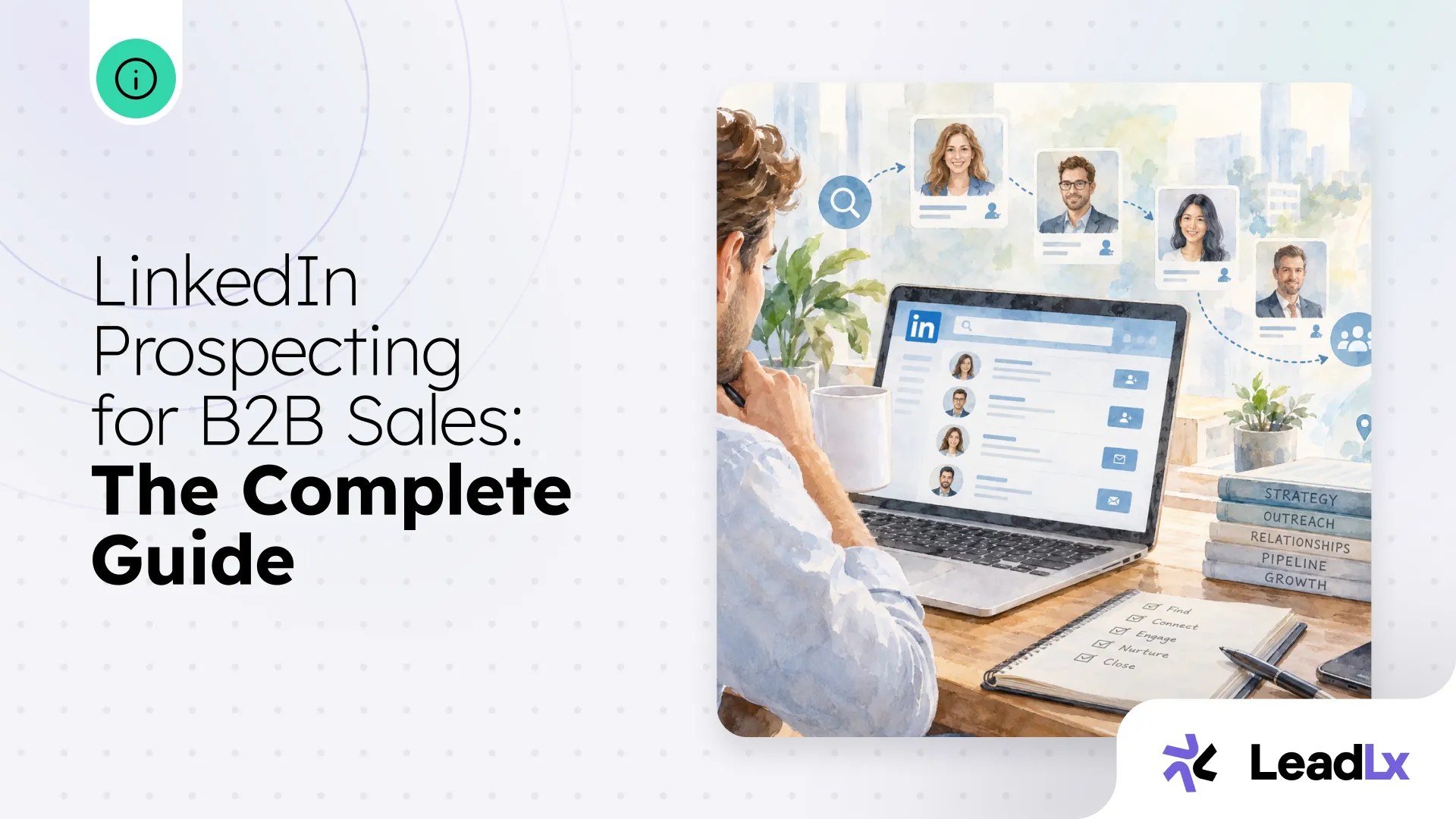
The practical difference shows up before the first message. Lead-based prospecting researches a person, one profile at a time, and treats the company as background detail. Account-based selling researches the company first, because the account, not the individual, is what a rep is actually trying to win. This is the account-level half of the job. For the full prospecting routine once an account is confirmed worth the effort, including outreach and getting the results into the CRM, see LinkedIn prospecting for B2B sales: the complete guide.
Five Things Worth Knowing Before You Message Anyone
Ten minutes on the company page covers most of it. Five things are worth checking every time.
None of these five confirm a deal is coming. Together, they tell you whether this account is worth the hour you are about to spend mapping its buying committee.
A worked example makes this concrete. A 90-person software company posts three open sales operations roles in the same week a new VP of Revenue joins from a larger competitor. Neither fact closes a deal on its own. Together they say a new leader is staffing a team to fix something, which is a very different account to work than one sitting quietly with no hiring and no recent news.
Where Account Research Actually Happens on LinkedIn
The company page and its People tab, filtered by function rather than title, cover headcount, growth, and most open roles in about five minutes. Titles drift by company and by country, so searching by department holds up better than guessing at a title.
Sales Navigator adds a layer here if your team already pays for it. Saving a company as an account surfaces real-time updates and recent news on that company, and flags it directly on the account page when it has raised money in the past 12 months. That single flag can save the ten minutes you would otherwise spend searching press mentions by hand.
For everything else, the research stays manual, and that is fine. Two or three recent posts from a likely champion, read in order, surface reporting lines and team names long before an org chart would. A pattern of job posts in the same function over a few weeks is a stronger signal than any single listing, since one open role can be a backfill and five cannot.
Thirty minutes covers a full account when you work it in order.
- Company page and About section, five minutes. Headcount, locations, and how long the company has existed.
- People tab filtered by function, ten minutes. Build a rough list of names per department rather than searching one title at a time.
- Jobs tab, five minutes. Every open role for a team your product touches, not just the one you already expected.
- Two or three recent posts from a likely champion, five minutes. Team names and reporting lines usually surface in a caption before they show up anywhere official.
- Write the one sentence trigger, five minutes. If you cannot finish it, the account is not ready yet.
Why the Whole Account Beats a Single Contact
The payoff for working at the account level instead of the contact level is not theoretical. An analysis of 50,000 closed B2B deals found that reaching six or more contacts at an account before a deal exists in the CRM lifts win rates by 17 points, and reaching three more during the active sales cycle adds another 16 points. Account-based selling is what gets you to six contacts in the first place, because you researched the account before you needed all six names.
A single thread is a single point of failure. If your only contact changes roles, goes quiet, or turns out not to influence the decision at all, the research you did on the company is still good. The research you did on one person is not.
Keep the Account Record in One Place, Not Five Tabs
The company page, the People tab, two or three posts, and a job listing are four or five browser tabs for one account, and most of what you find in them never makes it into a record anyone else on the team can open. The next rep who touches this account starts from zero, even though you already did the work.
Saving the company to LeadLx as you research it keeps that work somewhere a colleague can find instead of in a closed tab, synced to your CRM the same day. LeadLx also classifies each contact at that company into a buying group role with a confidence score as you browse, so the committee you just read about starts as a CRM record instead of a set of open tabs.
That matters most on a growing team, where two reps can easily research the same account a month apart without either one knowing the other already did it. A company record that lives in the CRM instead of a personal notes app means the second rep starts from what you found, not from zero.
Where to Start This Week
Pick one account from this quarter's target list and spend ten minutes on the five checks above before you look at a single profile. Write down what you find in one sentence per signal, not a paragraph. If you cannot finish that sentence, the account is not ready for outreach yet, it is still a name.
From there, map the buying committee itself before you send a single message. At 30 euros a seat a month, the research habit costs less than the one deal it saves from going quiet.