

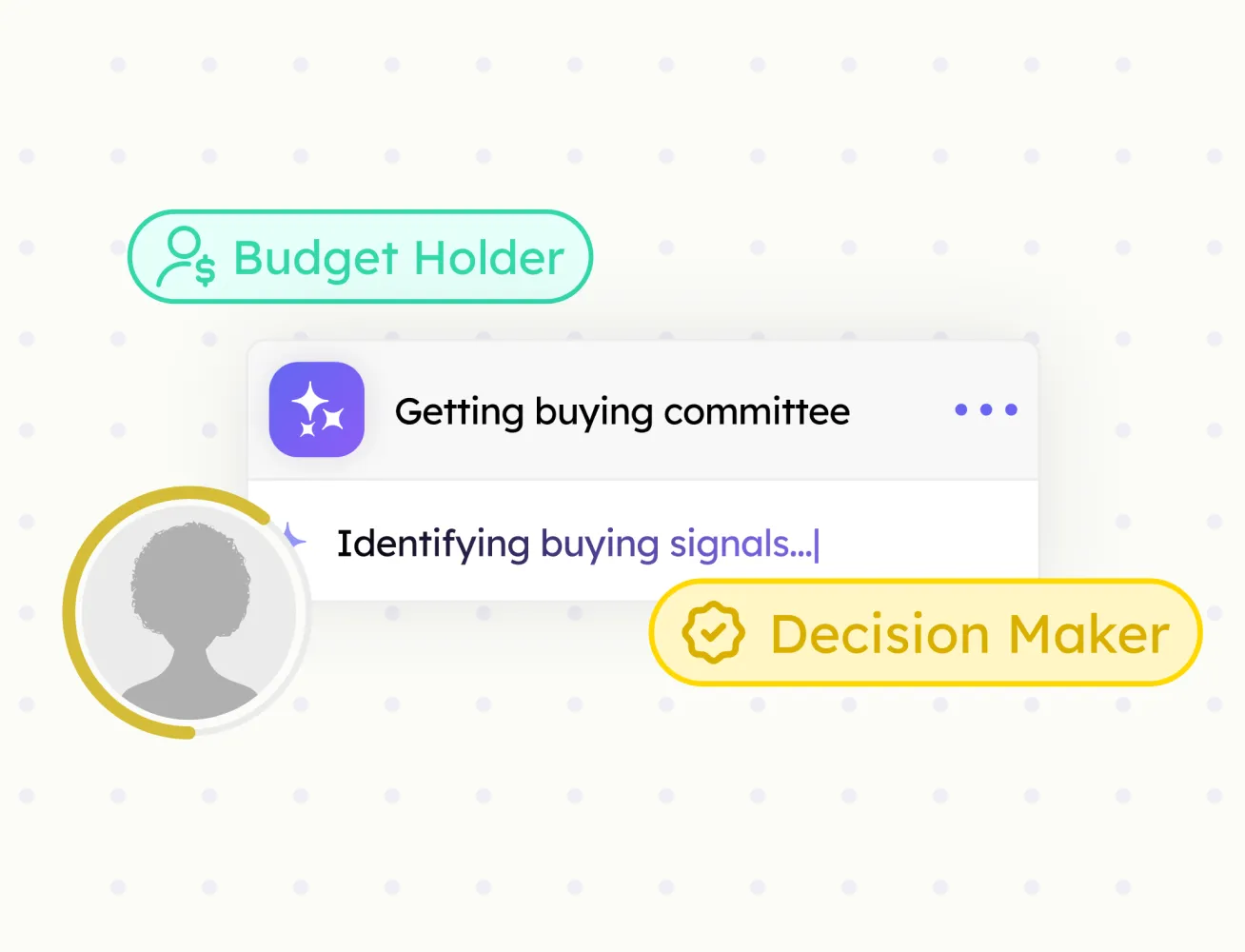
Buying Committee
Every decision-maker at an account, mapped by role, with confidence scores.
Import contacts to HubSpot in one click — no CSV files and no manual data entry
Sales reps spend 30+ minutes daily copying profile data into HubSpot. Contact Import automates this workflow with a single click, so your team can add contacts faster, reduce manual work, and stay focused on selling.

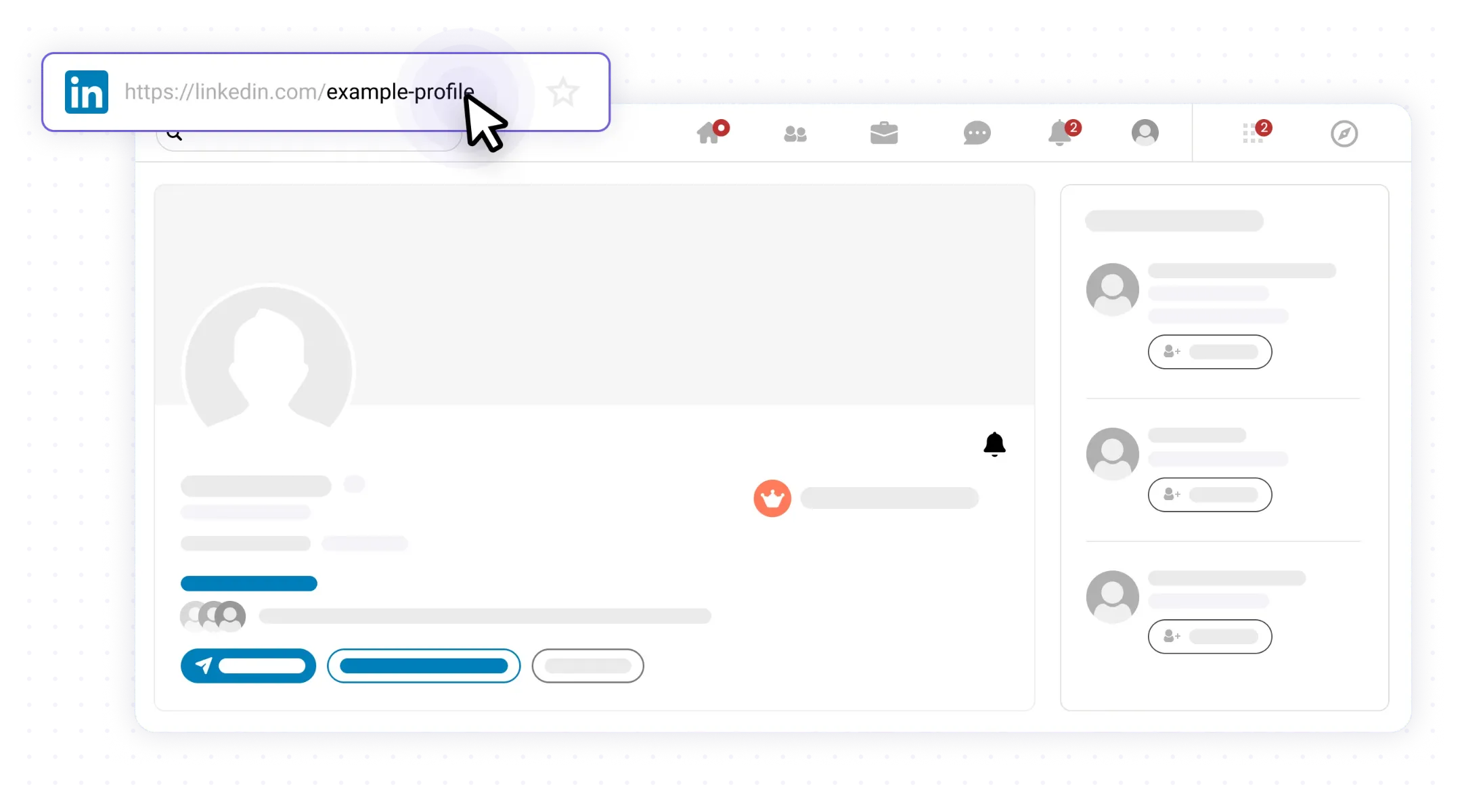
Go to the contact profile of the contact you want to add to HubSpot.
One-click import from any contact profile
Automatic duplicate detection
LinkedIn fields mapped to HubSpot properties
No CSV files or manual data entry
LinkedIn profile URL saved for future reference
Every decision-maker at an account, mapped by role, with confidence scores.

Verified emails and phone numbers for every contact your team imports.

Pull full company data from any company page straight into HubSpot.
Push any prospect profile to HubSpot in one click. Fields mapped, no copy-paste.
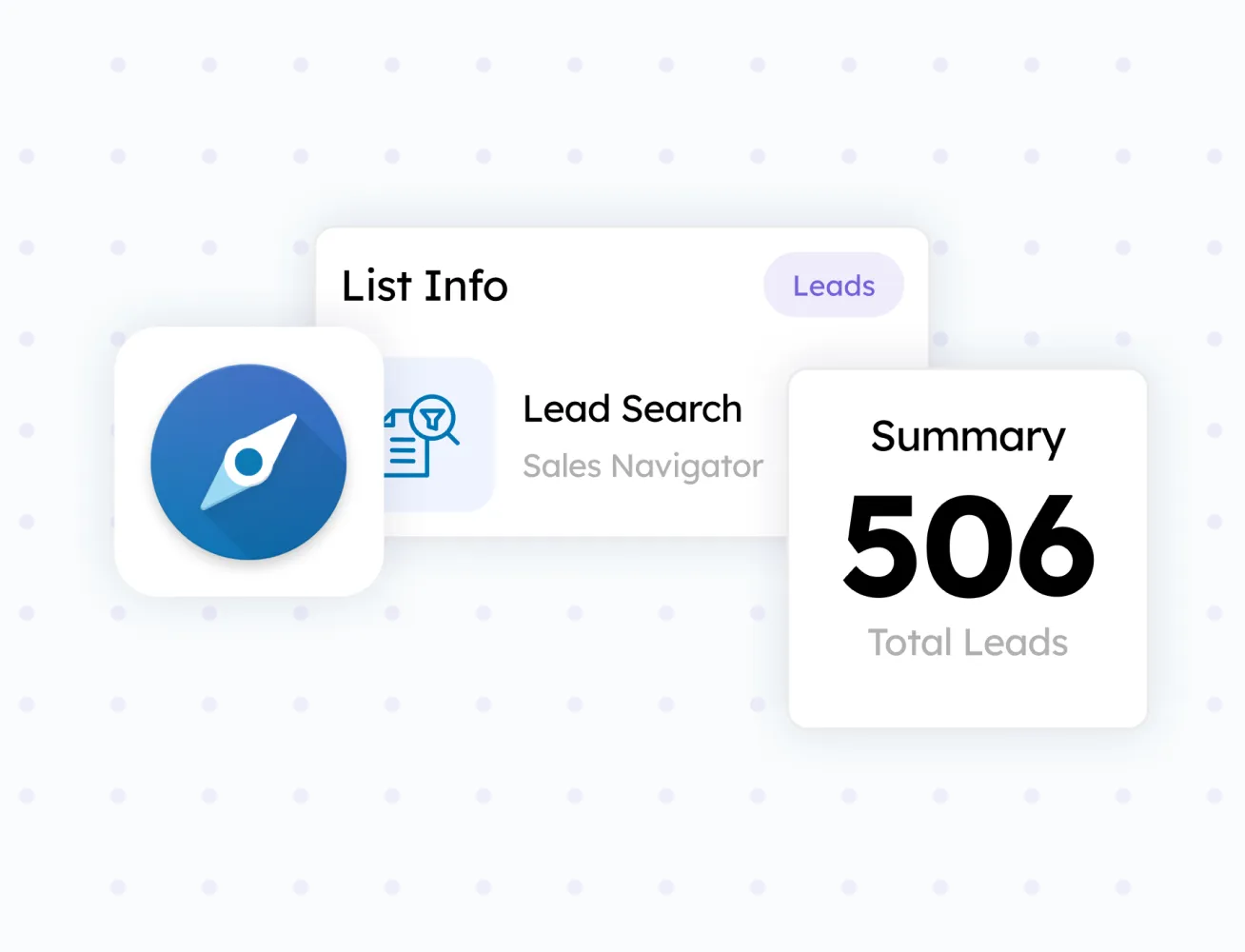
Turn any search result or prospect list into a HubSpot-ready batch.