

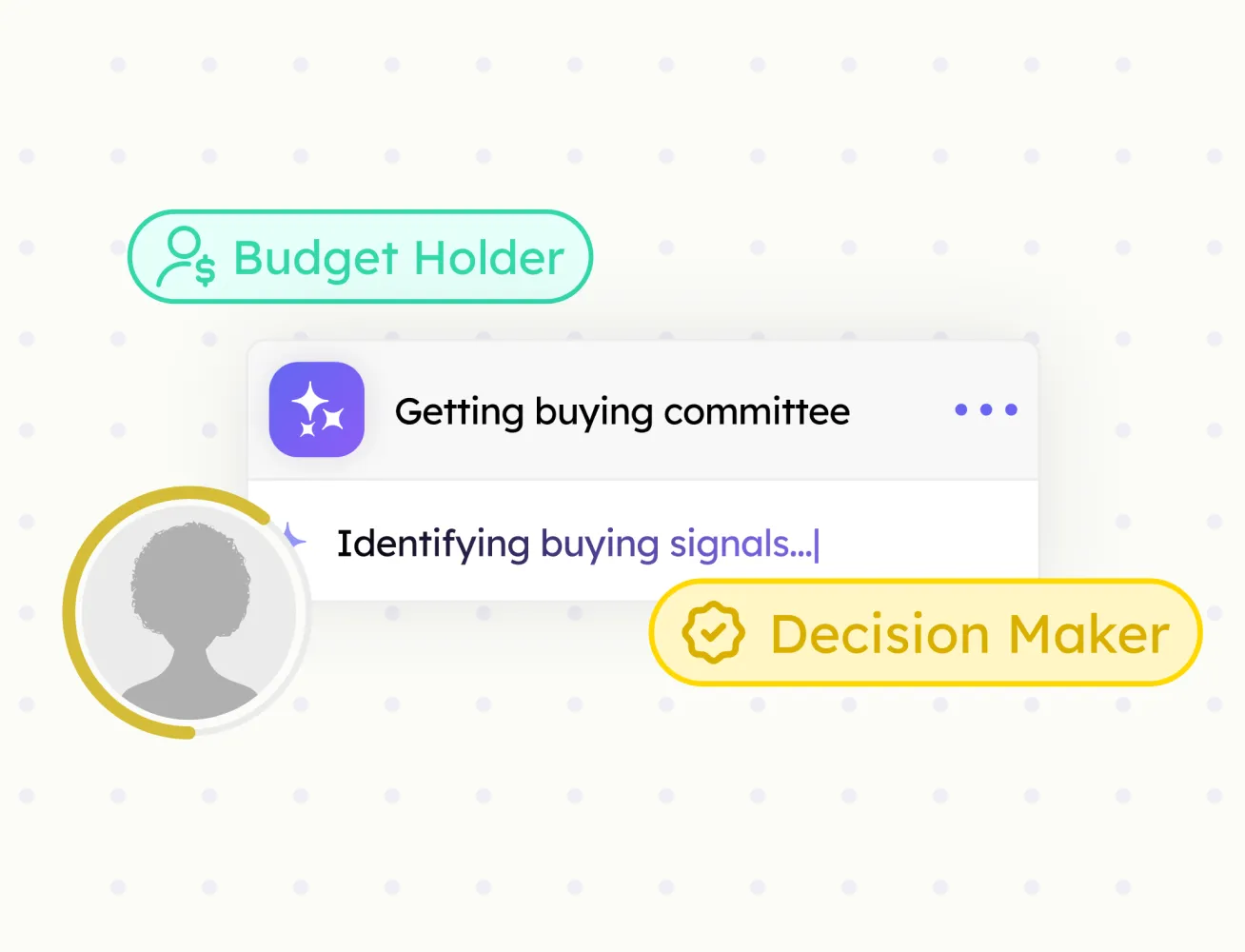
Buying Committee
Every decision-maker at an account, mapped by role, with confidence scores.
Import company pages to HubSpot and build your target account list directly from any web page.
Researching companies and creating them in HubSpot is a multi-step, error-prone process. Company Import collapses it into one click, pulling key company details like industry, size, location, website, and related contact data.

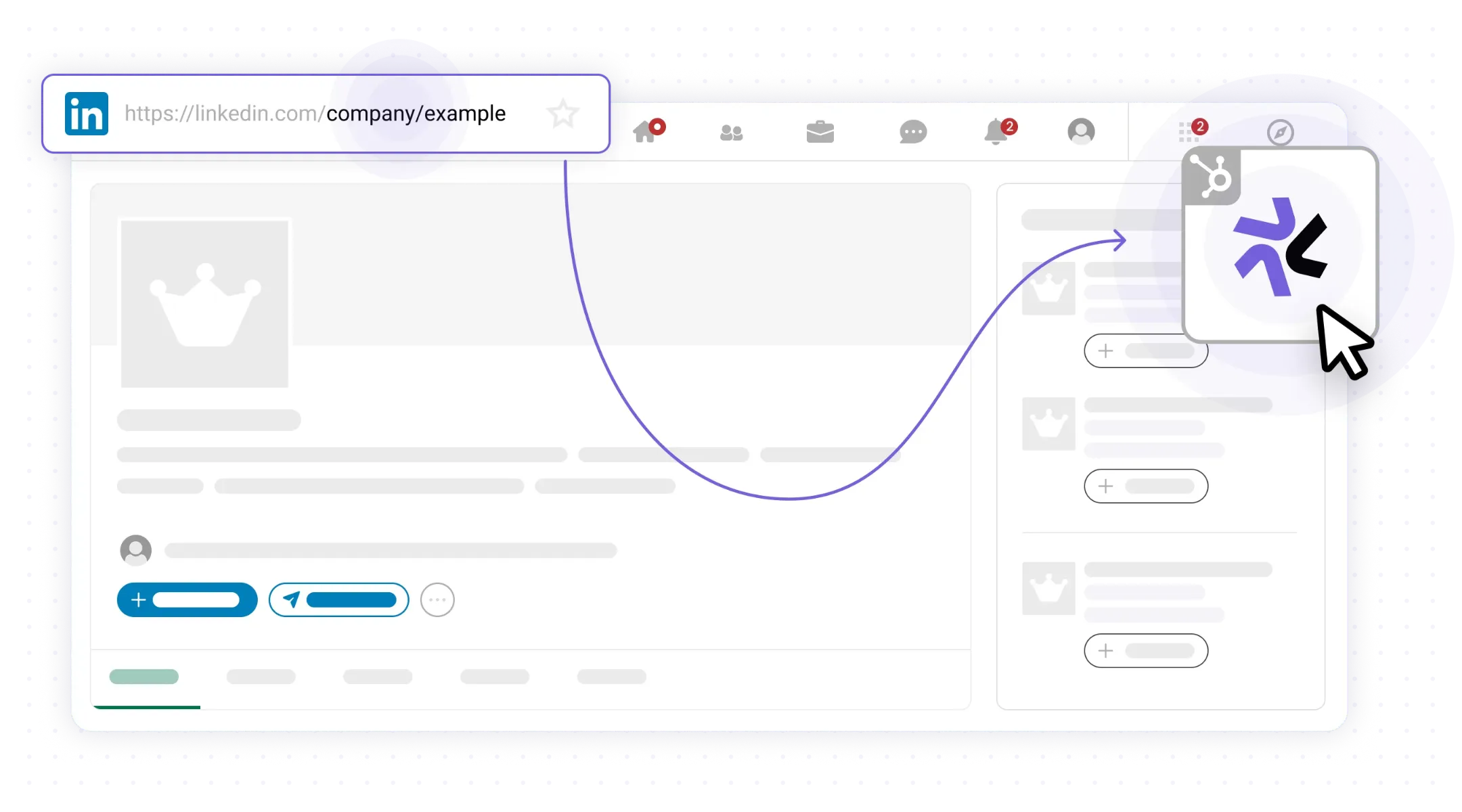
Go to any company page you want to add to HubSpot and open the LeadLx sidebar.
Import company data from company pages
Auto-map key company details
Detect existing company records in HubSpot
Pull industry, size, location, and website data
Build target account lists in minutes, not hours
Every decision-maker at an account, mapped by role, with confidence scores.

Verified emails and phone numbers for every contact your team imports.
Pull full company data from any company page straight into HubSpot.
Push any prospect profile to HubSpot in one click. Fields mapped, no copy-paste.
Turn any search result or prospect list into a HubSpot-ready batch.