

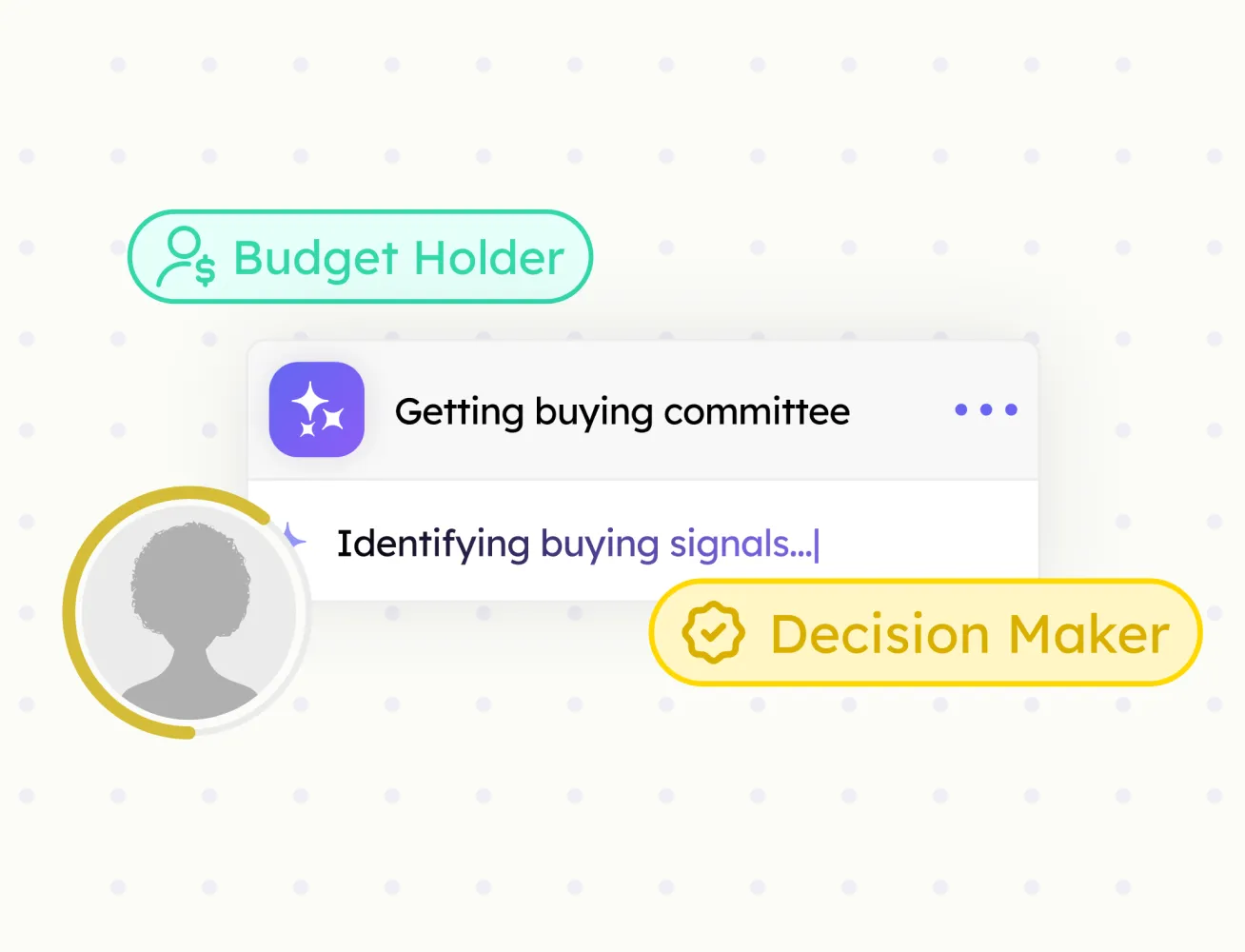
Buying Committee
Every decision-maker at an account, mapped by role, with confidence scores.
Enrich contacts with email and phone details, edit the information, and save complete contact records to HubSpot.
Sales teams often find the right person, but still need to collect email addresses, phone numbers, and other contact details from different sources. Enrich Contact Details brings this information into one workflow, so you can review, edit, and save a complete contact record to HubSpot.


Go to the contact profile of the contact you want to enrich and save to HubSpot.
Find business emails faster
Enrich contacts with phone details
Keep all contact data in one workflow
Edit details before saving
Save complete records to HubSpot
Reduce manual contact research
Every decision-maker at an account, mapped by role, with confidence scores.

Verified emails and phone numbers for every contact your team imports.

Pull full company data from any company page straight into HubSpot.
Push any prospect profile to HubSpot in one click. Fields mapped, no copy-paste.
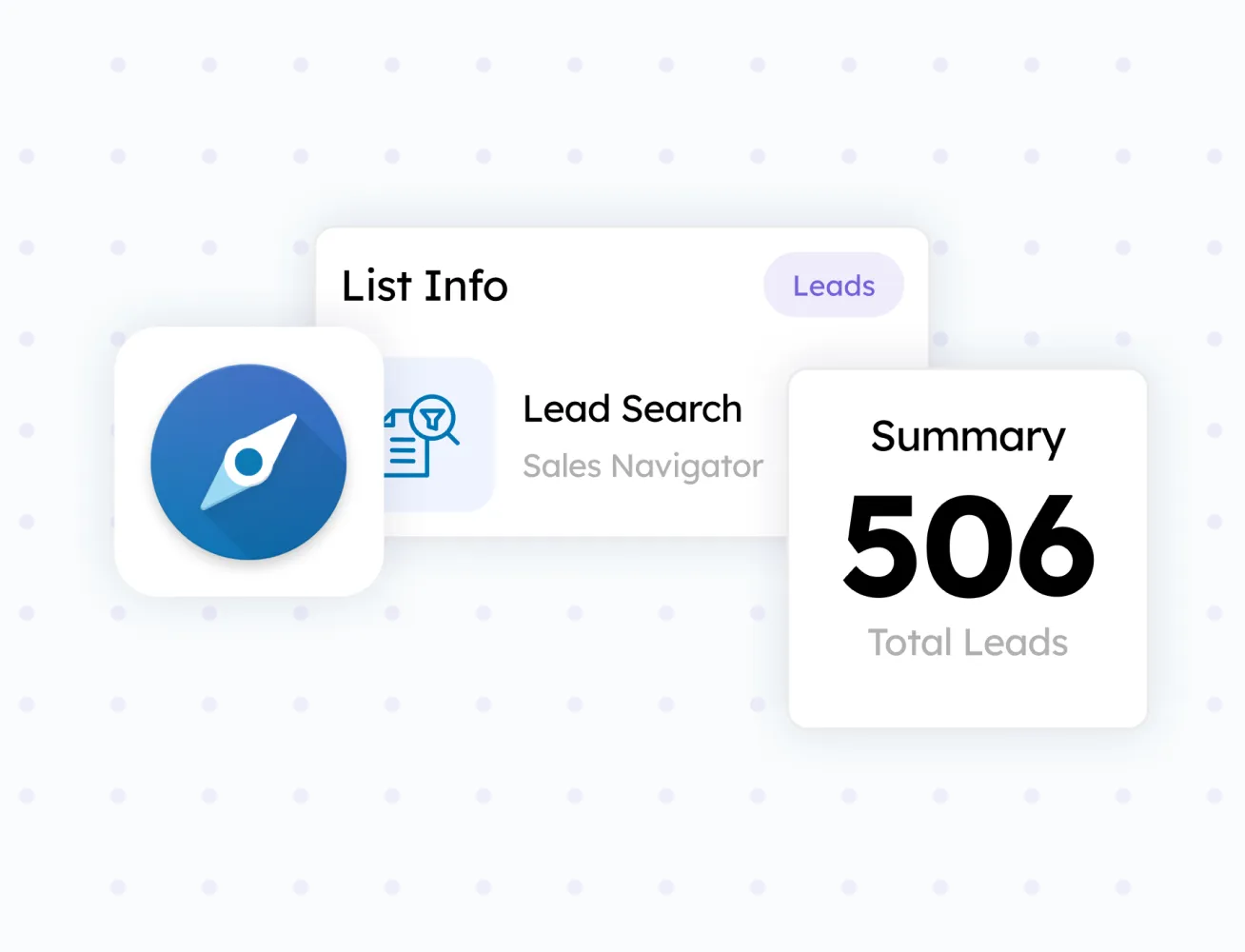
Turn any search result or prospect list into a HubSpot-ready batch.