A LinkedIn connection request message gets 200 characters and one read. Writing it generic barely changes whether a stranger clicks accept, but it decides whether they ever reply once they do. The note is not a pitch, it is one true, checkable fact about the person you are inviting, and nothing else.
Most reps either skip the note on every invitation or send the same three sentences to everyone, and LinkedIn treats the second habit as a reason to restrict an account, not just a reason to get ignored. The note is also the cheapest place in the whole prospecting routine to be specific, since it is the first thing a prospect reads about you and the only message you send before they have decided whether you are worth their time.
What You're Actually Working With: 200 Characters, Three Free Notes a Month
LinkedIn sets the boundary before you write a word. A personalized note added to a connection request is capped at 200 characters, and a free account can add that note to only three connection requests a month. A Premium seat removes the monthly cap, not the character limit.
Three notes a month changes how the note should be treated. It is not a habit to run on every invitation, it is a resource to spend on the handful of people a month worth personalizing for, usually the role change, the open job post, or the one account already decided to matter this week. Every other invitation goes out blank, and the next section is why that is a perfectly reasonable default, not a shortcut you should feel bad about.
Does a Connection Request Message Actually Help?
The data says the note barely moves acceptance and matters a great deal for what happens after. A study of 11.5 million LinkedIn connection requests found blank requests accepted slightly more often, at 27.6 percent, than requests carrying a personalized note, at 25.3 percent. The gap flips hard on replies: an 8.2 percent reply rate for noted requests once accepted, against 5.3 percent for blank ones, well over half again as many replies for the same number of accepted connections.
A separate aggregate of 13.2 million B2B connection requests puts overall acceptance at 28.5 percent, ranging from 17.5 percent in consumer electronics up to 40.1 percent in broadcast media, so a flat week in a harder vertical is not automatically a sign anything is broken. That same data set found personalized notes reaching 35 to 55 percent acceptance against 15 to 25 percent for generic ones, a finding the larger Belkins study does not fully back up. Read both together and the note's real job gets clearer: it is a reply rate lever, not a guaranteed acceptance boost, and a note worth sending is judged by what happens after someone says yes.
What to Write: One True, Checkable Fact and Nothing Else
A note worth its 200 characters names something specific enough that it could only apply to the one person reading it. A role change in the last 90 days, an open job post, funding news, or something they posted themselves all work, because each one is checkable in thirty seconds on the same profile you are already looking at.
Congrats on the move to VP Sales. Would love to connect and compare notes on the first few months in the seat.
That example sits under 120 characters with room to spare. A hiring signal works the same way: Saw you're hiring three SDRs this quarter. Would love to connect and swap notes on ramping a team that fast. Neither note mentions a product, asks for a meeting, or tries to sound impressive, and both would be wrong sent to anyone but the one person they were written for.
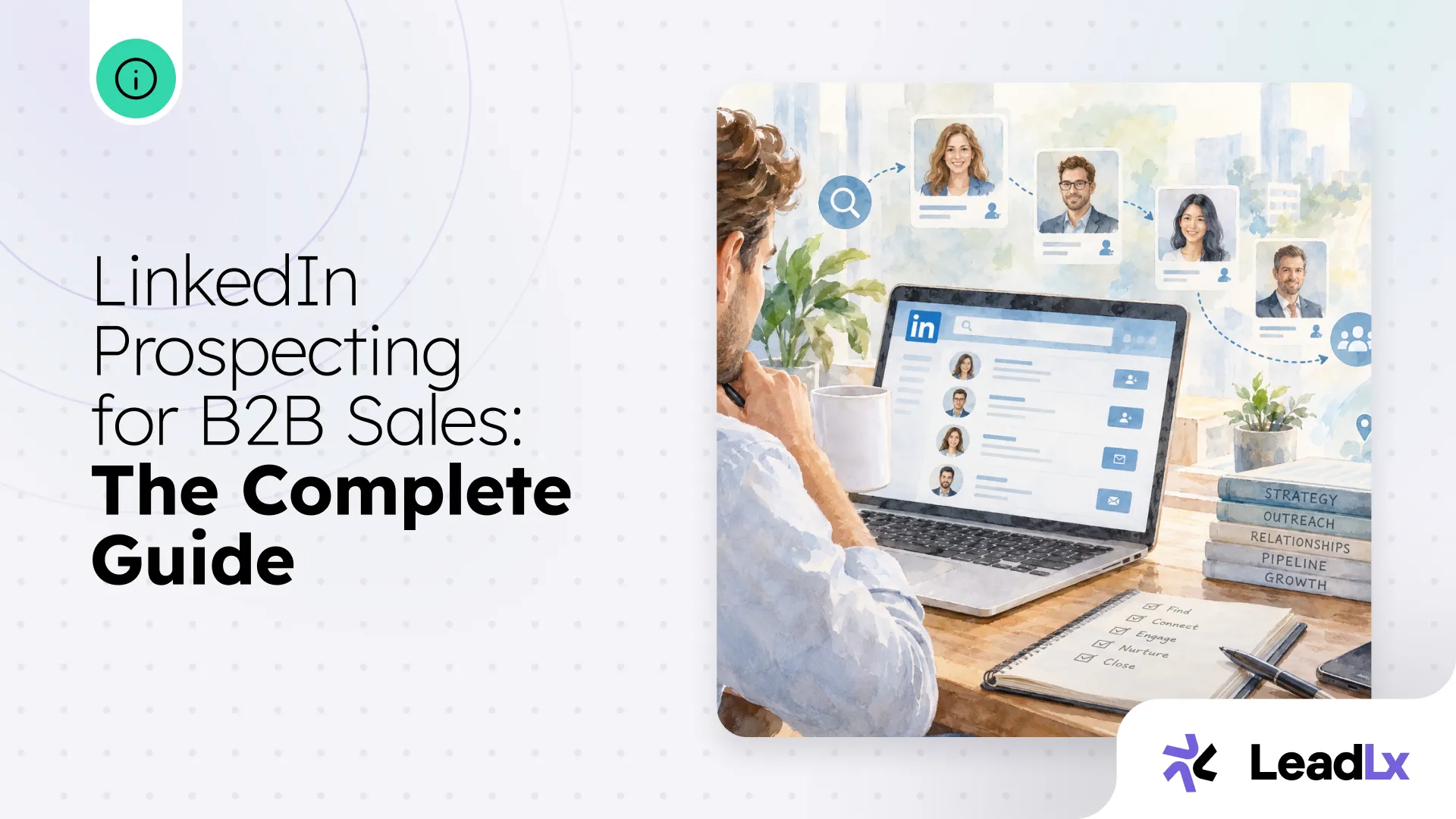
The research behind finding that one fact is the same research behind any opener that works, see the fuller breakdown of mapping buyers and finding a current reason to reach out in the complete guide to LinkedIn prospecting.
What to Skip: Five Notes That Get Deleted Unread
LinkedIn's own guidance on connecting responsibly warns against sending too many invitations to people you don't know in a short period, and a mass-identical note is exactly the pattern that trips that limit. Repeated violations carry a real cost, including a permanent requirement to verify your email before LinkedIn will let an invitation send at all. The content mistakes below compound that risk, since each one is also a sign the note was written for volume instead of for one person.
After They Accept: Save the Context Before the Thread Goes Cold
A connection request that gets accepted is the start of a record, not a one-off task to forget about once the note is sent. Saving the contact to your CRM in one click as soon as they accept keeps the trigger you referenced from living only in your head, so the first real message still makes sense a week later instead of reopening the profile to remember why you reached out.
The connection request earns the read. What you send once someone accepts is a separate job with its own rules, built around who the person actually is on the account rather than one note that fits everyone. See the templates for messages that get replies once the connection is accepted for that next step.
Start this week with the three accounts most worth a personalized note, write each one around a single checkable trigger, and leave every other invitation blank rather than filling it with a compliment. That is a smaller number of notes than most reps send in a day, and a far higher share of them get read.