
Optimizing a LinkedIn profile for sales reps means replacing the resume format with a short, buyer-facing pitch: a photo that gets a reply, a headline that states the problem you solve, an About section written for the reader, and proof a prospect can verify in under a minute.
That read happens before a connection request gets accepted or an InMail gets opened, whether a rep plans for it or not. LinkedIn's own research found that half of buyers skip professionals with an incomplete profile, and most of what separates a profile that gets ignored from one that gets a reply takes an afternoon to fix, not a rewrite of a career.
Why Your Profile Gets Checked Before Your Message Does
A buyer who receives a connection request or an InMail does the same thing almost every time, they open the sender's profile before deciding whether to reply. What they find in those few seconds either confirms they are talking to someone worth their time, or gives them a clean reason to ignore the message completely.
LinkedIn's own research backs this up with real numbers. 50% of buyers avoid working with a sales professional whose profile is incomplete, and 49% say they research a seller on LinkedIn specifically after that person posts, comments, or shares something worth reading. Expertise is the trust signal that moves the needle hardest, with 86% of buyers saying a seller's expertise is what earns their trust, ahead of a title or a logo.
The Photo and Headline Buyers See First
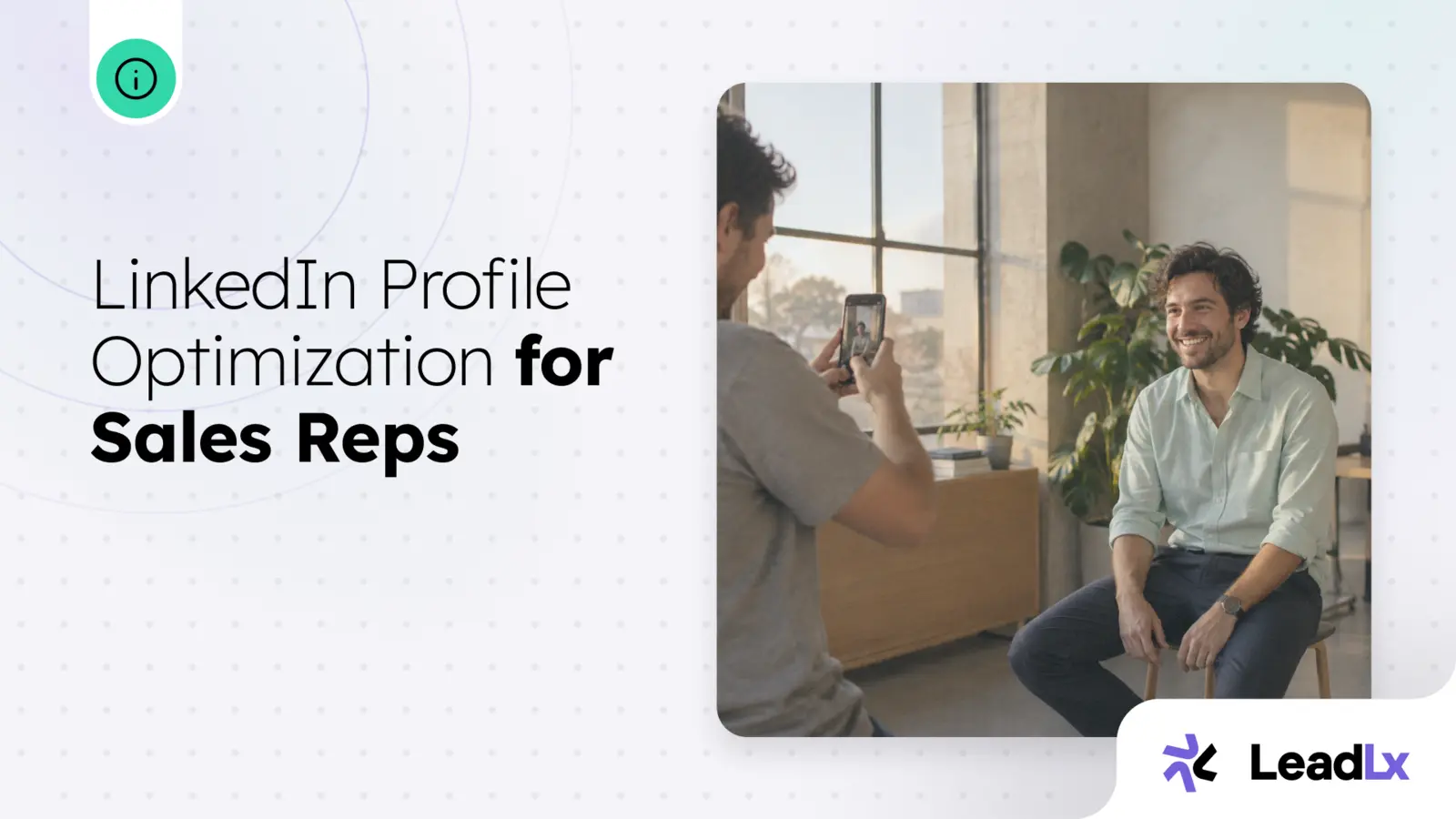
Everything above the fold on a profile gets read before anything else does, which means the photo and headline carry more weight than the rest of the page combined. profiles with a photo get a 40% InMail response rate, and the bar for that photo is lower than most reps assume: current, a real headshot, friendly, shot against a neutral background. Resolution matters too, LinkedIn recommends at least 400 by 400 pixels so the crop still looks sharp at thumbnail size.
The headline is where most reps default to a job title, and a job title tells a buyer nothing about what they get out of the conversation. LinkedIn's own guidance recommends using the first 60 to 65 characters to name who you work with, the problem you solve, and the outcome, not the department you sit in. "Helping IT leaders cut deployment costs, saved customers $250K last year" tells a buyer more in one line than "Senior Account Executive" tells them in three. Subject lines and message length matter the same way once the conversation moves into an inbox, covered in full in the InMail subject line research.
Write the About Section for the Buyer, Not the Resume
Most About sections read like the opening paragraph of a resume, a list of years, titles, and a quota hit rate nobody outside the company cares about. A buyer skimming it for ten seconds gets nothing that tells them whether this rep understands their specific problem.
LinkedIn's own framework for the About section breaks it into five parts: the hook that explains what drives you, who you work with and what you focus on, how you approach the work, proof of the results, and an invitation to connect. Write every line from the buyer's side of the problem. "I help RevOps leaders stop losing a week every month to duplicate contact records" says more than "10 years of B2B SaaS sales experience" ever will, because one names a problem the reader actually has.
Make the Featured Section and Recommendations Do the Proving
A claim in the About section is still just a claim until something backs it up, and that is what the Featured section is for. Pin a case study, a deck, a short video, or a genuinely useful resource instead of leaving the section empty or filled with company press releases nobody asked for.
Experience entries deserve the same edit. List the outcome a customer got, not the responsibilities of the role or the quota attached to it. A buyer reading your experience section is checking whether you have solved their exact problem before, not whether you hit 110% last year. LinkedIn recommends prioritizing recommendations from actual buyers over endorsements from colleagues, since a peer vouching for your product knowledge means less to a prospect than a customer describing the problem you solved for them.
A LinkedIn Profile for Sales Reps That Actually Gets Opened
A few smaller settings decide whether any of the above even gets a chance to work.
LinkedIn also publishes a Social Selling Index score out of 100 for every profile, built from professional brand, finding the right people, sharing insights, and building relationships. LinkedIn's own current guidance is candid that the score does not always track with actual sales outcomes, so treat it as a checklist for the habits above, not a number worth chasing for its own sake.
After the Profile Earns the Click
A better profile changes what happens in the first thirty seconds. It does not change what happens after someone accepts, replies, or books the call, and that part of the job still depends on getting the conversation into your CRM the same day instead of leaving it in a message thread nobody can search six months later.
Once a reply turns into a real contact, save it to your CRM straight from the profile instead of retyping it from scratch, so the research behind the connection does not disappear the moment the tab closes. The rest of the motion, building the account list, mapping who else at the account needs to be in the conversation, and working within LinkedIn's own search and invitation limits, is covered in full in the complete LinkedIn prospecting guide for B2B sales teams. See what a plan built around that workflow costs on the pricing page, starting with a free plan.